- Latest
- Trending
Set up Steam Offline Mode while you still have internet. Sign in with saved credentials, finish the updates for the games you want, launch each one online, then choose Steam → Go Offline. Test those games with the connection disabled before relying on them during a trip or an outage.
The important limit is the game itself: Steam’s offline setting does not make an online-only game playable without its servers. A completed download is also not proof that first-time setup is finished. This desktop-PC guide follows Valve’s current Offline Mode instructions, checked in November 2026. It is not a hands-on compatibility test of individual games. The images are symbolic editorial illustrations with fictional game scenes, not Steam screenshots.
Start with the games you actually plan to use, not your whole library. Read their store requirements and publisher support guidance for internet requirements or an external launcher. Valve says games that require an active connection or use an external launcher will not work in Steam Offline Mode. MakeUseOf’s setup guide documents the same limitation.
That gives you two separate checks: can Steam start without a new sign-in, and can this particular game run without a connection? Passing the first does not prove the second. Do not spend your preparation time troubleshooting Steam if the publisher already says the game requires online access.
For a practical shortlist, write down the game name, whether you have launched it online, and whether it passed your disconnected test. This is a personal readiness record, not a guarantee about other games or a future update.
Work through these steps on the computer you will take offline. Valve’s instructions require stored account information, so this preparation belongs on your own trusted computer, not a shared public PC.
These are Valve’s preparation requirements, not optional download housekeeping. A game that has never completed its initial startup is a poor choice to discover on a connection-free evening.
In the main Steam window, open the Steam menu and select Go Offline…. Follow the client’s confirmation prompt. Then temporarily turn off Wi-Fi or disconnect Ethernet and launch each game on your shortlist from the library.
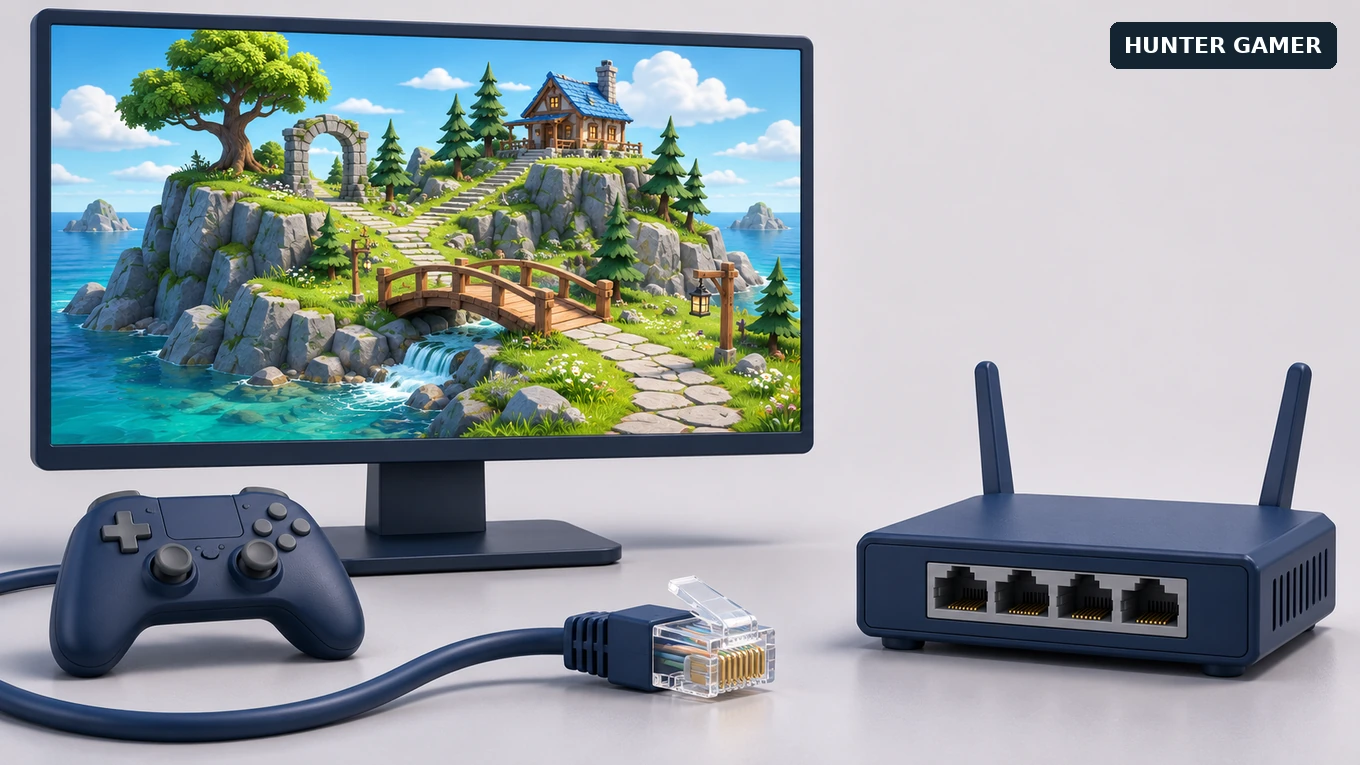
Our suggested check is deliberately more specific than “Steam opened.” Reach the part of the game you expect to use: for example, load your existing single-player save rather than stopping at the title screen. A menu appearing is not evidence that the next screen, mode or piece of content will work offline.
Close the game, exit Steam normally, and reopen it while still disconnected. This checks the next startup, not just a session you began online. If something fails, record whether the prompt comes from Steam, the game or another launcher. Reconnect while you still can and resolve that specific requirement.
When shutting down afterward, Valve recommends closing Steam manually rather than force-quitting it, to help preserve the stored information Offline Mode needs.
Steam demands a login: Valve says there is no way to bypass that login without going online. More restarts cannot supply missing authentication. Restore a legitimate connection, sign in, and complete the preparation before the next offline session.
A downloaded game says it cannot start in Offline Mode: Valve identifies unfinished initial startup or a Steam/game update requirement as things to resolve online. “100%” downloaded and “ready for offline play” are not the same check.
The game asks for its own connection or launcher: check the publisher’s requirements. Steam’s setting cannot remove a separate online requirement. Choose a different game that you have successfully tested offline rather than looking for an authentication bypass.
The game also crashes while you are online: treat that as a separate fault. If the symptom points to missing or damaged installation files, our Steam file-verification checklist explains the repair check and its limits. File verification is not a substitute for offline eligibility or a completed login.
When internet access returns, reconnect and take Steam back online. Give supported games time to synchronize before continuing on another computer. Valve says Offline Mode prevents Steam Cloud synchronization until you return online; cloud support and the files included depend on the game.
If Steam reports a sync problem or conflicting files, pause instead of clicking through to play. Read our Steam Cloud conflict guide for the separate task of checking your last session and preserving saves. The offline setup checklist does not tell you which conflicting save to overwrite.
Plan to do so. Valve says most games need an initial online startup before working offline. Its setup instructions tell you to launch every intended game and resolve any remaining installation or update requirements.
No supported bypass is available. Valve explicitly says a required Steam login needs an online connection. Saved credentials and advance preparation are what you need; Offline Mode is not a way around authentication.
It may still need its initial startup or an update, or it may require an active connection or external launcher. Valve lists these as separate Offline Mode checks. Finish setup online, then test the actual game disconnected.
No. Valve says synchronization waits until you return online. Let the game sync after reconnecting and address warnings before continuing on another device. Do not assume every game uses Steam Cloud for its saves.