- Latest
- Trending
To bind a Free Fire guest account, open that character in the game, go to Settings > ACCOUNT & BASIC > ACCOUNT, tap Bind, and choose an available platform account that you own. Garena says the platform account must not already be linked to another Free Fire account. Check whose login is selected before confirming.
Do this while you can still open your guest character. Binding an accessible account is different from recovering one after a phone or its game data has been lost. This guide explains that distinction, the separate recovery-email option, and the current support route for Bangladesh players.
Based on Garena’s current support instructions, checked November 13, 2026. This is a documentation-based guide, not a claim of hands-on testing. Images are AI-generated symbolic illustrations, not Free Fire screenshots.
Garena’s guest-account binding guide warns that guest progress is stored on the device and is not protected when you reinstall, change devices, or encounter certain update-related problems. Its separate lost guest account notice confirms the recovery limit when the device or data is gone.
The practical point is prevention: do not use uninstalling or clearing game data as an account-binding troubleshooting step. If your character still opens, keep that access while you check its account settings.
Start by checking the external account you will use. If a shared phone is signed into a family member’s Facebook or Google account, do not approve that login just to get past the prompt. You need an account you control and can access later.
These steps follow Garena’s May 27, 2026 binding instructions. If your screen differs or the process fails, keep the original installation intact and consult the support portal rather than trying a third-party binding tool.
Before wiping or handing over the old phone, confirm that the linked login opens the same character on the replacement device. Compare the UID, not just a similar nickname. Garena’s FAQ says bound accounts can be used on another device, but only one login can be active at a time.
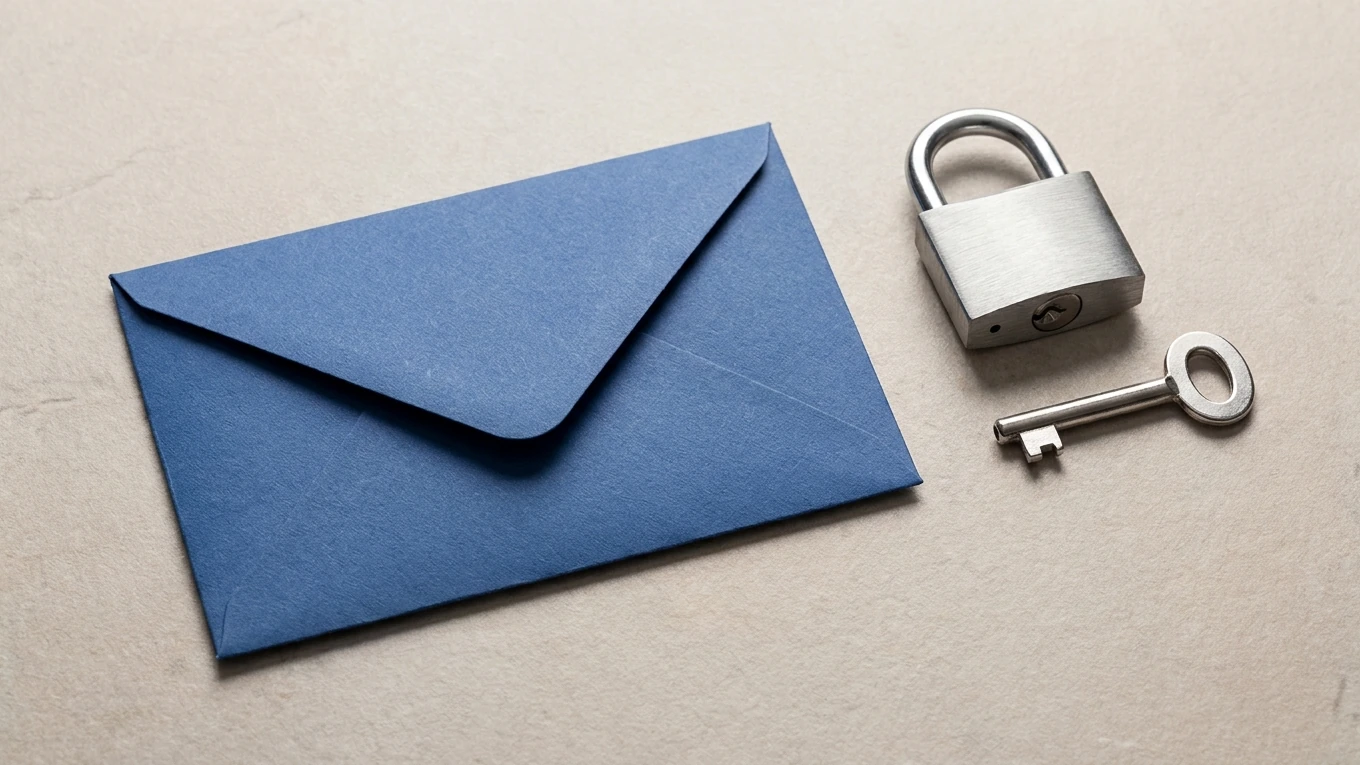
A Google login and a Free Fire recovery email are not interchangeable. The platform login gets you into the linked character. A recovery email is something you set up separately in Free Fire for the situation where you can no longer access that platform account.
Garena’s Bind/Change Recovery Email guide, updated September 3, 2026, says your game account must already be bound to a third-party platform and have reached level 5. It recommends a secure, private email address different from the one used for the bound platform account.
In the game’s settings, follow the email-binding prompts, verify the code sent to that inbox, and set the requested security code. Keep that security code private and stored safely; Garena uses it for recovery-email changes. Do not send it to a seller, another player, or someone claiming to offer account recovery.
The recovery email is not ready for recovery immediately. Garena specifies a 15-day buffer period before a newly bound recovery email can recover the account or change the linked platform. Its account-protection guide also explains that this period lets you notice and cancel unauthorized email binding. Monitor the status instead of assuming protection is complete on the day you submit the address.
For a Bangladesh-server account, Garena’s current customer-service directory points to Free Fire SG support. The directory was updated October 27, 2026. Choose support by the account’s server; the name of the portal alone does not tell you every region it serves.
If the account is already linked but you cannot access its platform login, use Garena’s Recover Lost Account guide. It distinguishes players with a recovery email from those who need to recover the external platform account. Neither route is a promise to restore deleted guest data.
After securing access, our Free Fire redemption guide for Bangladesh explains the separate rules for claiming rewards. If changing devices is your next step, see our Free Fire PC setup guide; do the account checks before starting another installation.
No, according to Garena’s binding FAQ. Bind the character while you can still access it, then use the linked platform login on the other device. Bound accounts support another device, but not simultaneous logins.
Garena’s lost guest account notice says it cannot recover the account if the device is lost or its game data is deleted. Its recovery guide repeats that limit. Do not mistake a new guest character for recovery of the old one.
Garena’s email guide specifies a 15-day buffer before a newly bound email can be used for recovery or changing the linked platform. Check the status shown in your account. Adding an email is not an instant recovery guarantee.
Garena’s binding FAQ says direct third-party account unbinding is not supported. Separately, its recovery-email documentation provides a route to change the linked platform after the required buffer. Read that official process rather than deleting platform permissions and assuming the game binding has changed.