• Latest
  • Trending
  • All
obs microphone limiter settings guide for Bangladesh gamers, updated October 2026

OBS Microphone Limiter Settings: Control Loud Voice Peaks in Gaming Streams

October 30, 2026
minecraft java narrator off guide for Bangladesh gamers, updated October 2026

How to Turn Off the Narrator in Minecraft Java Edition

October 30, 2026
fade valorant character profile guide for Bangladesh gamers, updated October 2026

Fade Valorant Character Profile: Role, Abilities, and Beginner Tips

October 30, 2026
obs separate audio tracks for recording guide for Bangladesh gamers, updated October 2026

OBS Separate Audio Tracks: Record Your Mic and Game Audio for Stream Highlights

October 30, 2026
breach valorant character profile guide for Bangladesh gamers, updated October 2026

Breach Valorant Character Profile: Role, Abilities and Teamplay Basics

October 29, 2026
skye valorant character profile guide for Bangladesh gamers, updated October 2026

Skye Valorant Character Profile: Role, Abilities and Teamplay Basics

October 29, 2026
hide desktop notifications on OBS stream guide for Bangladesh gamers, updated October 2026

How to Keep Desktop Notifications Off Your Gaming Stream in OBS

October 29, 2026
valorant network RTT jitter stats settings guide for Bangladesh gamers, updated October 2026

VALORANT Network Stats Settings: Check Ping Spikes and Connection Jitter

October 29, 2026
reyna valorant character profile guide for Bangladesh gamers, updated October 2026

Reyna in Valorant: Character Profile, Abilities and Duelist Role

October 29, 2026
obs audio ducking game sound while talking guide for Bangladesh gamers, updated October 2026

OBS Audio Ducking: Lower Game Sound Automatically While You Talk

October 29, 2026
valorant muted words list settings guide for Bangladesh gamers, updated October 2026

VALORANT Muted Words List: How to Filter Unwanted Text Chat

October 29, 2026
youtube gaming stream keyframe interval obs guide for Bangladesh gamers, updated October 2026

YouTube Gaming Stream Keyframe Interval in OBS: What to Set and Where

October 29, 2026
call of duty mobile review guide for Bangladesh gamers, updated October 2026

Call of Duty: Mobile Review: Multiplayer and Battle Royale for PUBG Players

October 28, 2026
  • About Our Gaming News Team Since 2019
  • Advertising & Sponsorship Opportunities
  • Contact Us for Gaming News & Support
Friday, October 30, 2026
  • Login
Hunter Gamer
  • Shop
  • Home
  • Mobile Games
    • PUBG
    • Fortnite
  • PC Games
  • Reviews
  • News
  • Insights
  • Streamers
    • Australia
    • Bangladesh
    • Canada
    • Hong Kong
    • India
    • Indonesia
    • Malaysia
    • Moroccan
    • Nepal
    • Singapore
    • Spain
    • Taiwan
    • Thailand
    • Türkiye
    • United Kingdom
    • United States
    • Vietnam
  • Online Games
    • Dex Ball

No products in the cart.

No Result
View All Result
Hunter Gamer
  • Shop
  • Home
  • Mobile Games
    • PUBG
    • Fortnite
  • PC Games
  • Reviews
  • News
  • Insights
  • Streamers
    • Australia
    • Bangladesh
    • Canada
    • Hong Kong
    • India
    • Indonesia
    • Malaysia
    • Moroccan
    • Nepal
    • Singapore
    • Spain
    • Taiwan
    • Thailand
    • Türkiye
    • United Kingdom
    • United States
    • Vietnam
  • Online Games
    • Dex Ball
No Result
View All Result
Hunter Gamer
No Result
View All Result

OBS Microphone Limiter Settings: Control Loud Voice Peaks in Gaming Streams

October 30, 2026
in News
Reading Time: 4 mins read
0 0
Home News
5
VIEWS
Share on FacebookShare on Twitter
obs microphone limiter settings guide for Bangladesh gamers, updated October 2026

OBS Microphone Limiter Settings: Control Loud Voice Peaks in Gaming Streams (2026)

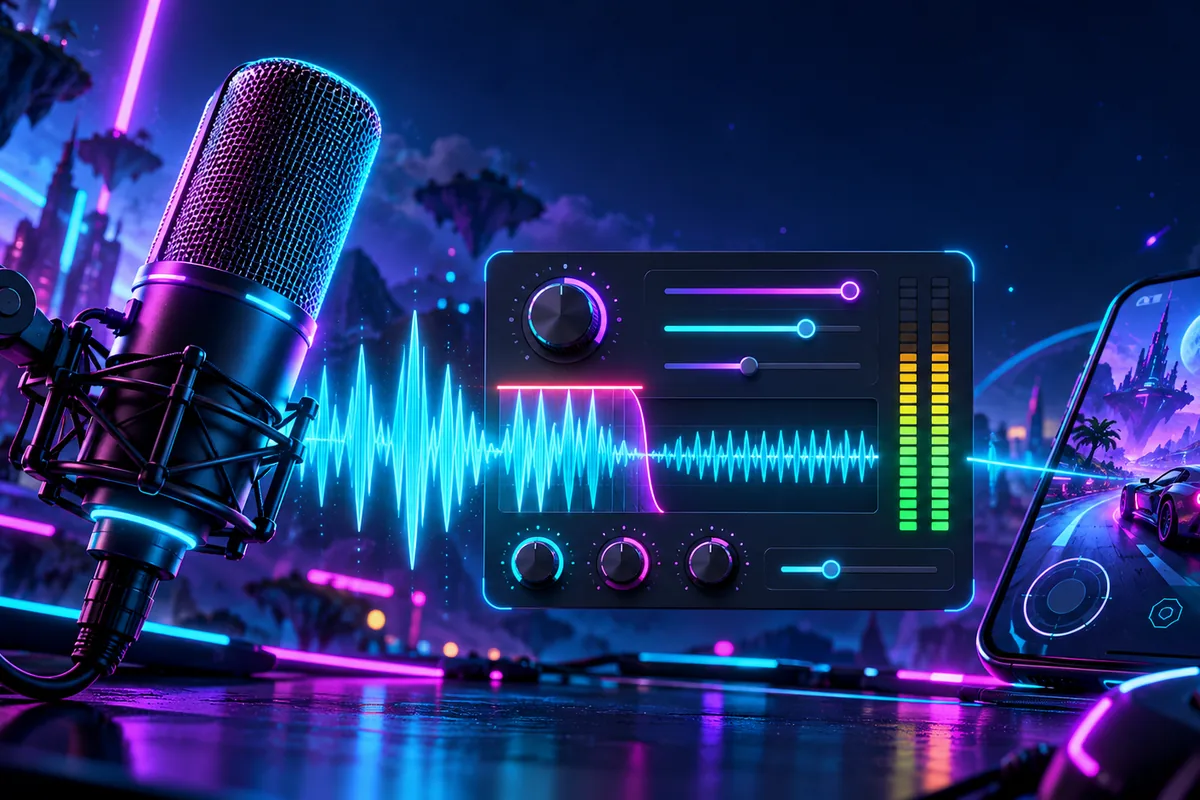
The key OBS microphone limiter settings are Threshold and Release. Threshold sets the maximum output level, while Release controls how quickly gain reduction stops after the signal falls below that threshold. OBS recommends placing the limiter last in the audio filter chain.

As of October 2026, the official OBS documentation lists a default Threshold of -6.00 dB and a default Release of 60 ms. These are documented defaults, rather than a separate preset described for gaming commentary.

For understanding loud voice peaks, keep the distinction simple: Threshold answers “How high can the output go?” Release answers “How quickly does the limiter stop reducing gain once the signal drops below the limit?” Filter placement is a separate part of the setup, with OBS explicitly recommending the limiter at the end.

What the OBS Limiter Does

OBS describes a limiter as a tool for preventing an audio signal from peaking above 0 dB, which can cause clipping and distortion. It is a special type of compressor with a very fast attack and a very high ratio.

The limiter applies gain reduction to keep the output from exceeding its threshold. This output ceiling is the central idea behind the filter: the threshold defines the maximum level the signal can reach.

That also explains why Threshold and Release should not be treated as interchangeable controls. Threshold defines the limit itself; Release describes the limiter’s behavior after the signal has dropped below that limit. Understanding those separate roles makes the documented settings easier to read without treating either control as a general-purpose voice-quality setting.

Threshold: Understand the Output Ceiling

The official OBS description defines Threshold as the maximum output level an audio signal can hit. No signal can exceed that level through the limiter. As of October 2026, the listed default is -6.00 dB.

Read Threshold as a ceiling, not as a description of every moment of your commentary. The documented function is to cap the maximum output level. In other words, the property tells you where the limit is, while the limiter’s gain reduction enforces that limit.

When reviewing OBS microphone limiter settings, keep the default value separate from its meaning. The number is the documented default as of October 2026; the function is the maximum allowed output level. This guide reports that documented default without presenting an unsupported alternative as a gaming preset.

Release: Understand When Gain Reduction Stops

Release controls how quickly the limiter stops reducing gain after the signal falls below the set threshold. As of October 2026, OBS lists the default Release as 60 ms.

The sequence matters when interpreting this control. A signal tries to exceed the threshold, the limiter applies gain reduction, and the signal later drops below the threshold. Release governs how quickly that gain reduction stops afterward.

So, Release is not another output ceiling. Its documented role concerns the end of gain reduction after the level falls below the limit. For a clear reading of the filter, associate Threshold with maximum output and Release with the return from gain reduction.

Place the Limiter Last in the Filter Chain

OBS explicitly recommends making the limiter the last filter in your chain. This placement recommendation belongs alongside the control descriptions when reviewing a microphone limiter setup.

The documented summary is straightforward: use Threshold to identify the output ceiling, use Release to understand how gain reduction ends, and follow the recommendation to put the limiter last. This article stays with those supported details rather than adding unverified filter-menu instructions or a loud-speech testing procedure.

For other site topics, explore the mobile games category or the informational top-up guides hub.

FAQ

What are the default OBS limiter settings?

As of October 2026, the official defaults are Threshold -6.00 dB and Release 60 ms. Threshold sets the maximum output level; Release controls how quickly gain reduction stops after the signal drops below it.

Should the limiter be last?

Yes. OBS recommends placing the limiter last in the audio filter chain.

Is a limiter a type of compressor?

Yes. OBS describes a limiter as a special type of compressor with a very fast attack and a very high ratio.
Previous Post

Breach Valorant Character Profile: Role, Abilities and Teamplay Basics

Next Post

OBS Separate Audio Tracks: Record Your Mic and Game Audio for Stream Highlights

Related Posts

minecraft java narrator off guide for Bangladesh gamers, updated October 2026
News

How to Turn Off the Narrator in Minecraft Java Edition

October 30, 2026
fade valorant character profile guide for Bangladesh gamers, updated October 2026
News

Fade Valorant Character Profile: Role, Abilities, and Beginner Tips

October 30, 2026
obs separate audio tracks for recording guide for Bangladesh gamers, updated October 2026
News

OBS Separate Audio Tracks: Record Your Mic and Game Audio for Stream Highlights

October 30, 2026
Next Post
obs separate audio tracks for recording guide for Bangladesh gamers, updated October 2026

OBS Separate Audio Tracks: Record Your Mic and Game Audio for Stream Highlights

fade valorant character profile guide for Bangladesh gamers, updated October 2026

Fade Valorant Character Profile: Role, Abilities, and Beginner Tips

minecraft java narrator off guide for Bangladesh gamers, updated October 2026

How to Turn Off the Narrator in Minecraft Java Edition

Categories

  • Mobile Games
  • News
  • PC Games
  • PUBG
  • Reviews
  • Xbox One

Topics

2024 PUBG tricks Best Fortnite Xp Maps Best Games Browser Cyberpunk Days Gone Fortnite Fortnite Xp Maps Gamer Lag fix Offer PMPL 2023 South Asia PUBG PUBG game performance PUBG mobile lag fix PUBG Mobile Redeem Codes 2023 X-Box Xp Maps
  • Top-Up Shop
  • About Us
  • Contact
  • Privacy Policy and Data Protection
  • Terms and Conditions of Website Use
  • Refund and Returns Policy for Digital Products
Call us: +880 1711 189127

Copyright © 2020 - 2026 Hunter Gamer · All Rights Reserved.

Welcome Back!

Login to your account below

Forgotten Password?

Retrieve your password

Please enter your username or email address to reset your password.

Log In
No Result
View All Result
  • Shop
  • Home
  • Mobile Games
    • PUBG
    • Fortnite
  • PC Games
  • Reviews
  • News
  • Insights
  • Streamers
    • Australia
    • Bangladesh
    • Canada
    • Hong Kong
    • India
    • Indonesia
    • Malaysia
    • Moroccan
    • Nepal
    • Singapore
    • Spain
    • Taiwan
    • Thailand
    • Türkiye
    • United Kingdom
    • United States
    • Vietnam
  • Online Games
    • Dex Ball

Copyright © 2020 - 2026 Hunter Gamer · All Rights Reserved.