- Latest
- Trending
PUBG Mobile’s Account Recovery and Change Email options do different things. The publisher’s recovery guide shows that a recovery reset removes existing login methods, while Change Email keeps the current contact methods and links a new email address. Read that distinction before submitting a claim: a form that restores access can also change how you sign in.
This guide explains the official Account Recovery Tool Guide, published September 15, 2025, and checked for this article on November 12, 2026. It is a source-based walkthrough, not a recovery service or a claim that we tested an account reset. Follow the wording in your current game if its screens differ.
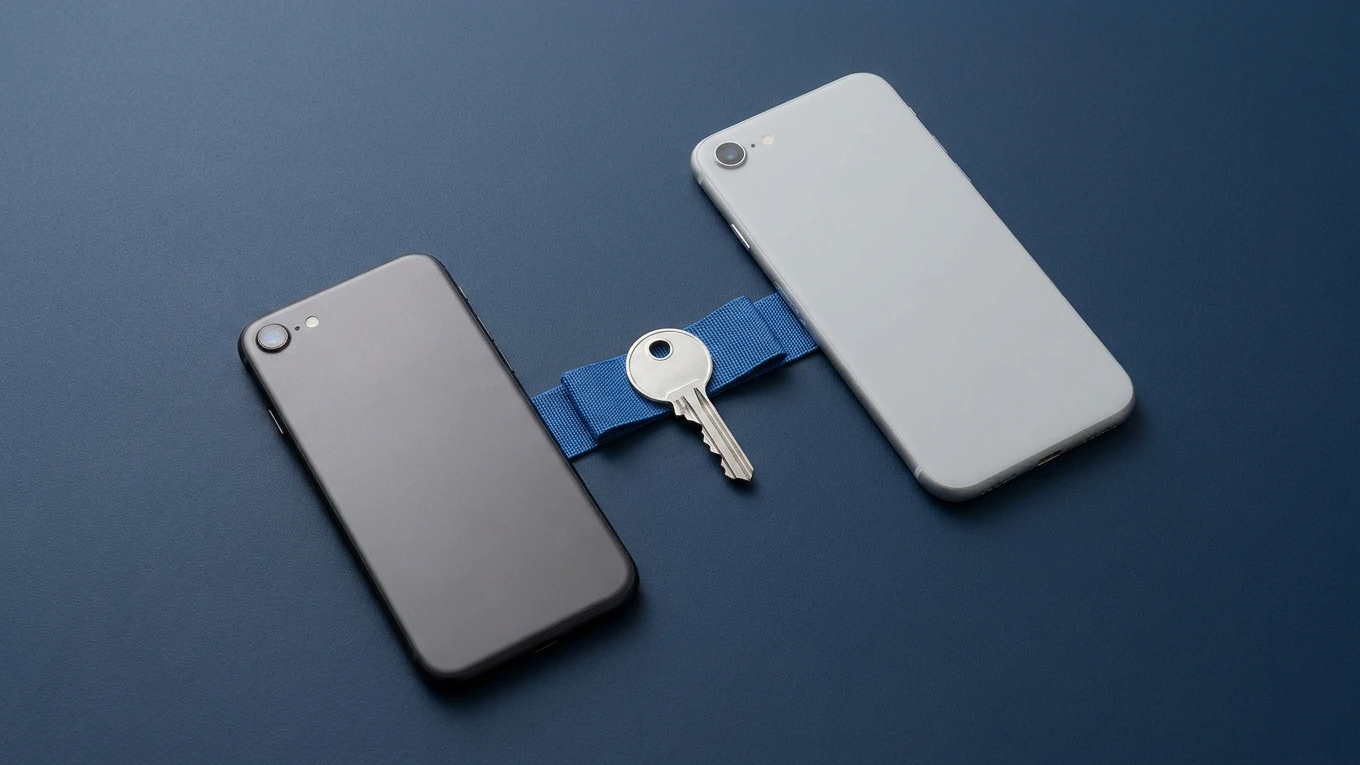
The featured image and the illustration below are AI-generated symbolic artwork, not PUBG Mobile screenshots or official artwork.
Write down what happens when you try to sign in. Does your usual login fail? Can you reach your account but not the phone or email needed for verification? Have you noticed changes you did not make? These are different situations, and the official claim flow asks about them separately.
The publisher’s guide shows a Help button on the login screen, followed by account-issue support and an Account Recovery entry. This is a way to begin the official process without first reaching the lobby. It is not a reason to install an unofficial recovery app.
In the official guide’s choice screen, Account Recovery unlinks all current contact methods and links a new email address and phone number. The screen describes this option for an account that is disputed or compromised.
Change Email keeps the existing contact methods but links a new email address. The same screen describes it for situations where the account or linked phone number can no longer be accessed. These descriptions come from the official tool walkthrough; they are not interchangeable shortcuts.
For example, if you believe someone else has gained access, an option that explicitly keeps existing contact methods deserves careful attention. If your only problem is losing access to a phone number, do not request the more disruptive reset simply because it sounds more thorough. Describe your situation, read the current warnings and ask in-game support if the choice remains unclear.
Stop before submitting if you do not understand which login methods will remain. Do not unlink accounts as an experiment, and do not treat a recovery claim as a routine phone-transfer procedure.
The official walkthrough shows an account lookup using a UID and asks for account-history information. It also recommends filing on your regular device. Have the following ready, without posting it in public comments:
Submit personal evidence only through the game’s official support flow. The guide’s final reminder specifically encourages regular-device use and detailed login history. None of this requires giving a stranger your password.
After opening Account Recovery, continue through the account-access questions and identify the account. The walkthrough then includes security reminders and the choice of recovery action. Read the whole screen before continuing, particularly the warning about a successful reset removing current login methods.
When asked for the contact email, enter your own address. The official guide warns against people posing as team members who tell you to enter an address they supply. That is not a harmless forwarding arrangement: the form says this address will be linked to the recovered account.
Keep passwords and verification codes private. Enter codes only in the official flow you opened yourself, not into a message from someone offering to finish the claim. PUBG Mobile’s guide says its team will not ask for your account password.
The tool reviews ownership information; completing it is not automatic approval. Follow the result and any waiting instructions shown in your game or official response. The published walkthrough separates review time from the time an approved change takes effect, so a quoted review period is not a promise that access will return on that date.
The official tool’s explanation distinguishes account-access changes from requesting a ban to be lifted. Do not use a login-recovery claim as a ban appeal. This guide also makes no promise about restoring an unlinked guest character, transferring between regional editions or merging two accounts.
Recover access before changing cosmetic details. A new name is not an ownership check; if that is your later goal, our PUBG Mobile name-change guide covers that separate task. For recovery, the useful next step is a clear account history and the correct official form, not a new nickname.
Yes. The official walkthrough begins at Help on the login screen and shows an Account Recovery entry in account support. Menu placement can change, so follow the current game’s prompts.
The published guide says a successful recovery reset unlinks existing methods. Its separate Change Email choice keeps current contact methods. Read the live form’s warning before submitting either action.
No. The official email-entry screen warns that this can cost you the account. That address is not merely for updates: it will be linked if the claim is approved.
The tool’s purpose screen identifies login-email changes, not lifting bans, as its function. Do not interpret a successful account-access claim as a promise that a ban will be removed.