• Latest
  • Trending
  • All

VALORANT Agent Profiles: All Abilities, Roles and How to Play Them

November 12, 2026

VALORANT Settings Guide: Seven Options Worth Checking

November 12, 2026
Blue and amber blocks labeled Version 4.7, November 12, and Flash, November 13, 2026.

PUBG Mobile 4.7 and Flash Release Dates: November 2026

November 11, 2026
Editorial illustration of a stylized game profile screen with an ornamental nickname banner made of star and bracket symbols above a stat panel.

PUBG Mobile Name Symbols 2026: What Works and How to Change Your Name

November 10, 2026
Editorial illustration of a rugged metal supply capsule descending by parachute onto a rocky island as a storm and distant lightning gather over the sea.

Free Fire Storm Arena 2026: Free Rewards and What to Check

November 9, 2026
OBS virtual camera settings for gaming calls guide for Bangladesh gamers, updated November 2026

How to Set Up OBS Virtual Camera for Gaming Calls

November 9, 2026
Editorial illustration of separate voice, game and combined audio recordings on translucent tapes

OBS Separate Audio Tracks: Record Your Mic and Game Audio for Stream Highlights

November 6, 2026
Editorial microphone and audio meter with a physical stop marking the output ceiling

OBS Microphone Limiter Settings: Control Loud Voice Peaks in Gaming Streams

November 6, 2026
Editorial audio mixer with game-sound level lowering while microphone speech rises

OBS Audio Ducking: Lower Game Sound Automatically While You Talk

November 6, 2026
Two mobile game scenes comparing a large battle royale island with a compact multiplayer arena

Call of Duty: Mobile Overview for PUBG Players: Modes, Loadouts, and What to Try

November 12, 2026
Microphone shielded from PC fan noise by a soft acoustic boundary

OBS Microphone Noise Suppression: Reduce Fan Noise in Gaming Streams

November 6, 2026
Slow mode, blocked-word filter and human moderation illustrated as a chat flow

YouTube Gaming Live Chat Moderation: Slow Mode, Blocked Words and Moderators

November 6, 2026
Streaming connection from a home router to a server with missing video frames

OBS Dropped Frames (Network): Troubleshooting Gaming Streams in Bangladesh

November 6, 2026
  • About Hunter Gamer
  • Advertising & Sponsorship Opportunities
  • Contact Us for Gaming News & Support
Thursday, November 12, 2026
  • Login
Hunter Gamer
  • Shop
  • Home
  • Mobile Games
    • PUBG
  • PC Games
  • Reviews
  • News
  • Insights
  • Streamers
    • Australia
    • Bangladesh
    • Canada
    • Hong Kong
    • India
    • Indonesia
    • Malaysia
    • Moroccan
    • Nepal
    • Singapore
    • Spain
    • Taiwan
    • Thailand
    • Türkiye
    • United Kingdom
    • United States
    • Vietnam
  • Online Games
    • Dex Ball

No products in the cart.

No Result
View All Result
Hunter Gamer
  • Shop
  • Home
  • Mobile Games
    • PUBG
  • PC Games
  • Reviews
  • News
  • Insights
  • Streamers
    • Australia
    • Bangladesh
    • Canada
    • Hong Kong
    • India
    • Indonesia
    • Malaysia
    • Moroccan
    • Nepal
    • Singapore
    • Spain
    • Taiwan
    • Thailand
    • Türkiye
    • United Kingdom
    • United States
    • Vietnam
  • Online Games
    • Dex Ball
No Result
View All Result
Hunter Gamer
No Result
View All Result

VALORANT Agent Profiles: All Abilities, Roles and How to Play Them

November 12, 2026
in PC Games
Reading Time: 18 mins read
0 0
Home PC Games
5
VIEWS
Share on FacebookShare on Twitter

Ten VALORANT agents, their four abilities each, and how to actually use them with a team. This guide collects the agent profiles we publish on Hunter Gamer into one place so you can compare roles side by side instead of opening ten tabs.

Every ability description here was checked against the official VALORANT agent pages and the VALORANT Wiki on 31 October 2026. Costs, charges and timings change with patches, so check the linked sources for exact numbers before you rely on one. The tactical suggestions are our own editorial guidance based on the documented abilities.

The four roles at a glance

RoleWhat it doesAgents in this guide
DuelistOpens space and takes the first fightPhoenix
InitiatorGathers information and disrupts before an entrySova, Breach, Skye, Fade
ControllerBlocks sightlines so a team can moveBrimstone, Omen
SentinelHolds and watches space with utilitySage, Cypher, Killjoy

Three agents have their own longer profiles: Jett, Raze and Gekko. For the settings side of the game, see our VALORANT settings guide.

Phoenix — Duelist

Phoenix is a Duelist from the United Kingdom in VALORANT.

Phoenix’s abilities

  • Blaze: Create a steerable wall of fire that blocks vision and damages players crossing it.
  • Hot Hands: Throw a fireball that creates a damaging fire zone on landing.
  • Curveball: Send a curved flash left or right. Players looking at the burst are blinded, including teammates.
  • Run it Back: Place a return marker. If Phoenix takes lethal damage or the effect expires, he returns to that marker.

How to play Phoenix with a team

Phoenix can create his own opening with Curveball, then use Blaze to block one sightline while checking another. His own fire heals him through the Inner Fire passive, but the fire can harm other players. Call the flash before swinging so teammates have time to turn away.
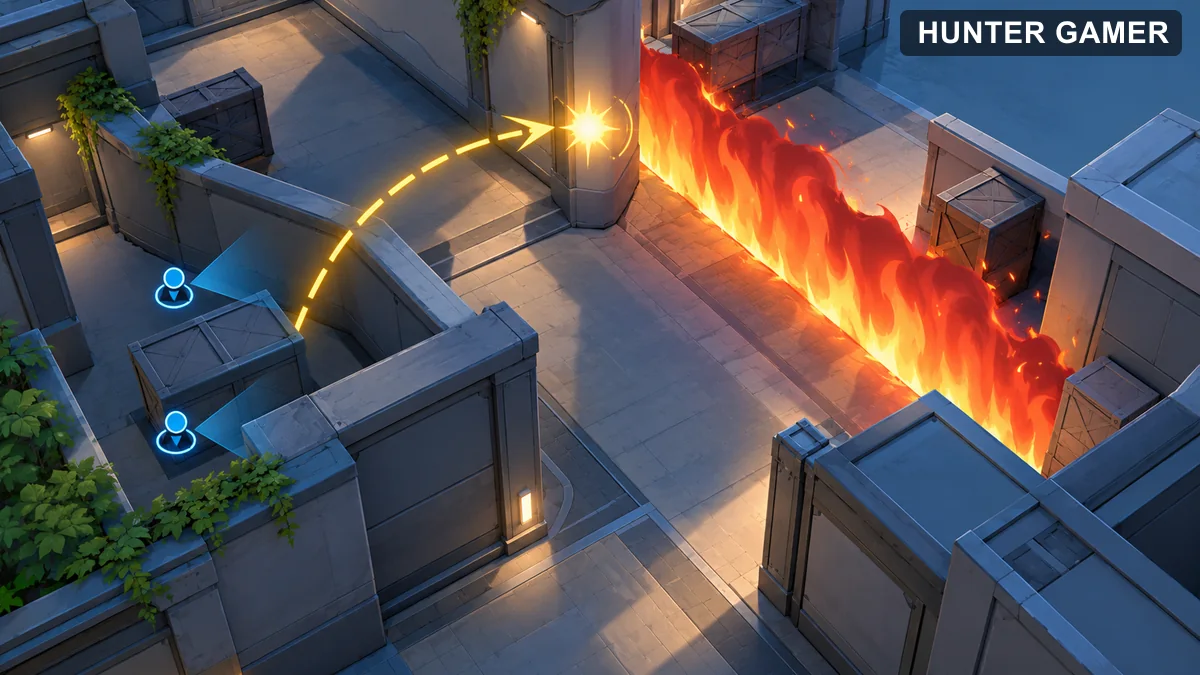
Tactical overhead diagram of a curved flash path and a fire wall blocking a sightline

What to watch out for

Run it Back does not make the return point safe. Choose a marker location that your team can protect, and remember opponents may watch it. Avoid using fire where it traps an ally or closes off your own escape.
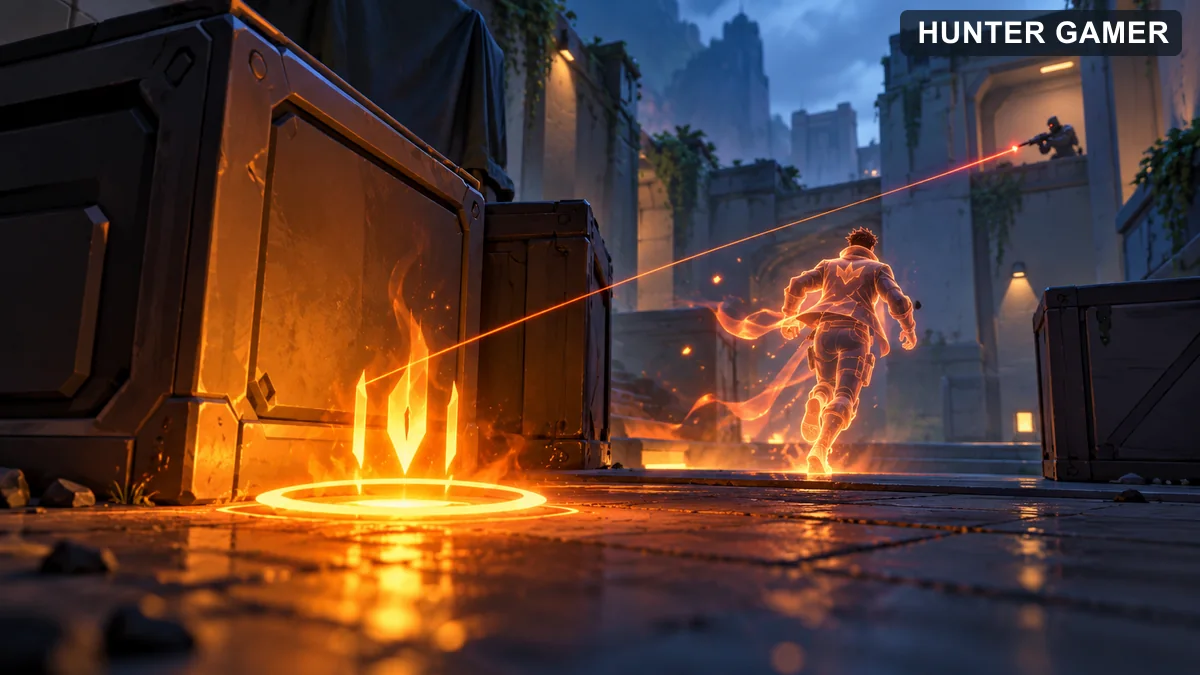
Fictional return marker near cover with an opposing sightline showing why the location needs protection

Sova — Initiator

Sova is a Initiator from Russia in VALORANT.

Sova’s abilities

  • Owl Drone: Control a destructible drone and fire a dart that repeatedly reveals an enemy it hits.
  • Shock Bolt: Fire an explosive bolt that damages players near its impact. Charge the shot for more velocity or add bounces.
  • Recon Bolt: Fire a destructible bolt that repeatedly reveals nearby opponents it can see. Its shot can be charged and bounced.
  • Hunter’s Fury: Fire a damaging energy blast, with additional shots available during the ultimate. Enemies hit are revealed to Sova.

How to play Sova with a team

Sova gathers information before teammates enter a contested space. Use Recon Bolt or Owl Drone to check a route, then call the positions actually revealed. A bolt that shows nobody is not proof the whole area is clear: the reveal depends on range and line of sight.
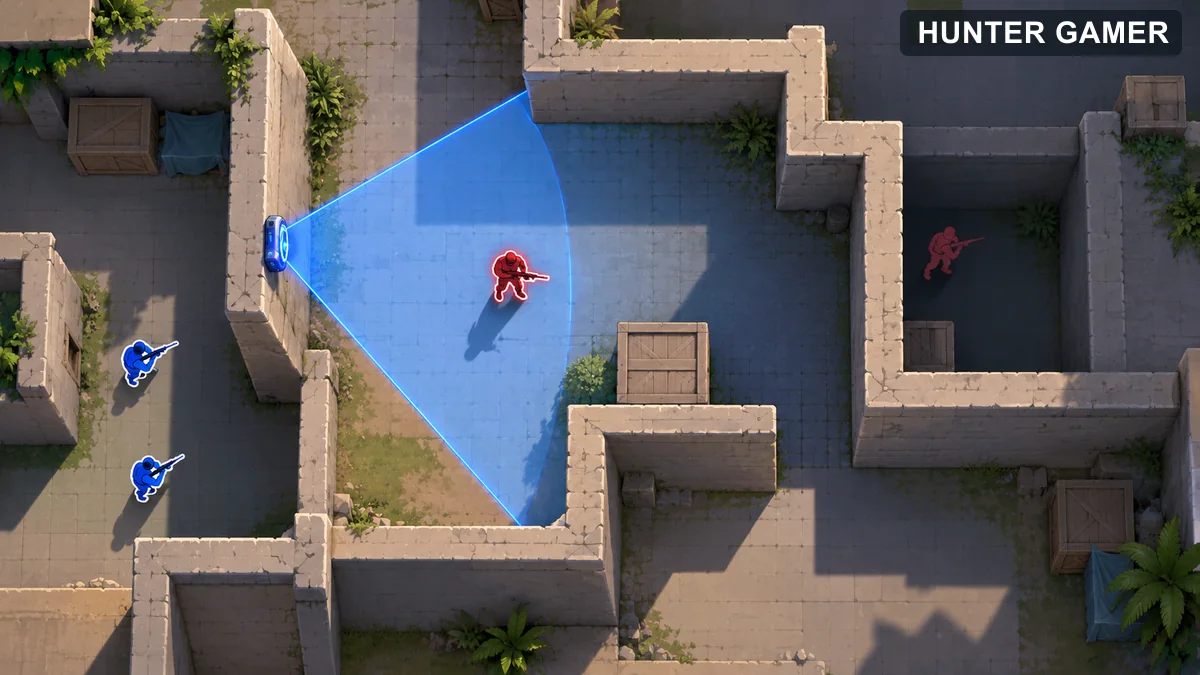
Tactical map showing one opponent inside a recon bolt scan and another hidden behind a solid wall

What to watch out for

Recon Bolt and Owl Drone can be destroyed. If an opponent breaks one immediately, treat that as a clue and keep checking nearby angles. Avoid standing in the open while controlling the drone.
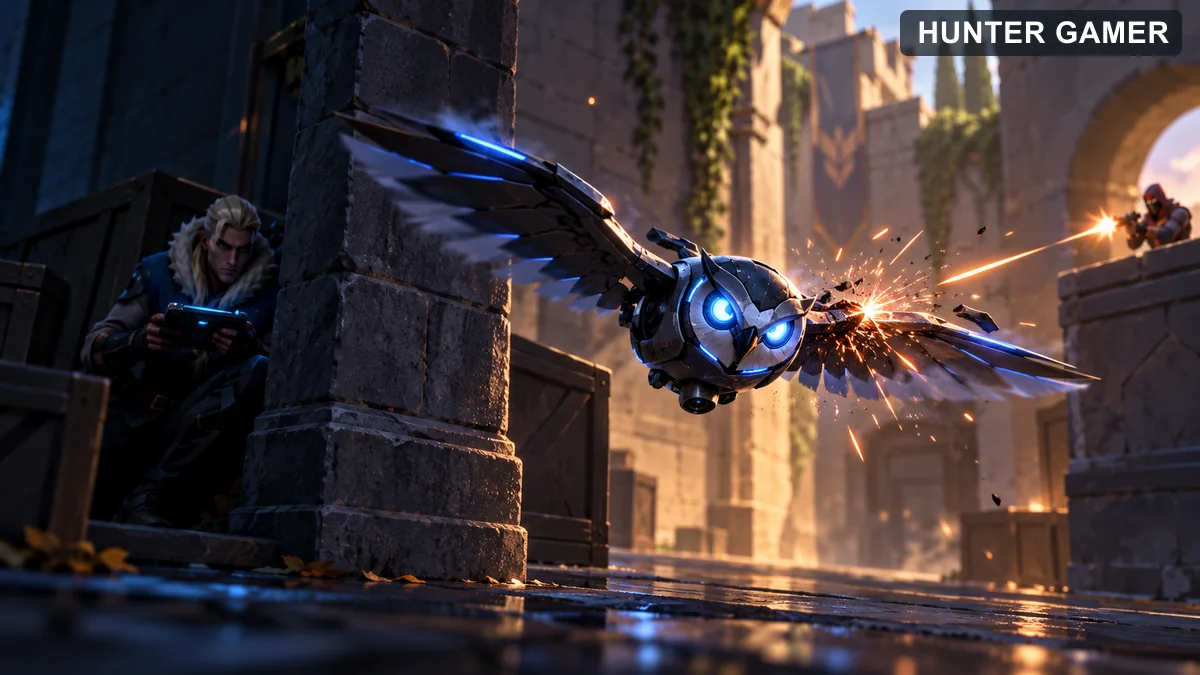
Fictional scout drone under fire while its operator remains behind cover

Breach — Initiator

Breach is a Swedish Initiator whose abilities pass through terrain to disrupt defenders and create openings for teammates. His kit can damage a position, flash a sightline, and concuss an area. This guide explains what each ability does and how to coordinate its use.

The descriptions below were checked against the VALORANT agent page and current VALORANT Wiki on October 31, 2026. Costs and timings change with patches, so consult the linked sources before relying on a specific number.
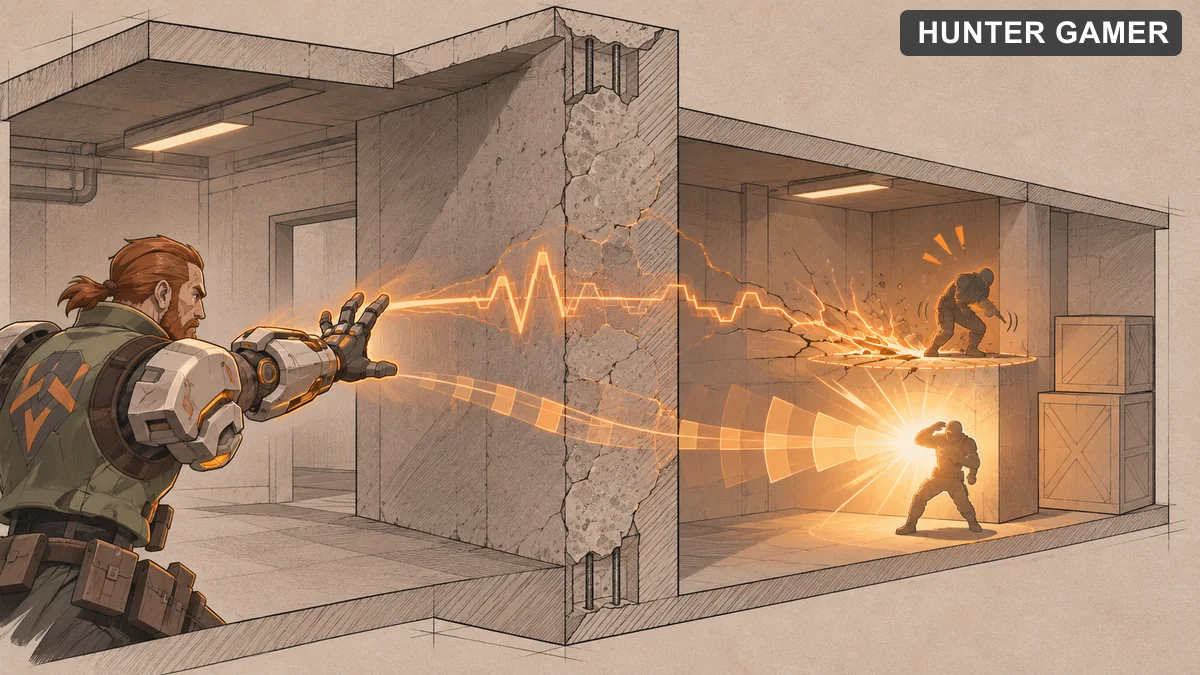
Breach’s four abilities

  • Aftershock: Send a damaging zone through a wall. It explodes repeatedly, making a defended position uncomfortable to hold.
  • Flashpoint: Place a flash through a wall. Players looking at its detonation are blinded, including teammates, so warn your team before using it.
  • Fault Line: Hold fire to extend a seismic blast, then release it to concuss players in the affected zone.
  • Rolling Thunder: Send a broad wave forward that concusses and knocks up players it catches.
Illustration of an orange seismic and flash effect passing through a wall in a tactical game setting

Teamplay basics

Breach is strongest when a teammate is ready to act on the disruption. Before using Flashpoint or Fault Line, tell your team which area you are targeting and when the effect is about to happen. The call matters because both abilities can affect other players, and an unannounced flash can interfere with an ally’s peek.
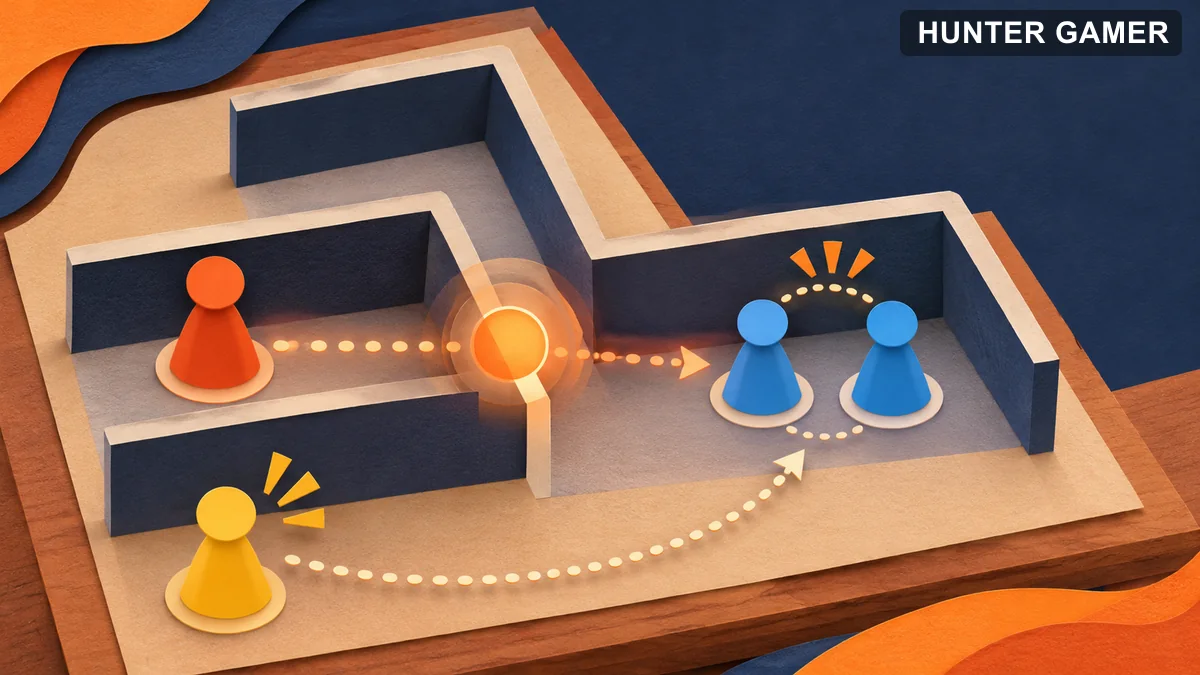
Abstract game board showing coordinated positions and timing around a wall

Use Aftershock to challenge a known position rather than assuming it will clear an entire area. Watch whether the opponent moves and be ready to cover the exit. Rolling Thunder can start a coordinated entry or interrupt opponents holding a tight space, but teammates still need to clear angles afterward.

A simple practice routine

In a custom game, learn where each wall-penetrating ability lands from common approach points. Practice a short callout before each cast, then check whether a teammate could safely move while the effect is active. Repeat on the maps you play most often.

Skye — Initiator

Skye is an Australian Initiator with tools for scouting, flashing, and healing teammates. Her abilities can help a team enter contested space, but they need clear communication because her flash and concuss can also affect allies.
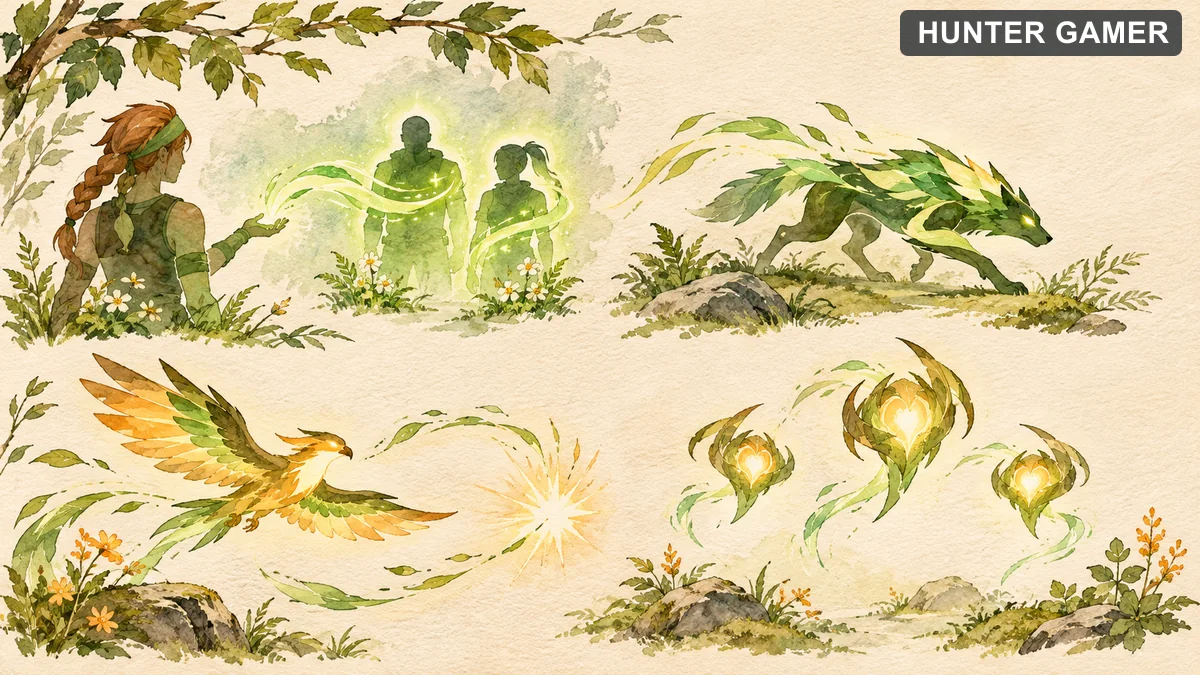
Skye’s four abilities

  • Regrowth: Hold fire to heal allies who are in range and line of sight. It uses a limited healing pool and cannot heal Skye herself.
  • Trailblazer: Control a destructible predator, then lunge to concuss players near the impact and damage enemies hit directly.
  • Guiding Light: Send a steerable hawk forward and reactivate it to flash players looking at it. The ability can provide a hit confirmation when an enemy is within range and line of sight.
  • Seekers: Send out up to three destructible seekers toward the nearest opponents. On contact, they apply nearsight and a slow.
Watercolor illustration of healing, animal scouting, bird flash and seeker themes

Putting the kit together

Trailblazer lets Skye check a route before her team enters it. Tell teammates what you see and where the predator was destroyed, because either result helps narrow the areas that still need checking.

Guiding Light can prepare a peek, but announce the flash before detonating it. A hit confirmation is information about an opponent in the ability’s range and line of sight; it does not clear every corner of the area.

Regrowth is for helping allies recover between fights or when there is safe cover. Skye cannot heal herself, and the healing pool is limited, so avoid standing in an exposed position just to reach a teammate.

Beginner practice

Practice guiding the hawk around a corner and detonating it where teammates can turn away. Then practice the Trailblazer route from the same position. Focus on calling what each ability actually confirmed, rather than declaring the area empty.
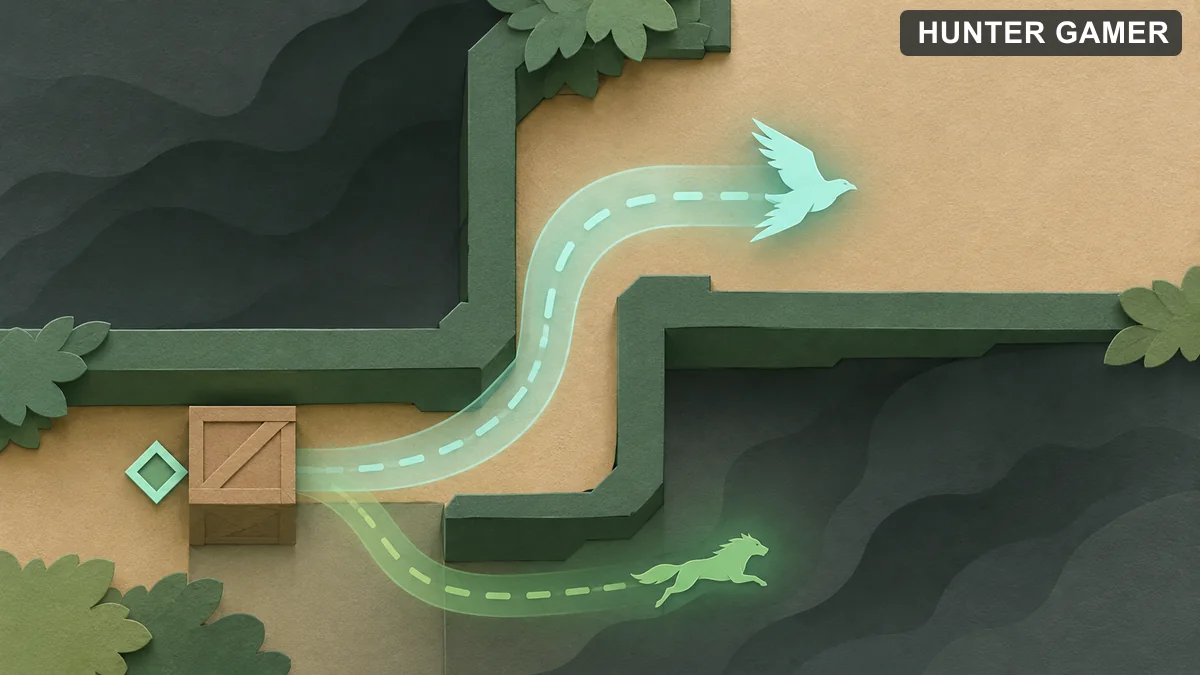
Abstract corridor diagram showing bird and animal scouting paths around a corner

Fade — Initiator

Fade is a Turkish Initiator in VALORANT. Her kit is built around finding opponents, tracking marked enemies, and making it harder for them to escape a fight. This guide explains all four abilities and gives beginners a simple way to use the information they reveal.
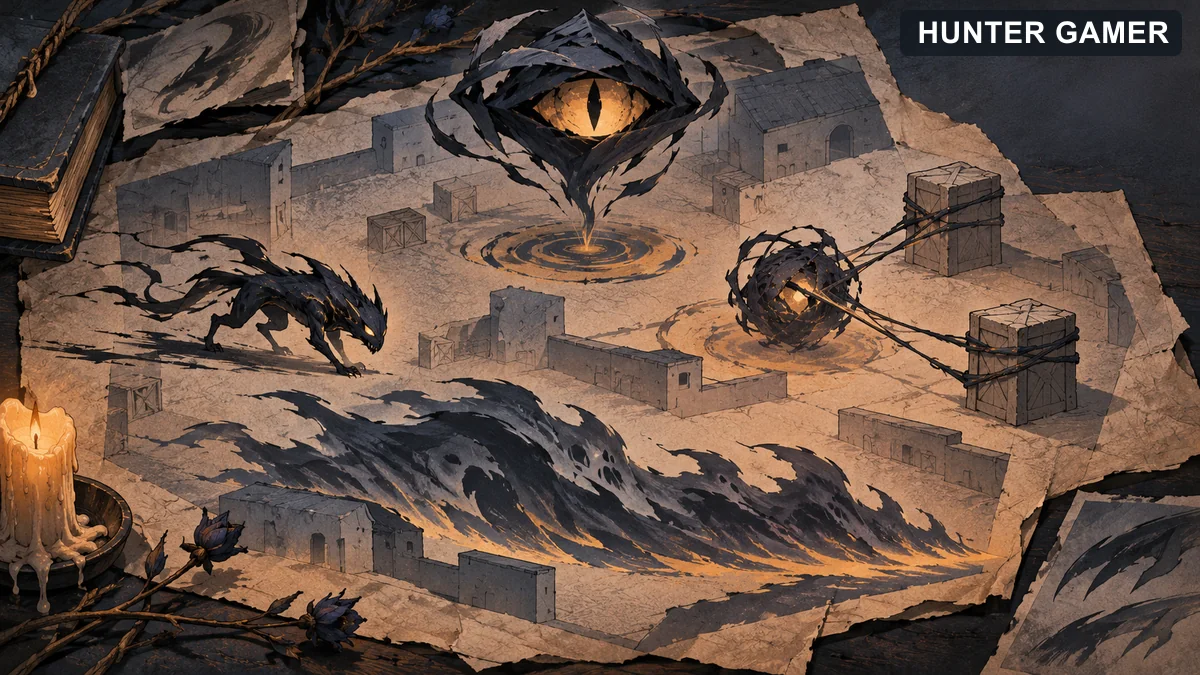
Fade’s abilities

  • Prowler: Send a destructible creature forward and steer it toward your crosshair. It chases the first enemy or Terror Trail it detects and applies nearsight when it connects.
  • Seize: Throw a projectile that drops to the ground; reactivate it to drop early. On landing it tethers nearby enemies and applies deafen and decay.
  • Haunt: Throw a destructible watcher that reveals and marks enemies it can see when it lands. You can reactivate to drop it early. Enemies can destroy it.
  • Nightfall: Send a wave forward that marks, deafens, and decays enemies it hits.
Editorial illustration of Prowler, Seize, Haunt and Nightfall ability symbols

How Terror Trails fit together

Marked opponents leave Terror Trails that show their movement. Haunt and Nightfall create marks; Prowler can follow a trail it detects. This makes Fade useful for gathering information before a team commits to a push or a retake.
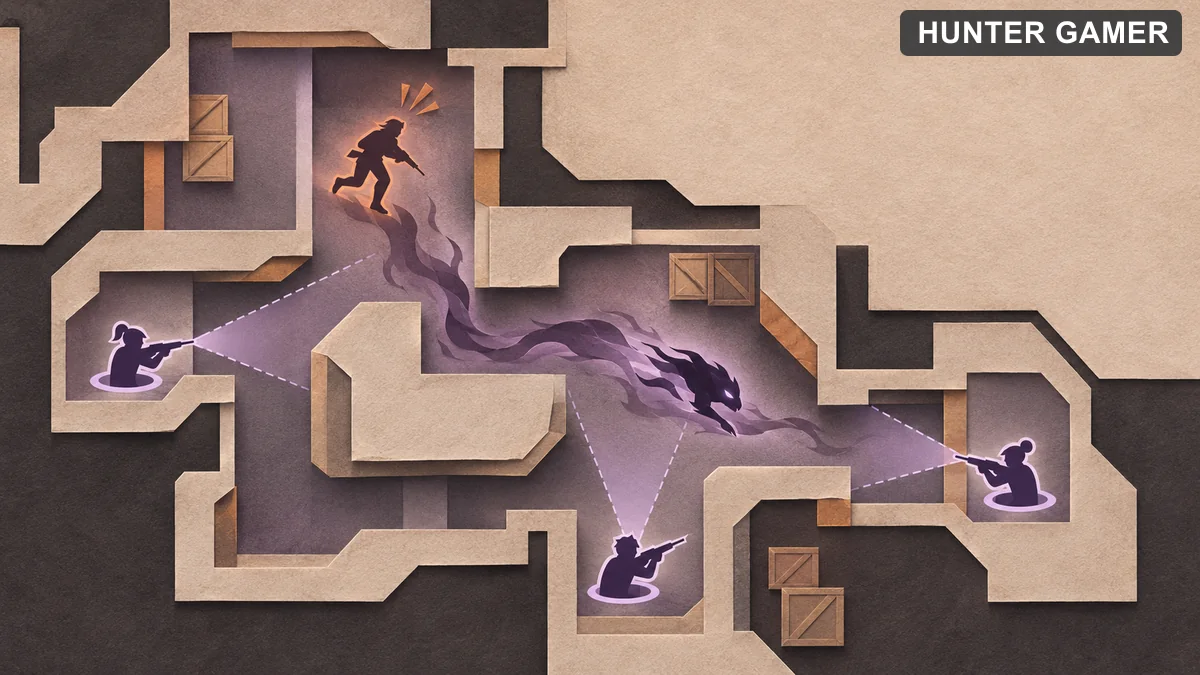
Top-down tactical illustration of a shadow creature following a marked opponent trail while teammates hold angles

The practical sequence is to look for information first, share the marked location with teammates, and then use Prowler or Seize to pressure the space the opponent can still occupy. This is a starting approach, not a guaranteed combination: enemies can move, break line of sight, or destroy Haunt and Prowler.

Beginner mistakes to avoid

Do not treat a reveal as a promise that an enemy will remain in the same place. Use the information quickly, but keep checking angles as you move.

Haunt needs line of sight and can be destroyed. Throwing it into an obvious exposed spot may give a very short reveal.

Seize restricts movement after it lands; it does not replace checking the rest of the site. Communicate which area you have covered.

Brimstone — Controller

Brimstone is a Controller from the United States in VALORANT.

Brimstone’s abilities

  • Stim Beacon: Throw a beacon that grants combat stim and haste to allies in its zone.
  • Incendiary: Launch a grenade that creates a damaging fire zone when it lands.
  • Sky Smoke: Use a tactical map to choose smoke locations, then deploy the smokes.
  • Orbital Strike: Target an area on the tactical map with a damaging orbital attack.

How to play Brimstone with a team

Brimstone supports a team by blocking selected lines of sight before the entry begins. Tell teammates which angles your smokes cover and when they are about to fall. Incendiary can make a position hard to hold, while Stim Beacon helps nearby teammates commit to a planned fight.
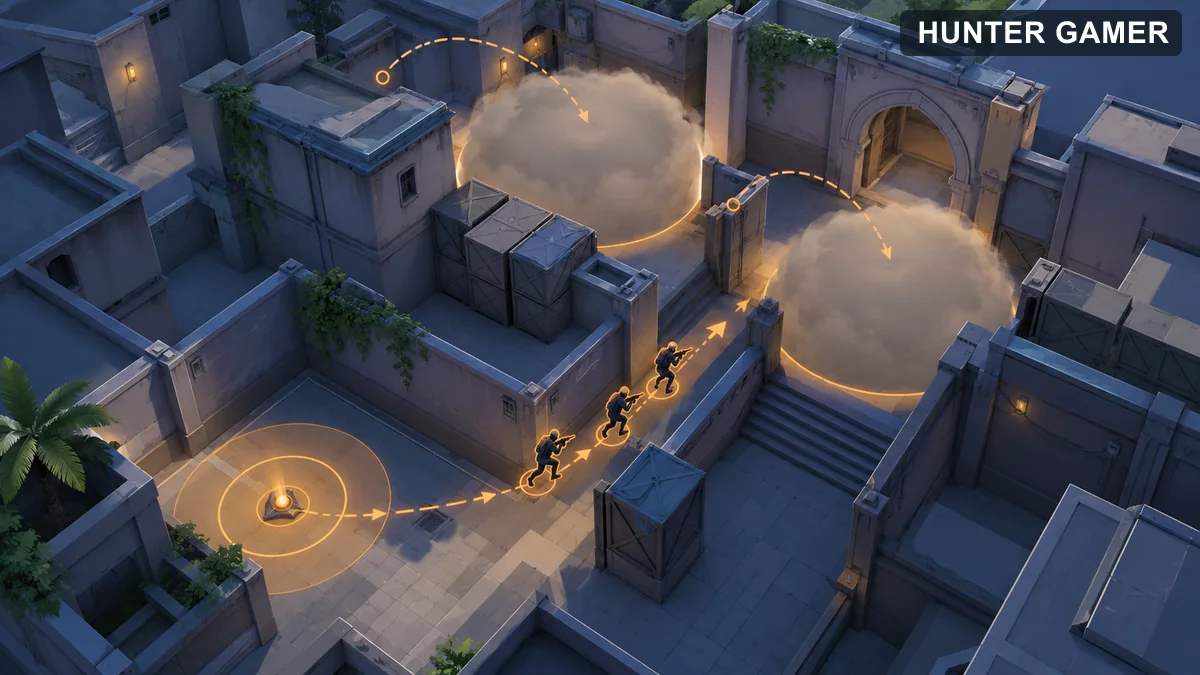
Overhead fictional arena showing two smoke screens and coordinated allied entry positions

What to watch out for

A smoke hides what is inside and beyond it; it does not prove the area is empty. Check for opponents playing close to its edge. Incendiary and Orbital Strike damage all players, so coordinate their placement with teammates.
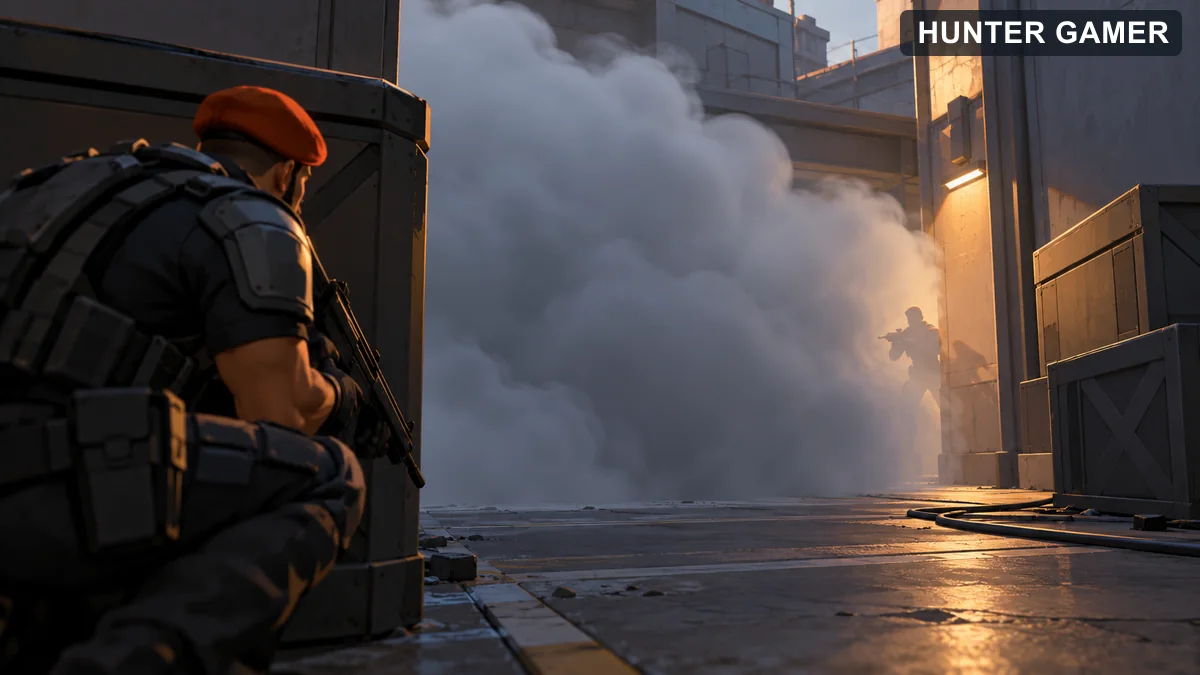
Cautious player behind cover spots an opposing silhouette near an opaque smoke edge

Omen — Controller

Omen is a Controller from an unknown origin in VALORANT.

Omen’s abilities

  • Shrouded Step: Briefly channel, then teleport to a selected nearby location.
  • Paranoia: Send an effect forward that nearsights and deafens players it catches.
  • Dark Cover: Place a smoke using Shadow Vision; adjust its distance before casting.
  • From the Shadows: Choose a destination on a tactical map and begin a teleport. Omen appears there as a destructible shade while teleporting and can cancel the move.

How to play Omen with a team

Omen can block a sightline with Dark Cover while his team moves into position. Communicate where the smoke will land so allies know which angles remain open. Paranoia can help a coordinated peek, but tell teammates before sending it forward because it affects players in its path.
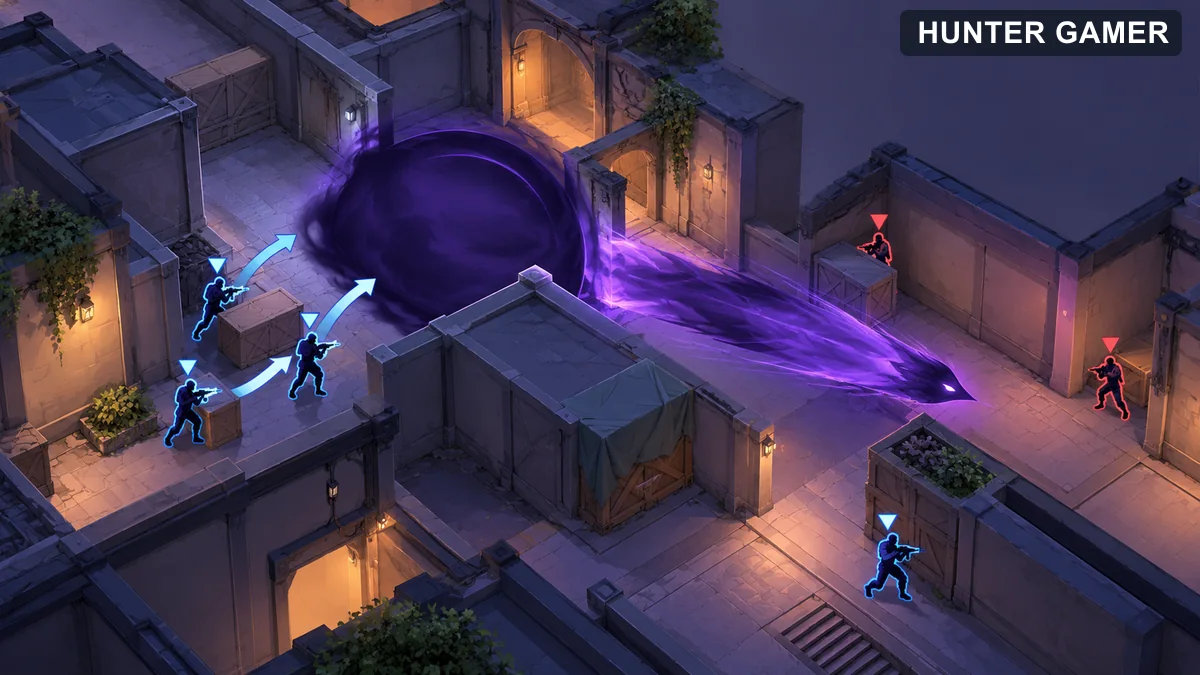
Overhead fictional arena showing a smoke block and forward nearsight path around allied positions

What to watch out for

A teleport does not make the destination safe. Listen for opponents and clear the landing area before committing. From the Shadows can be interrupted while Omen is a shade, so choose a destination for a reason rather than teleporting only to surprise someone.
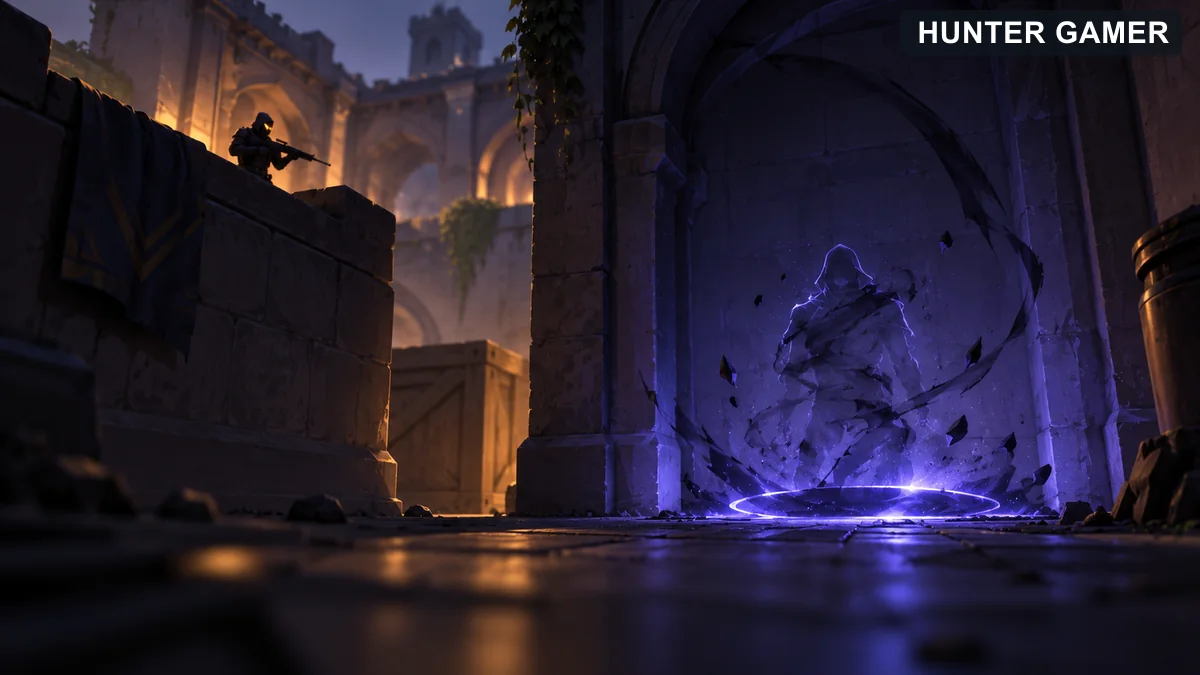
Fictional teleport shade forming at a destination watched by an opposing player

Sage — Sentinel

Sage is a Sentinel from China in VALORANT.
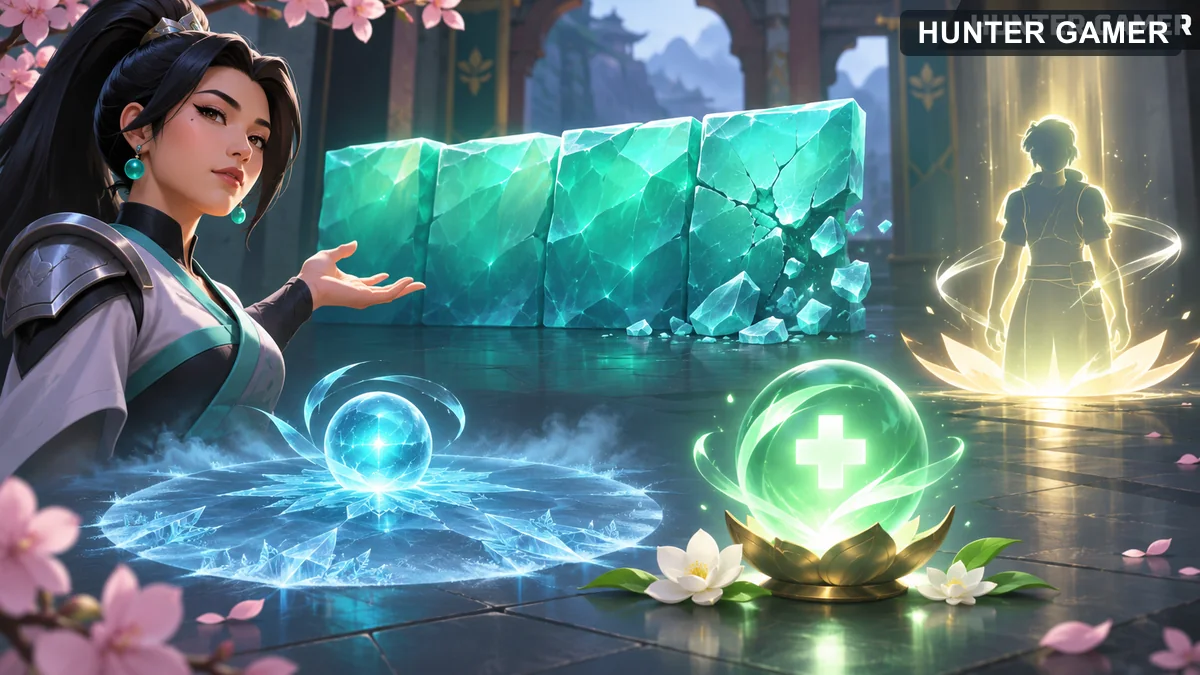
Sage’s abilities

  • Barrier Orb: Place a destructible wall, choosing its orientation before deployment. It fortifies after a short delay.
  • Slow Orb: Throw an orb that creates a slowing zone and gives an audio cue when enemies run through it.
  • Healing Orb: Heal a damaged ally or cast it on Sage herself.
  • Resurrection: Revive a targeted fallen ally with Sage’s ultimate.
Illustrated barrier wall, slowing zone, healing orb and symbolic ally revival

How to play Sage with a team

Sage can slow a push and help allies stay in the round. Place Barrier Orb to block or delay a route, then be ready for opponents to damage it or go another way. Use Slow Orb to make a crossing harder and listen for its cue. Heal from cover when possible rather than moving into an exposed lane.
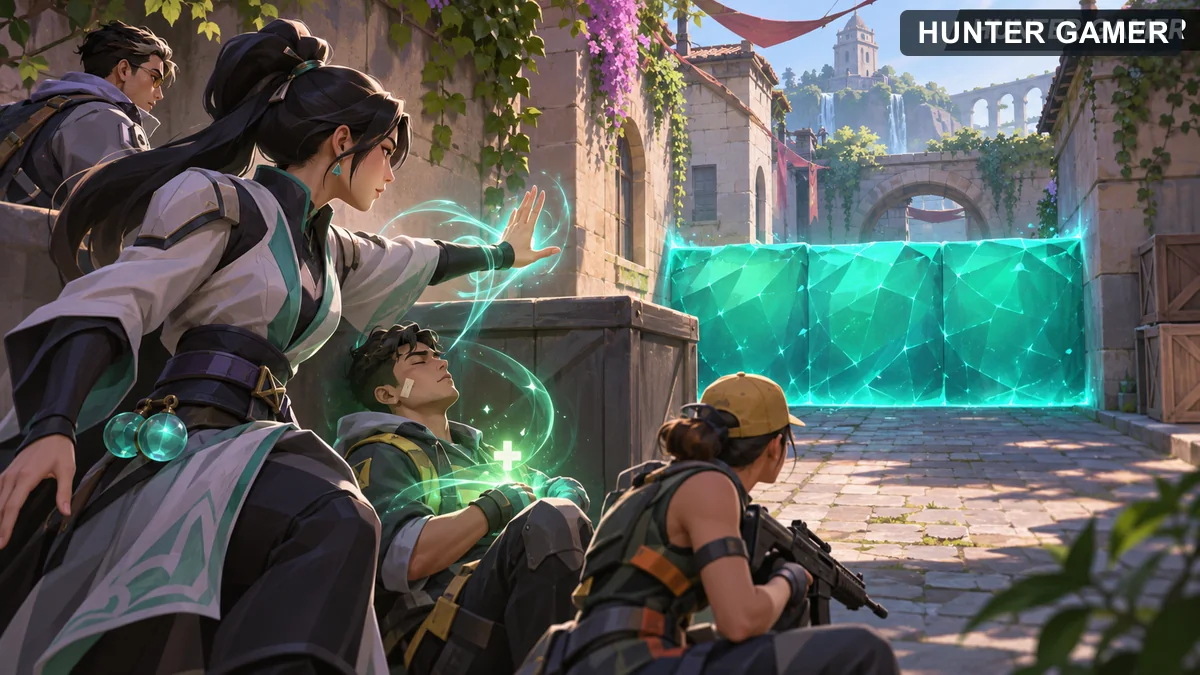
Fictional healer supports an ally from cover while a barrier blocks a route

What to watch out for

The wall can be broken, and a revive leaves both Sage and the returning teammate vulnerable if the location is not protected. Check the surrounding angles and communicate before using Resurrection.

Cypher — Sentinel

Cypher is a Sentinel from Morocco in VALORANT.
Cypher’s abilities

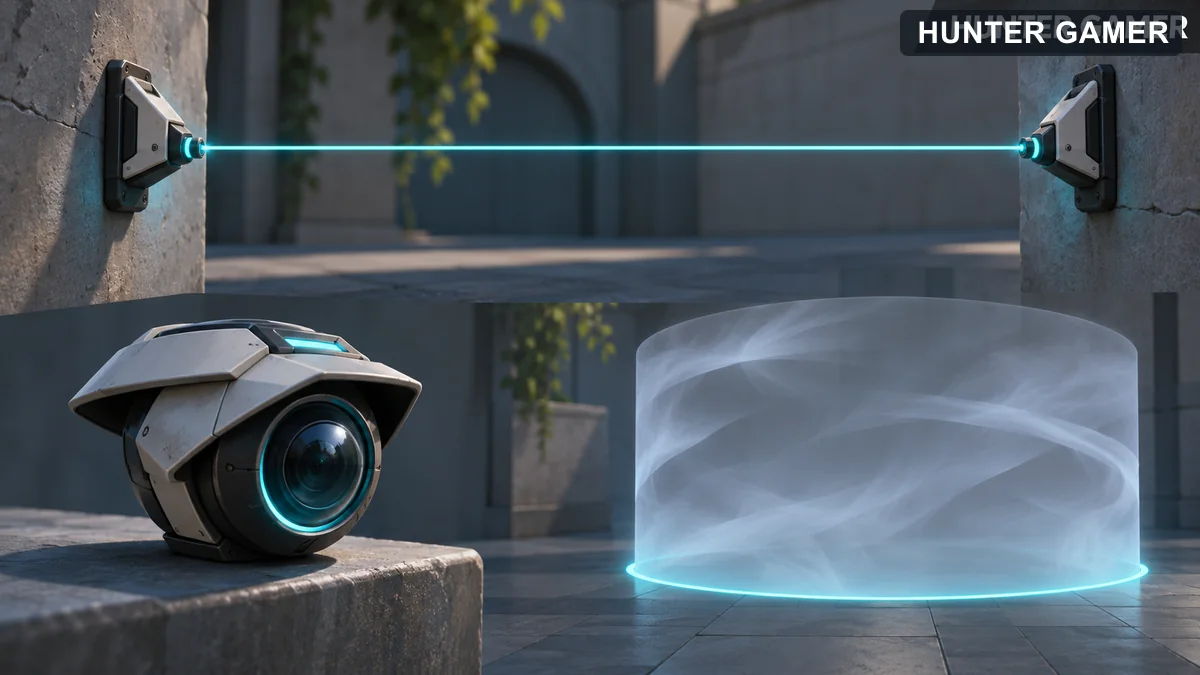
  • Trapwire: Place a hidden, destructible wire between surfaces. An enemy who crosses it is tethered, and may be revealed after a delay if the wire survives.
  • Cyber Cage: Throw and activate a vision-blocking cage. It gives an audio cue when an enemy comes in contact.
  • Spycam: Place a destructible camera, take control of it, and fire a tracking dart at an opponent.
  • Neural Theft: Target a dead enemy to take two snapshots of living opponents after a delay.
Illustration of a tripwire, remote camera and vision-blocking cage as separate ability concepts

How to play Cypher with a team

Cypher’s gadgets help a team watch routes without standing on every angle. Place a Trapwire where it crosses a real travel path, and use Spycam to check a position before moving. Tell teammates whether a camera view, wire trigger, or ultimate snapshot supplied the information: each has different limits.
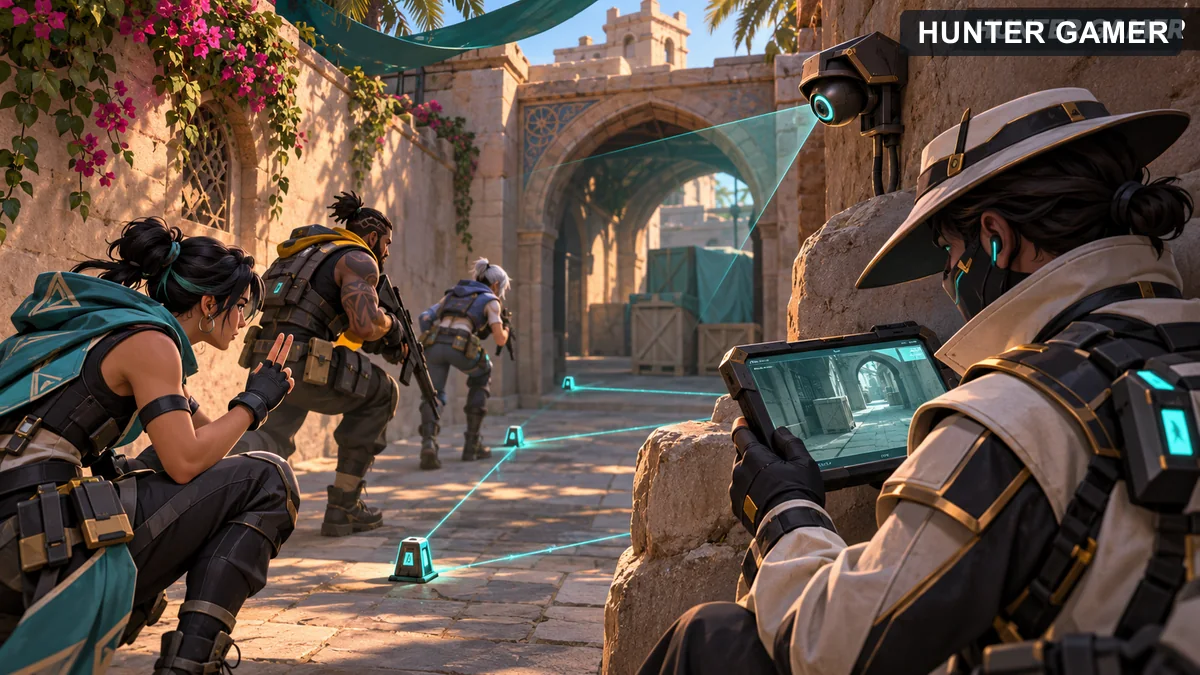
Fictional sentinel monitoring a remote camera while teammates advance through a route

What to watch out for

A snapshot shows where an opponent was, not where they will be when you arrive. Cypher’s camera and wire can be destroyed, so do not assume silence means a route is safe.

Killjoy — Sentinel

Killjoy is a Sentinel from Germany in VALORANT.
Killjoy’s abilities

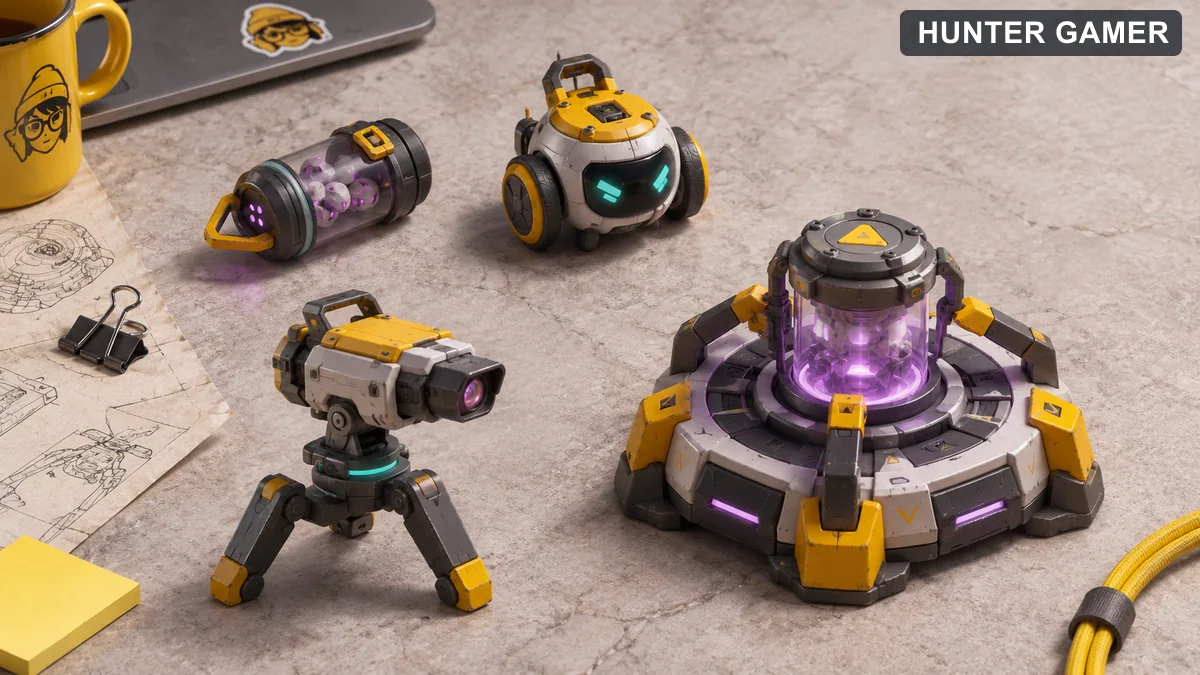
  • Nanoswarm: Throw a device that hides after landing. Activate it to create a damaging zone. It can be recovered during the buy phase.
  • Alarmbot: Place a hidden, destructible bot. It responds to an enemy it detects, pursues them, and applies vulnerable on explosion. It can be recalled.
  • Turret: Place a destructible turret that fires at opponents in its line of sight. You can rotate it before placement or recall it.
  • Lockdown: Deploy a destructible device that, after a delay, detains enemies within its range.
Four separate gadget concepts representing Nanoswarm, Alarmbot, Turret and Lockdown

How to play Killjoy with a team

Killjoy helps defend space and notice movement. Put a turret where its sightline covers an approach, but do not assume it can watch through a wall. Alarmbot and Nanoswarm can make an opponent choose between retreating and crossing a damaging area. Tell teammates when a device triggers or is destroyed; a broken device is information too.
Tactical illustration of a turret guarding one clear sightline while teammates cover other angles

What to watch out for

Her utility is destructible, and Lockdown has a delay. Do not leave a position unguarded because a gadget seems to cover it. Practice which angles your turret can actually see and where opponents can safely destroy Lockdown.

Sources and review date

All ability descriptions checked 31 October 2026 against the official VALORANT agent pages and the VALORANT Wiki:

  • Phoenix: VALORANT Wiki Phoenix reference · official VALORANT agent profile
  • Sova: VALORANT Wiki Sova reference · official VALORANT agent profile
  • Breach: official VALORANT agent page · VALORANT Wiki ability reference
  • Skye: official VALORANT agent page · VALORANT Wiki ability reference
  • Fade: official VALORANT agent page · VALORANT Wiki ability reference
  • Brimstone: VALORANT Wiki Brimstone reference · official VALORANT agent profile
  • Omen: VALORANT Wiki Omen reference · official VALORANT agent profile
  • Sage: VALORANT Wiki Sage reference · official VALORANT agent profile
  • Cypher: VALORANT Wiki Cypher reference · official VALORANT agent profile
  • Killjoy: VALORANT Wiki Killjoy reference · official VALORANT agent profile

Published by

Hunter Gamer

Hunter Gamer has covered games, esports, and streamers for readers in Bangladesh and beyond since 2019. The site publishes gaming news and explainers, practical settings and troubleshooting guides for mobile and PC players, Bangladesh buying information for gaming hardware and digital products, and profiles of creators alongside their official channels.

Articles are built on official game, platform, and product information where it is available, and sources are linked when a claim needs attribution. Because prices, release dates, and game settings change, each article carries a review date and readers are asked to check the linked source before buying anything or changing an account setting. Where something cannot be verified, the article says so rather than guessing. Articles are revised when an error is found or when a change makes an older guide misleading — corrections and news tips are welcome through the contact page.

About Hunter GamerSpotted an error? Tell us

Previous Post

PUBG Mobile 4.7 and Flash Release Dates: November 2026

Next Post

VALORANT Settings Guide: Seven Options Worth Checking

Related Posts

PC Games

VALORANT Settings Guide: Seven Options Worth Checking

November 12, 2026
Split TerraScape floating-island card builder and Out of Sight teddy-bear mansion illustration marked October 2026 Epic offer archive
PC Games

Epic Games Store Free Games This Week (October 2026): TerraScape & Out of Sight

November 5, 2026
Out of Sight teddy bear and girl in a moonlit mansion, marked October 2026 Epic offer archive
PC Games

Out of Sight Free on Epic Games Store (October 2026): How to Claim It

November 6, 2026
Next Post

VALORANT Settings Guide: Seven Options Worth Checking

Categories

  • Mobile Games
  • News
  • PC Games
  • PUBG
  • Reviews

Topics

2024 PUBG tricks Best Fortnite Xp Maps Best Games Cyberpunk Days Gone Fortnite Fortnite Xp Maps Gamer Lag fix PMPL 2023 South Asia PUBG PUBG game performance PUBG mobile lag fix PUBG Mobile Redeem Codes 2023 Xp Maps
  • Top-Up Shop
  • About Us
  • Contact
  • Privacy Policy and Data Protection
  • Terms and Conditions of Website Use
  • Refund and Returns Policy for Digital Products
Call us: +880 1711 189127

Copyright © 2020 - 2026 Hunter Gamer · All Rights Reserved.

Welcome Back!

Login to your account below

Forgotten Password?

Retrieve your password

Please enter your username or email address to reset your password.

Log In
No Result
View All Result
  • Shop
  • Home
  • Mobile Games
    • PUBG
  • PC Games
  • Reviews
  • News
  • Insights
  • Streamers
    • Australia
    • Bangladesh
    • Canada
    • Hong Kong
    • India
    • Indonesia
    • Malaysia
    • Moroccan
    • Nepal
    • Singapore
    • Spain
    • Taiwan
    • Thailand
    • Türkiye
    • United Kingdom
    • United States
    • Vietnam
  • Online Games
    • Dex Ball

Copyright © 2020 - 2026 Hunter Gamer · All Rights Reserved.