• Latest
  • Trending
  • All
Card and tower arena game with green gems and a Bangladesh ribbon

Clash Royale Top Up in Bangladesh: Gems Price & bKash Guide

November 16, 2026
Illustration of a phone displaying a miniature football pitch beside a wireless gamepad, with blue connection arcs.

eFootball Mobile Controller Support: Setup Guide (2026)

November 24, 2026
Stylized illustration of game blocks moving between two storage drives on a navy platform.

How to Move Steam Games to Another Drive (2026)

November 23, 2026
Illustration of two phones linked by orange sound waves on a tropical squad-game terrain model.

Free Fire Mic Not Working? Voice Chat Checklist (2026)

November 22, 2026
Symbolic illustration of an Android phone reviewing optional PUBG Mobile resource downloads

PUBG Mobile Storage: Remove Unused Resources (2026)

November 21, 2026
Illustration of gameplay frames looping beside a monitor, with one frame saved to a video tile.

OBS Replay Buffer Guide: Save Gaming Clips in 2026

November 21, 2026
Symbolic comparison of different local and cloud save copies on two computers

Steam Cloud Conflict: Which Save Should You Keep? (2026)

November 21, 2026
Symbolic control layout receiving a share code that repositions its buttons

Free Fire HUD Share Code: Import and Setup Guide (2026)

November 21, 2026
Illustration of a tilted phone above training targets with an amber rotation arrow.

PUBG Mobile Gyroscope Not Working? 2026 Checklist

November 17, 2026
A curved gaming monitor showing a colorful game scene with a glowing timeline bar below it, one segment highlighted in gold.

Steam Game Recording Guide 2026: Save and Export Clips

November 17, 2026
Two smartphones moving a glowing stream with a soccer ball from the old phone to the new phone under stadium lights.

eFootball Mobile Data Transfer: New Phone Guide (2026)

November 16, 2026
A smartphone wrapped in a glowing orange energy dome with a chain of light linking it to a floating shield emblem.

How to Bind a Free Fire Guest Account Safely in 2026

November 16, 2026
valorant settings guide hero

VALORANT Settings Guide: Seven Options Worth Checking

November 16, 2026
  • About Hunter Gamer
  • Advertising & Sponsorship Opportunities
  • Contact Us for Gaming News & Support
Tuesday, November 24, 2026
  • Login
Hunter Gamer
  • Shop
  • Home
  • Mobile Games
    • PUBG
  • PC Games
  • News
  • Insights
  • Streamers
    • Australia
    • Bangladesh
    • Canada
    • Hong Kong
    • India
    • Indonesia
    • Malaysia
    • Moroccan
    • Nepal
    • Singapore
    • Spain
    • Taiwan
    • Thailand
    • Türkiye
    • United Kingdom
    • United States
    • Vietnam
  • Online Games
    • Dex Ball

No products in the cart.

No Result
View All Result
Hunter Gamer
  • Shop
  • Home
  • Mobile Games
    • PUBG
  • PC Games
  • News
  • Insights
  • Streamers
    • Australia
    • Bangladesh
    • Canada
    • Hong Kong
    • India
    • Indonesia
    • Malaysia
    • Moroccan
    • Nepal
    • Singapore
    • Spain
    • Taiwan
    • Thailand
    • Türkiye
    • United Kingdom
    • United States
    • Vietnam
  • Online Games
    • Dex Ball
No Result
View All Result
Hunter Gamer
No Result
View All Result

Clash Royale Top Up in Bangladesh: Gems Price & bKash Guide

November 16, 2026
in Mobile Games
Reading Time: 5 mins read
0 0
Home Mobile Games
14
VIEWS
Share on FacebookShare on Twitter

Clash Royale top up in Bangladesh: start with the payment problem

You want gems, but you don’t have an international card for the in-app shop. A local reseller accepting bKash looks convenient. The catch isn’t just price: you need to know how that seller will access your account before you pay.

Clash Royale is Supercell’s real-time strategy mobile game, released worldwide in 2016 as the first Clash of Clans spin-off. It mixes cards, tower defense and MOBA elements. Check the official Clash Royale website for game information; reseller listings aren’t official Supercell pricing.

Clash Royale gems price in Bangladesh

These ranges come from a Bangladesh gem-price comparison covering BD and global resellers, not a guaranteed checkout quote.

Gem packPrice range (৳)What to know
80 Gems৳113–৳146Smallest pack in this comparison.
500 Gems৳541–৳634Compare the final payable amount.
1,200 Gems৳1,118–৳1,226Confirm the listing’s exact gem total.
2,500 Gems৳2,212–৳2,519Check whether bonus gems are included.
6,500 Gems৳5,527–৳6,131Confirm delivery terms before paying.
14,000 Gems৳11,059–৳12,260A bigger purchase needs careful seller checks.

Reseller prices move; these ranges were checked October 2026 and reflect the comparison at the time of writing.

Pack names can confuse the comparison. Global stores list bonus bundles such as 80+8 and 500+50, while local listings may show 88 or 550 Gems. Don’t compare only the headline price. Match the total gems, payment amount and delivery method before deciding which offer is cheaper.

Pass Royale vs gems: buy for how you play

Clash Royale has run monthly seasons with the monthly Pass Royale battle pass since July 2019. Gamer Choice’s Clash Royale listing prices Pass Royale at ৳1,250 at the time of writing.
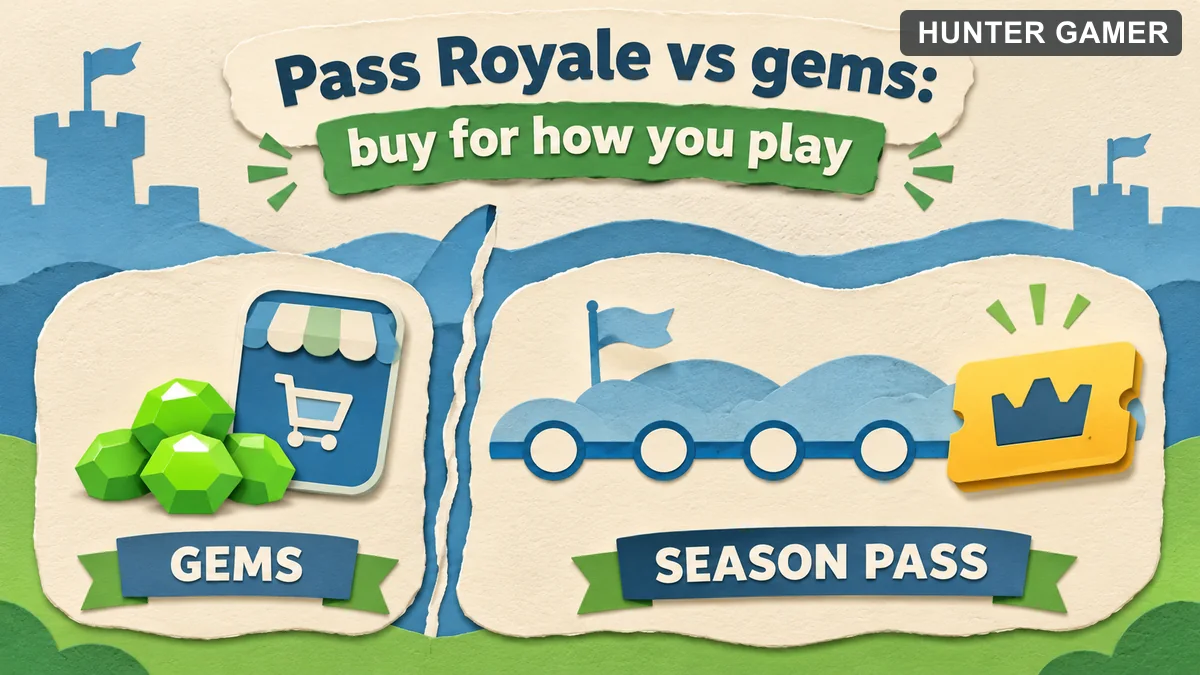
One-off green gems compared with a seasonal progress pass

Zamve’s gem and pass options include Gold Pass and Diamond Pass. Jubaly lists Golden Pass and Diamond Pass, both out of stock at the time of writing. Names alone aren’t enough: ask which current pass tier you’ll receive.

Choose the pass if you play regularly and want its current rewards. Choose raw gems if you have a specific gem purchase planned or don’t want to commit to seasonal progress. Check the current rewards in your game before paying; a pass isn’t automatically better value for your account.

How the top-up actually works: the Supercell ID catch

Jubaly’s top-up page says the purchase works with your player tag and advertises delivery in 2–10 minutes. Gamer Choice gives a different explanation: Clash Royale doesn’t support direct top-up by Player ID, so its team temporarily logs into your Supercell ID to add gems.
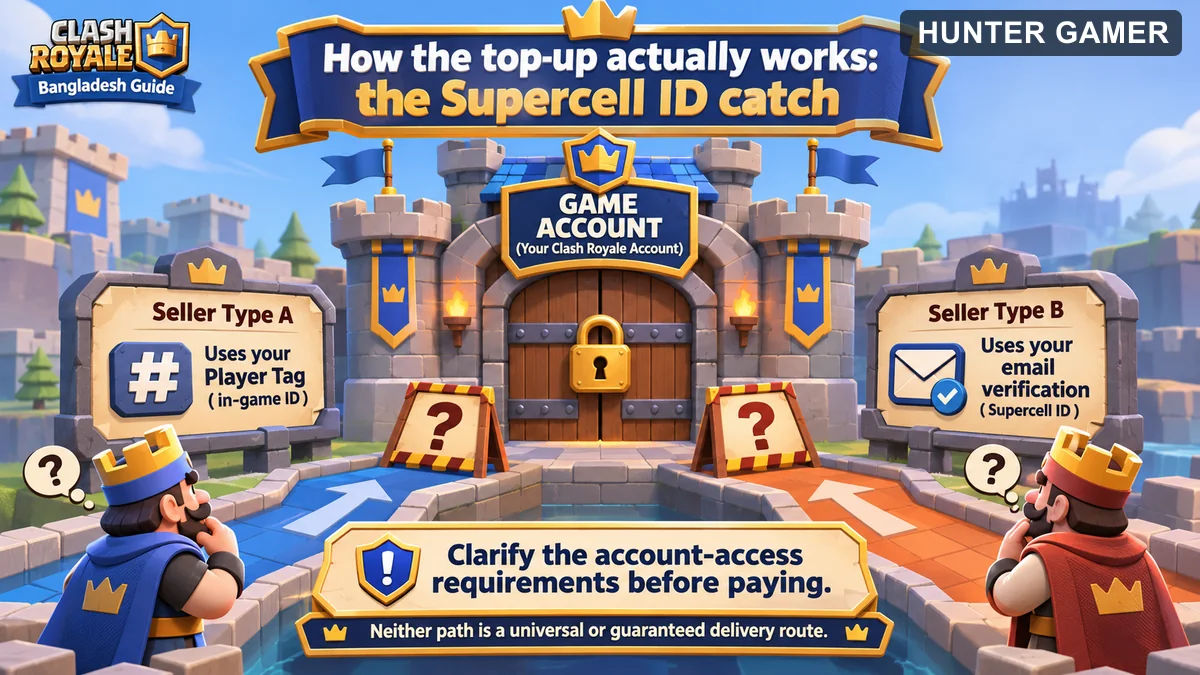
Two seller-described account access routes stop at a locked game account for clarification

Don’t treat those descriptions as interchangeable. Ask the seller whether your order needs only a tag, account access or an email verification code. If the answer changes after payment, pause rather than sending more information under pressure.

What the login-based flow involves

  • Gamer Choice says it collects account-access details through its official WhatsApp.
  • Its team logs in temporarily, adds the gems and closes the session, usually within 15–30 minutes.
  • It suggests changing your password afterward. Treat that as the seller’s advice, not a guarantee that access was risk-free.
  • Zamve requires your Supercell email verification code and lists delivery within 5 minutes to 24 hours.

A verification code can grant account access. An official shop contact doesn’t remove that risk. If you aren’t comfortable granting access, don’t proceed. Keep your order confirmation and ask how the seller confirms delivery and ends its session.

Paying with bKash safely

Jubaly lists bKash, Nagad, Rocket and Upay. If you prefer Bangla QR, ask whether the chosen shop supports it; don’t assume every payment rail is available. Confirm the recipient and final amount through the shop’s own checkout or verified contact before sending money.

RMT Game Shop claims bKash, Nagad and Rocket payments, delivery in 2–5 minutes and 24/7 support. Those are seller claims, not delivery times we’ve tested. Fast promises don’t replace clear order terms.

  • Don’t share login details through random inboxes or anywhere claiming to replace the shop’s official WhatsApp. Even that official channel requires caution.
  • Avoid suspiciously cheap social-media gem codes and password-only deals with no clear order record or delivery explanation.
  • Ask for the exact pack, payment recipient, delivery window and refund terms before paying.
  • Keep the transaction receipt and order chat. Never send your payment-wallet PIN or OTP to a seller.

A credible shop should explain what you’re buying, what access it needs and what happens if delivery fails. Pressure to pay immediately or send credentials before answering basic questions is a reason to walk away.

Keep your next top-up just as practical

Buying across games? Compare our Clash of Clans gems guide for Bangladesh, check Garena Shells prices, or read the Blood Strike top-up guide. For Clash Royale, settle the account-access question before chasing the lowest price.

Frequently asked questions

How much does a Clash Royale gems top-up cost in Bangladesh?

At the time of writing, the reseller comparison puts 80 Gems at ৳113–৳146 and 500 Gems at ৳541–৳634. Larger packs have different ranges, as shown above. These aren’t official Supercell BDT prices. Check the exact gem total and final payable amount before confirming your order.

Can I buy Clash Royale gems with bKash?

Yes, Jubaly lists bKash alongside Nagad, Rocket and Upay, while RMT Game Shop also claims bKash support. Confirm the payment recipient through the seller’s own checkout or verified contact. Keep your receipt, and don’t confuse paying through bKash with a guarantee that the seller’s account-access method is safe.

Why does the shop need my Supercell ID login?

Gamer Choice says Clash Royale doesn’t support direct top-up by Player ID, so its team temporarily signs into your Supercell ID to add gems. Zamve asks for an email verification code, while Jubaly advertises player-tag ordering. Ask which method applies before paying. Sharing a code or login creates account-access risk.

Is Pass Royale better value than buying gems?

It depends on your play habits and the current rewards. Gamer Choice lists Pass Royale at ৳1,250 at the time of writing. Consider it if you’ll play regularly and want the seasonal rewards. Gems make more sense for a specific gem purchase. Confirm the pass tier rather than buying on its name alone.

Related Hunter Gamer Guides

More safe top-up guides: Blood Strike Top Up Guide · ZZZ Top Up Guide · All Top Up Guides for Bangladesh

Published by

Hunter Gamer

Hunter Gamer has covered games, esports, and streamers for readers in Bangladesh and beyond since 2019. The site publishes gaming news and explainers, practical settings and troubleshooting guides for mobile and PC players, Bangladesh buying information for gaming hardware and digital products, and profiles of creators alongside their official channels.

Articles are built on official game, platform, and product information where it is available, and sources are linked when a claim needs attribution. Because prices, release dates, and game settings change, each article carries a review date and readers are asked to check the linked source before buying anything or changing an account setting. Where something cannot be verified, the article says so rather than guessing. Articles are revised when an error is found or when a change makes an older guide misleading — corrections and news tips are welcome through the contact page.

About Hunter GamerSpotted an error? Tell us

Previous Post

GTA 6 Price in Bangladesh: Pre-Order Cost & Release Date

Next Post

How to Play Free Fire on PC: 2026 Setup Guide for Bangladesh

Related Posts

Illustration of a phone displaying a miniature football pitch beside a wireless gamepad, with blue connection arcs.
Mobile Games

eFootball Mobile Controller Support: Setup Guide (2026)

November 24, 2026
Illustration of two phones linked by orange sound waves on a tropical squad-game terrain model.
Mobile Games

Free Fire Mic Not Working? Voice Chat Checklist (2026)

November 22, 2026
Symbolic control layout receiving a share code that repositions its buttons
Mobile Games

Free Fire HUD Share Code: Import and Setup Guide (2026)

November 21, 2026
Next Post
Illustrated Free Fire PC guide showing Google Play Games on PC for Free Fire MAX and BlueStacks for Free Fire

How to Play Free Fire on PC: 2026 Setup Guide for Bangladesh

Illustrative Bangladesh electronics store display with budget, mid-range, and premium gaming laptops

Gaming Laptop Price in Bangladesh 2026: Honest Budget Guide

Illustrated second-hand Bangladesh console counter with PS4 Slim, PS4 Pro and blank asking-price tag

PS4 Price in Bangladesh 2026: Slim, Pro & 2nd Hand Guide

Comments 2

  1. Pingback: Free Fire Diamonds Top Up in Bangladesh 2026: Safe Ways & Prices
  2. Pingback: How to Top Up Free Fire with bKash in Bangladesh Safely - Hunter Gamer

Leave a Reply Cancel reply

Your email address will not be published. Required fields are marked *

Categories

  • Mobile Games
  • News
  • PC Games
  • PUBG
  • Reviews

Topics

2024 PUBG tricks Best Fortnite Xp Maps Best Games Fortnite Fortnite Xp Maps Gamer Lag fix PMPL 2023 South Asia PUBG PUBG game performance PUBG mobile lag fix Xp Maps
  • Top-Up Shop
  • About Us
  • Contact
  • Privacy Policy and Data Protection
  • Terms and Conditions of Website Use
  • Refund and Returns Policy for Digital Products
Call us: +880 1711 189127

Copyright © 2020 - 2026 Hunter Gamer · All Rights Reserved.

Welcome Back!

Login to your account below

Forgotten Password?

Retrieve your password

Please enter your username or email address to reset your password.

Log In
No Result
View All Result
  • Shop
  • Home
  • Mobile Games
    • PUBG
  • PC Games
  • News
  • Insights
  • Streamers
    • Australia
    • Bangladesh
    • Canada
    • Hong Kong
    • India
    • Indonesia
    • Malaysia
    • Moroccan
    • Nepal
    • Singapore
    • Spain
    • Taiwan
    • Thailand
    • Türkiye
    • United Kingdom
    • United States
    • Vietnam
  • Online Games
    • Dex Ball

Copyright © 2020 - 2026 Hunter Gamer · All Rights Reserved.