• Latest
  • Trending
  • All
obs game capture black screen fix guide for Bangladesh gamers, updated October 2026

OBS Game Capture Black Screen on Windows: Troubleshooting Guide for Gaming Streamers

October 21, 2026
valorant pc requirements bangladesh guide for Bangladesh gamers, updated October 2026

VALORANT PC Requirements in Bangladesh: Minimum Specs and 30, 60, 144 FPS Tiers

October 21, 2026
valorant auto equip strongest weapon settings guide for Bangladesh gamers, updated October 2026

VALORANT Auto-Equip Settings: Strongest vs Most Recent Weapon

October 21, 2026
minecraft creeper guide for Bangladesh gamers, updated October 2026

Minecraft Creeper Profile: Behavior, Explosions and How to Stay Safe

October 21, 2026
jett valorant character profile guide for Bangladesh gamers, updated October 2026

Jett in Valorant: Character Profile, Abilities and Duelist Role

October 20, 2026
pubg mobile update not downloading android bangladesh guide for Bangladesh gamers, updated October 2026

PUBG Mobile Update Not Downloading? Android Troubleshooting Guide for Bangladesh

October 20, 2026
valorant left handed mode settings guide for Bangladesh gamers, updated October 2026

How to Enable Left-Handed Mode in Valorant: Viewmodel Settings Explained

October 20, 2026
cypher valorant character profile guide for Bangladesh gamers, updated October 2026

Cypher in Valorant: Character Profile, Role and Abilities Explained

October 20, 2026
youtube live stream latency settings for gaming guide for Bangladesh gamers, updated October 2026

YouTube Live Latency Settings for Gaming: Normal, Low or Ultra-Low?

October 20, 2026
sage valorant character profile guide for Bangladesh gamers, updated October 2026

Sage in Valorant: Character Profile, Role and Abilities Explained

October 19, 2026
valorant multithreaded rendering on or off guide for Bangladesh gamers, updated October 2026

VALORANT Multithreaded Rendering: When to Turn It On or Off

October 19, 2026
youtube mobile live streaming requirements guide for Bangladesh gamers, updated October 2026

YouTube Mobile Live Streaming Requirements: A Guide for Gaming Streamers in Bangladesh

October 18, 2026
minecraft java subtitles settings guide for Bangladesh gamers, updated October 2026

How to Enable Subtitles in Minecraft Java Edition and Read Sound Direction Cues

October 18, 2026
  • About Our Gaming News Team Since 2019
  • Advertising & Sponsorship Opportunities
  • Contact Us for Gaming News & Support
Wednesday, October 21, 2026
  • Login
Hunter Gamer
  • Home
  • Mobile Games
    • PUBG
    • Fortnite
  • PC Games
  • Reviews
  • News
  • Insights
  • Streamers
    • Australia
    • Bangladesh
    • Canada
    • Hong Kong
    • India
    • Indonesia
    • Malaysia
    • Moroccan
    • Nepal
    • Singapore
    • Spain
    • Taiwan
    • Thailand
    • Türkiye
    • United Kingdom
    • United States
    • Vietnam
  • Online Games
    • Dex Ball
Plugin Install : Cart Icon need WooCommerce plugin to be installed.
No Result
View All Result
Hunter Gamer
  • Home
  • Mobile Games
    • PUBG
    • Fortnite
  • PC Games
  • Reviews
  • News
  • Insights
  • Streamers
    • Australia
    • Bangladesh
    • Canada
    • Hong Kong
    • India
    • Indonesia
    • Malaysia
    • Moroccan
    • Nepal
    • Singapore
    • Spain
    • Taiwan
    • Thailand
    • Türkiye
    • United Kingdom
    • United States
    • Vietnam
  • Online Games
    • Dex Ball
No Result
View All Result
Hunter Gamer
No Result
View All Result

OBS Game Capture Black Screen on Windows: Troubleshooting Guide for Gaming Streamers

October 21, 2026
in News
Reading Time: 4 mins read
0 0
Home News
0
VIEWS
Share on FacebookShare on Twitter
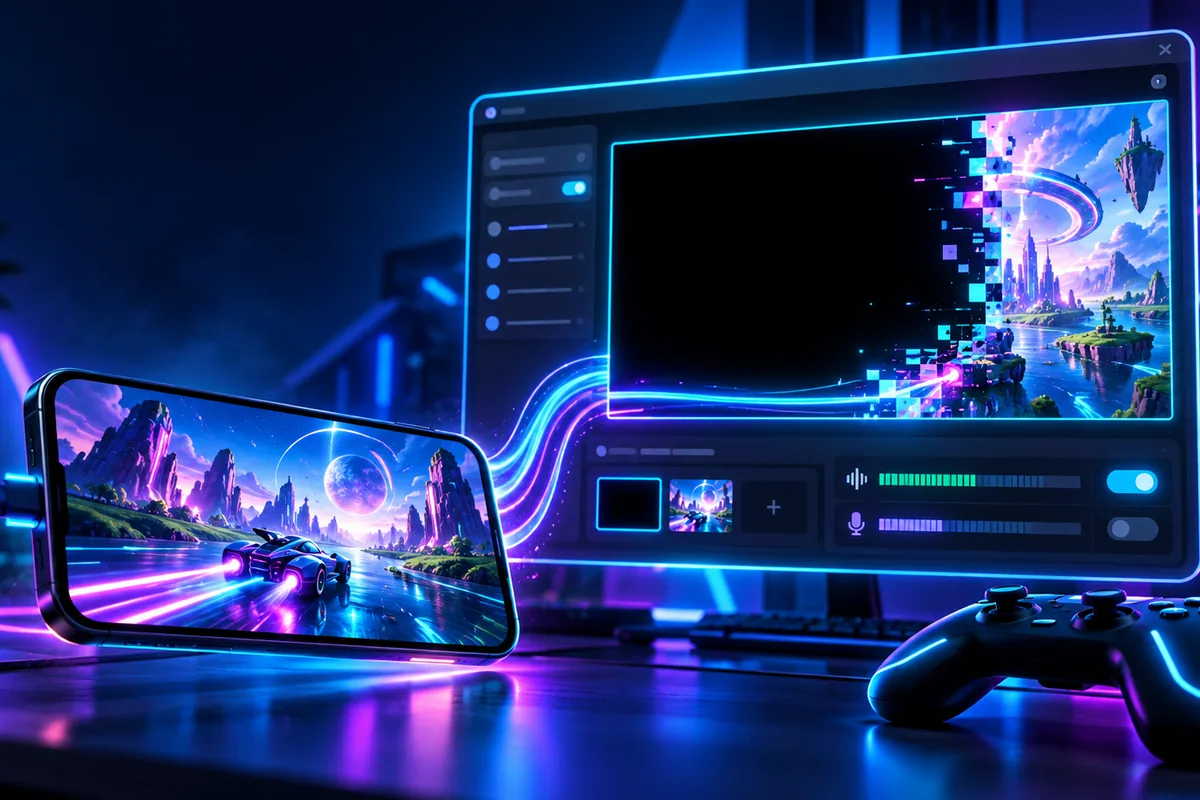
obs game capture black screen fix guide for Bangladesh gamers, updated October 2026

OBS Game Capture Black Screen Fix: Windows Troubleshooting Guide Using the 2022 Documentation [S1]

For an OBS Game Capture black screen fix, start by checking that your Game Capture source is set up correctly. OBS also recommends checking administrator requirements and conflicting software, including overlays. Some games have their own capture recommendations. [S1][S2][S3][S4]

The OBS troubleshooting page is dated January 2022. [S1] This guide focuses on the checks supported by the supplied documentation, rather than offering an unsupported universal fix. Use it to organise your troubleshooting and identify which recommendation actually matches your game.

Keep the question narrow: are you checking the source setup, an administrator requirement, an application conflict, or a documented display-mode recommendation? Those are the areas covered by the available OBS guidance. [S1][S2][S3][S4] Avoid treating every suggested check as a requirement for every game.

Start With the Game Capture Source Setup

The official troubleshooting page begins by telling users to make sure their Game Capture source is configured correctly. [S1] That makes the source itself the starting point for this guide, before moving on to the other documented checks.

However, the supplied evidence does not include a complete source-properties walkthrough. It does not provide a universal selection of capture options or a detailed list of source settings. Rather than filling those gaps with guesses, keep this stage focused on verifying your existing setup against the official instructions.

For your troubleshooting notes, separate “source setup checked” from “problem solved.” The purpose is to keep track of what you have reviewed, not to assume that the opening check must explain every black screen. Continue with the documented checks that fit your situation.

Check Whether Your Game Requires Administrator Access

OBS says that select games require OBS Studio to run as administrator to be captured properly. The documentation explicitly includes Call of Duty and Valorant among those examples. [S2]

If you are troubleshooting either of those games, running OBS Studio as administrator is a documented recommendation, rather than a speculative workaround. [S2] Keep that distinction clear when deciding which part of this guide to apply.

The wording matters: OBS describes this requirement for select games, not every game. [S2] Do not turn a game-specific recommendation into a claim that administrator access is always necessary or that it guarantees a working capture.

OBS also notes that running as administrator can help performance in some cases. [S2] That is a qualified statement, not a promised performance improvement. For this article, the relevant question remains whether administrator access is required for proper capture of your game.

Review Documented Application Conflicts

The OBS troubleshooting guidance directs users to check known application conflicts and specifically mentions overlays. [S3] This is another documented area to investigate when a Game Capture source does not show the game.

Use that recommendation as a prompt to review the official conflict information, not as proof that every overlay causes a black screen. The supplied excerpt identifies overlays as a category to check, but it does not provide a complete list of affected applications. [S3]

For the same reason, this guide does not name particular overlay products or other capture tools as confirmed causes. Keep any application-specific conclusion tied to documentation that actually names it. A broad warning about conflicts should not become an unsupported diagnosis of your setup.

Use Display-Mode Advice Only for the Documented Game

As of October 2026, the supplied research records an OBS recommendation to use windowed or borderless fullscreen for Counter-Strike 2. [S4] This is a game-specific display-mode recommendation, not a general instruction to change every game’s display mode.

If that is the game you are troubleshooting, the documented mode advice belongs on your checklist. [S4] For other games, the supplied evidence does not establish that the same change is appropriate. Avoid copying a recommendation across unrelated games simply because the visible symptom looks similar.

The practical takeaway is to match the advice to its scope: source setup is the opening check, administrator access applies to select games, overlays appear under potential conflicts, and the display-mode example is game-specific. [S1][S2][S3][S4]

For other gaming topics on HunterGamer, explore the informational top-up guides hub or browse the mobile games category. Keep those topics separate from the OBS troubleshooting checks above.

FAQ

What should I check first when OBS Game Capture is black?
Start by verifying that the Game Capture source is set up correctly. This is the opening instruction in the official troubleshooting guidance. [S1]

Does OBS need to run as administrator?
Select games require it for proper capture. OBS explicitly names Call of Duty and Valorant as examples; the guidance does not describe it as a universal requirement. [S2]

Should I check overlays during troubleshooting?
Yes. OBS directs users to review known application conflicts and includes overlays among the examples to check. [S3]
Previous Post

Jett in Valorant: Character Profile, Abilities and Duelist Role

Next Post

Minecraft Creeper Profile: Behavior, Explosions and How to Stay Safe

Related Posts

valorant pc requirements bangladesh guide for Bangladesh gamers, updated October 2026
News

VALORANT PC Requirements in Bangladesh: Minimum Specs and 30, 60, 144 FPS Tiers

October 21, 2026
valorant auto equip strongest weapon settings guide for Bangladesh gamers, updated October 2026
News

VALORANT Auto-Equip Settings: Strongest vs Most Recent Weapon

October 21, 2026
minecraft creeper guide for Bangladesh gamers, updated October 2026
News

Minecraft Creeper Profile: Behavior, Explosions and How to Stay Safe

October 21, 2026
Next Post
minecraft creeper guide for Bangladesh gamers, updated October 2026

Minecraft Creeper Profile: Behavior, Explosions and How to Stay Safe

valorant auto equip strongest weapon settings guide for Bangladesh gamers, updated October 2026

VALORANT Auto-Equip Settings: Strongest vs Most Recent Weapon

valorant pc requirements bangladesh guide for Bangladesh gamers, updated October 2026

VALORANT PC Requirements in Bangladesh: Minimum Specs and 30, 60, 144 FPS Tiers

Categories

  • Mobile Games
  • News
  • PC Games
  • PUBG
  • Reviews
  • Xbox One

Topics

2024 PUBG tricks Best Fortnite Xp Maps Best Games Browser Cyberpunk Days Gone Fortnite Fortnite Xp Maps Gamer Lag fix Offer PMPL 2023 South Asia PUBG PUBG game performance PUBG mobile lag fix PUBG Mobile Redeem Codes 2023 X-Box Xp Maps
  • Privacy Policy and Data Protection
  • Terms and Conditions of Website Use
  • Refund and Returns Policy for Digital Products
Call us: +880 1711 189127

Copyright © 2020 - 2026 Hunter Gamer · All Rights Reserved.

Welcome Back!

Login to your account below

Forgotten Password?

Retrieve your password

Please enter your username or email address to reset your password.

Log In
No Result
View All Result
  • Home
  • Mobile Games
    • PUBG
    • Fortnite
  • PC Games
  • Reviews
  • News
  • Insights
  • Streamers
    • Australia
    • Bangladesh
    • Canada
    • Hong Kong
    • India
    • Indonesia
    • Malaysia
    • Moroccan
    • Nepal
    • Singapore
    • Spain
    • Taiwan
    • Thailand
    • Türkiye
    • United Kingdom
    • United States
    • Vietnam
  • Online Games
    • Dex Ball

Copyright © 2020 - 2026 Hunter Gamer · All Rights Reserved.