• Latest
  • Trending
  • All
Illustrative minimum, recommended and high-end PC hardware configurations

VALORANT PC Requirements in Bangladesh: Minimum Specs and 30, 60, 144 FPS Tiers

November 16, 2026

Steam Game Recording Guide 2026: Save and Export Clips

November 16, 2026
Two smartphones moving a glowing stream with a soccer ball from the old phone to the new phone under stadium lights.

eFootball Mobile Data Transfer: New Phone Guide (2026)

November 16, 2026
A smartphone wrapped in a glowing orange energy dome with a chain of light linking it to a floating shield emblem.

How to Bind a Free Fire Guest Account Safely in 2026

November 16, 2026
A golden footballer hologram rising from a smartphone screen toward a floating golden shield with a check mark.

PUBG Mobile Account Recovery 2026: Choose the Right Option

November 16, 2026
valorant settings guide hero

VALORANT Settings Guide: Seven Options Worth Checking

November 16, 2026
Five glowing crystal obelisks in different colors on a dark arena floor.

VALORANT Agent Profiles: All Abilities, Roles and How to Play Them

November 16, 2026
Blue and amber blocks labeled Version 4.7, November 12, and Flash, November 13, 2026.

PUBG Mobile 4.7 and Flash Release Dates: November 2026

November 16, 2026
Editorial illustration of a stylized game profile screen with an ornamental nickname banner made of star and bracket symbols above a stat panel.

PUBG Mobile Name Symbols 2026: What Works and How to Change Your Name

November 16, 2026
Editorial illustration of a rugged metal supply capsule descending by parachute onto a rocky island as a storm and distant lightning gather over the sea.

Free Fire Storm Arena 2026: Free Rewards and What to Check

November 16, 2026
OBS virtual camera settings for gaming calls guide for Bangladesh gamers, updated November 2026

How to Set Up OBS Virtual Camera for Gaming Calls

November 16, 2026
Editorial illustration of separate voice, game and combined audio recordings on translucent tapes

OBS Separate Audio Tracks: Record Your Mic and Game Audio for Stream Highlights

November 16, 2026
Editorial microphone and audio meter with a physical stop marking the output ceiling

OBS Microphone Limiter Settings: Control Loud Voice Peaks in Gaming Streams

November 16, 2026
  • About Hunter Gamer
  • Advertising & Sponsorship Opportunities
  • Contact Us for Gaming News & Support
Tuesday, November 17, 2026
  • Login
Hunter Gamer
  • Shop
  • Home
  • Mobile Games
    • PUBG
  • PC Games
  • Reviews
  • News
  • Insights
  • Streamers
    • Australia
    • Bangladesh
    • Canada
    • Hong Kong
    • India
    • Indonesia
    • Malaysia
    • Moroccan
    • Nepal
    • Singapore
    • Spain
    • Taiwan
    • Thailand
    • Türkiye
    • United Kingdom
    • United States
    • Vietnam
  • Online Games
    • Dex Ball

No products in the cart.

No Result
View All Result
Hunter Gamer
  • Shop
  • Home
  • Mobile Games
    • PUBG
  • PC Games
  • Reviews
  • News
  • Insights
  • Streamers
    • Australia
    • Bangladesh
    • Canada
    • Hong Kong
    • India
    • Indonesia
    • Malaysia
    • Moroccan
    • Nepal
    • Singapore
    • Spain
    • Taiwan
    • Thailand
    • Türkiye
    • United Kingdom
    • United States
    • Vietnam
  • Online Games
    • Dex Ball
No Result
View All Result
Hunter Gamer
No Result
View All Result

VALORANT PC Requirements in Bangladesh: Minimum Specs and 30, 60, 144 FPS Tiers

November 16, 2026
in News
Reading Time: 4 mins read
0 0
Home News
5
VIEWS
Share on FacebookShare on Twitter

VALORANT PC Requirements in Bangladesh: Minimum Specs and FPS Tiers for 2026

Looking for VALORANT PC requirements in Bangladesh? Riot’s hardware table lists minimum, recommended, and high-end configurations for 30, 60, and 144 FPS respectively. The shared requirements include 4GB RAM, a supported 64-bit Windows version, and DirectX 11 support.

This guide presents the Riot requirements as of October 2026. It keeps the processor and graphics options separate for each tier, followed by the memory, operating-system, and security requirements.

For the minimum tier, Riot lists Intel i3-540 or AMD Athlon 200GE processors, alongside Intel HD 4000 or AMD Radeon R5 220 graphics. Dedicated graphics also require at least 1GB VRAM. The higher-tier hardware options are listed below.

Minimum Specs (30 FPS)

Riot’s Minimum Specs tier is the 30 FPS entry in its requirements table. Its listed processor options cover Intel and AMD, while the graphics options include Intel HD graphics and an AMD Radeon model.
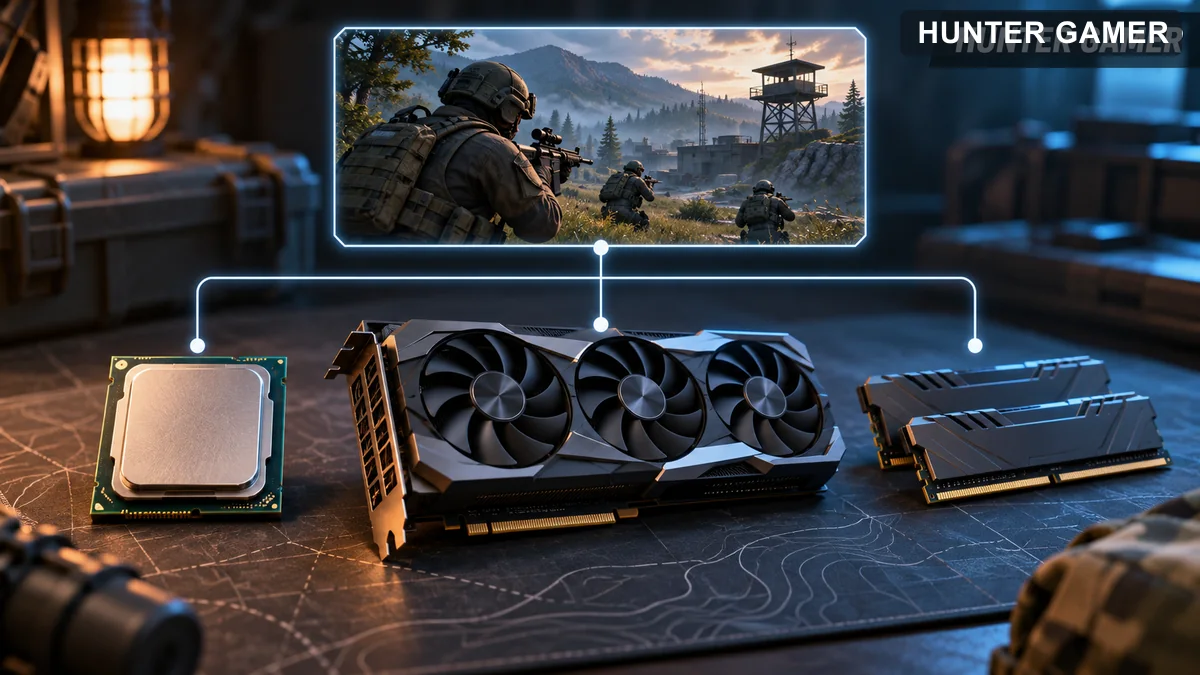
CPU, graphics card and RAM shown as separate PC requirement categories
  • CPU: Intel i3-540 or AMD Athlon 200GE.
  • GPU: Intel HD 4000 or AMD Radeon R5 220.
  • RAM: 4GB under the shared memory requirement.
  • Dedicated/discrete graphics memory: at least 1GB VRAM.

The minimum processor list does not include ARM support; Riot explicitly marks ARM as unsupported. This restriction also appears alongside the processor entries for the other performance tiers.

The memory requirement sits outside the individual CPU and GPU entries: Riot lists 4GB RAM, with the separate VRAM condition applying when dedicated or discrete graphics are used.

Recommended Specs (60 FPS)

Riot’s Recommended Specs tier is the 60 FPS entry. It has a different set of listed processors and graphics hardware from the minimum tier.

  • Intel CPU option: Intel i3-4150.
  • AMD CPU option: AMD Ryzen 3 1200.
  • NVIDIA GPU option: NVIDIA GeForce GT 730.
  • AMD GPU option: AMD Radeon R7 240.

In this tier, the Intel and AMD models are listed under CPU, while the NVIDIA and AMD Radeon models are listed under GPU. Keeping those categories separate makes the official hardware list easier to read.

Riot’s table gives a shared RAM requirement of 4GB rather than a separate memory figure for this tier. The dedicated-graphics requirement remains at least 1GB VRAM.

High-end Specs (144 FPS)

Riot labels its 144 FPS entry “High-end Specs.” This tier lists Intel and AMD processor options, with graphics options from NVIDIA, AMD, and Intel.

  • Intel CPU option: Intel i5-9400F, listed at 2.90GHz.
  • AMD CPU option: AMD Ryzen 5 2600X.
  • NVIDIA GPU option: NVIDIA GTX 1050 Ti.
  • AMD GPU option: AMD Radeon R7 370.
  • Intel GPU option: Intel Arc A310.

The Intel Arc entry belongs to the graphics list, while the Intel Core entry belongs to the processor list. ARM is again marked as unsupported in this tier.

These are the high-end CPU and GPU entries in the requirements table. The operating-system and memory requirements are presented separately below, rather than as additional performance tiers.

RAM, Windows, and Security Requirements

Beyond the processor and graphics lists, Riot specifies memory, Windows, and graphics-support requirements. As of October 2026, the requirements are as follows.
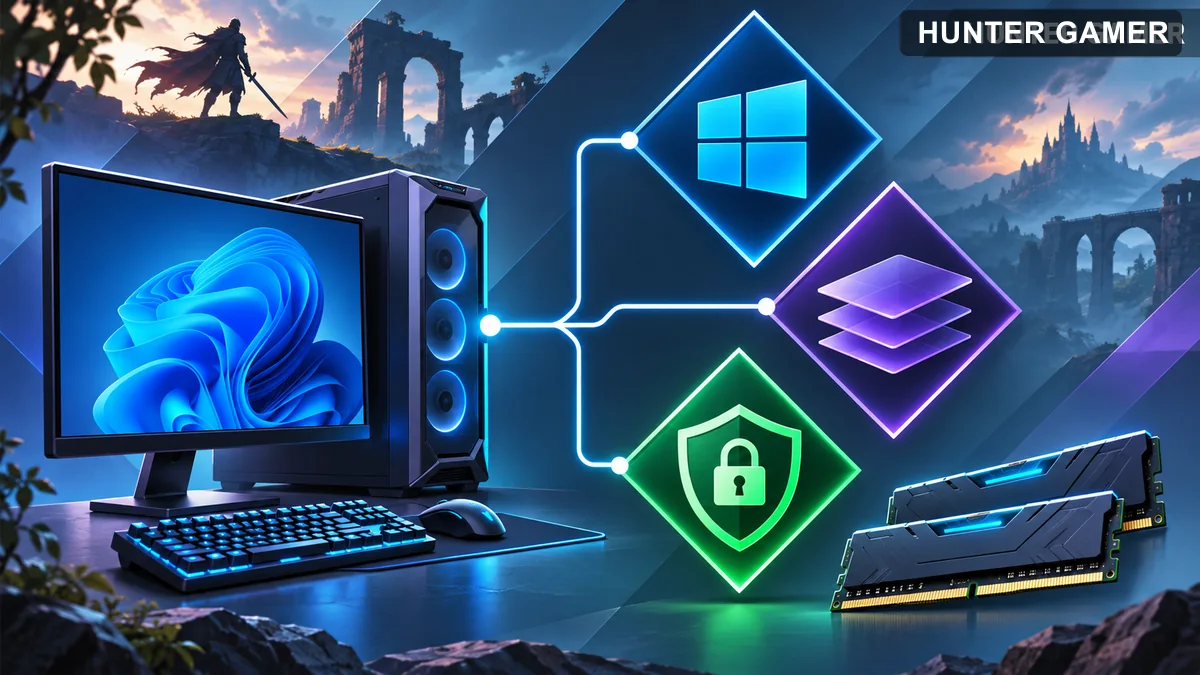
Concept illustration of Windows compatibility, graphics support and security features
  • System memory: 4GB RAM.
  • Video memory: at least 1GB VRAM when using dedicated/discrete graphics.
  • Operating system: Windows 10, Build 19041 or later, 64-bit, as shown in the main OS table.
  • Alternative operating system: Windows 11, 64-bit.
  • Graphics support: DirectX 11 is required.

For Windows 11, Riot additionally requires TPM 2.0 and UEFI Secure Boot as of October 2026. These appear under Windows requirements, separate from the CPU and GPU performance-tier listings.

There is a discrepancy in the Windows information: the main OS table lists Windows 10 Build 19041+, while the separate support paragraph says Build 10904 and above. The list above follows the main OS table rather than silently combining those entries.

Riot also says the game requires the latest graphics drivers, which may need a newer Windows build, and directs readers to NVIDIA, AMD, or Intel for further information. The original reference is Riot’s Minimum & Recommended PC Specs page.

For other informational reading on HunterGamer, explore the informational top-up guides hub or browse the mobile games category.

FAQ

How much RAM does VALORANT require?

Riot lists 4GB RAM. If the system uses dedicated or discrete graphics, it also needs at least 1GB VRAM.

Does VALORANT support ARM processors?

No. Riot marks ARM as unsupported across the listed processor tiers.

What extra security requirements apply on Windows 11?

As of October 2026, Riot requires TPM 2.0 and UEFI Secure Boot on Windows 11. The operating system must also be 64-bit.
Published by

Hunter Gamer

Hunter Gamer has covered games, esports, and streamers for readers in Bangladesh and beyond since 2019. The site publishes gaming news and explainers, practical settings and troubleshooting guides for mobile and PC players, Bangladesh buying information for gaming hardware and digital products, and profiles of creators alongside their official channels.

Articles are built on official game, platform, and product information where it is available, and sources are linked when a claim needs attribution. Because prices, release dates, and game settings change, each article carries a review date and readers are asked to check the linked source before buying anything or changing an account setting. Where something cannot be verified, the article says so rather than guessing. Articles are revised when an error is found or when a change makes an older guide misleading — corrections and news tips are welcome through the contact page.

About Hunter GamerSpotted an error? Tell us

Previous Post

OBS Game Capture Black Screen on Windows: Troubleshooting Guide for Gaming Streamers

Next Post

How to Clip a YouTube Gaming Livestream and Share Highlights

Related Posts

Blue and amber blocks labeled Version 4.7, November 12, and Flash, November 13, 2026.
Mobile Games

PUBG Mobile 4.7 and Flash Release Dates: November 2026

November 16, 2026
Editorial illustration of a rugged metal supply capsule descending by parachute onto a rocky island as a storm and distant lightning gather over the sea.
News

Free Fire Storm Arena 2026: Free Rewards and What to Check

November 16, 2026
OBS virtual camera settings for gaming calls guide for Bangladesh gamers, updated November 2026
News

How to Set Up OBS Virtual Camera for Gaming Calls

November 16, 2026
Next Post
Short gaming highlight selected from a longer livestream timeline

How to Clip a YouTube Gaming Livestream and Share Highlights

Conceptual block-world first-person view comparing a tilted hurt camera with a level view

Minecraft Java Damage Tilt: Reduce Camera Shake When Hurt

Game audio enters a recording while chat and desktop sounds remain separate

How to Capture Only Game Audio in OBS Without Discord or Desktop Sounds

Categories

  • Mobile Games
  • News
  • PC Games
  • PUBG
  • Reviews

Topics

2024 PUBG tricks Best Fortnite Xp Maps Best Games Cyberpunk Days Gone Fortnite Fortnite Xp Maps Gamer Lag fix PMPL 2023 South Asia PUBG PUBG game performance PUBG mobile lag fix PUBG Mobile Redeem Codes 2023 Xp Maps
  • Top-Up Shop
  • About Us
  • Contact
  • Privacy Policy and Data Protection
  • Terms and Conditions of Website Use
  • Refund and Returns Policy for Digital Products
Call us: +880 1711 189127

Copyright © 2020 - 2026 Hunter Gamer · All Rights Reserved.

Welcome Back!

Login to your account below

Forgotten Password?

Retrieve your password

Please enter your username or email address to reset your password.

Log In
No Result
View All Result
  • Shop
  • Home
  • Mobile Games
    • PUBG
  • PC Games
  • Reviews
  • News
  • Insights
  • Streamers
    • Australia
    • Bangladesh
    • Canada
    • Hong Kong
    • India
    • Indonesia
    • Malaysia
    • Moroccan
    • Nepal
    • Singapore
    • Spain
    • Taiwan
    • Thailand
    • Türkiye
    • United Kingdom
    • United States
    • Vietnam
  • Online Games
    • Dex Ball

Copyright © 2020 - 2026 Hunter Gamer · All Rights Reserved.