• Latest
  • Trending
  • All
how to clip a YouTube gaming livestream guide for Bangladesh gamers, updated October 2026

How to Clip a YouTube Gaming Livestream and Share Highlights

October 22, 2026
valorant agent specific keybinds guide for Bangladesh gamers, updated October 2026

VALORANT Agent-Specific Keybinds: How to Set Different Controls for Each Agent

October 22, 2026
valorant pc requirements bangladesh guide for Bangladesh gamers, updated October 2026

VALORANT PC Requirements in Bangladesh: Minimum Specs and 30, 60, 144 FPS Tiers

October 21, 2026
valorant auto equip strongest weapon settings guide for Bangladesh gamers, updated October 2026

VALORANT Auto-Equip Settings: Strongest vs Most Recent Weapon

October 21, 2026
minecraft creeper guide for Bangladesh gamers, updated October 2026

Minecraft Creeper Profile: Behavior, Explosions and How to Stay Safe

October 21, 2026
obs game capture black screen fix guide for Bangladesh gamers, updated October 2026

OBS Game Capture Black Screen on Windows: Troubleshooting Guide for Gaming Streamers

October 21, 2026
jett valorant character profile guide for Bangladesh gamers, updated October 2026

Jett in Valorant: Character Profile, Abilities and Duelist Role

October 20, 2026
pubg mobile update not downloading android bangladesh guide for Bangladesh gamers, updated October 2026

PUBG Mobile Update Not Downloading? Android Troubleshooting Guide for Bangladesh

October 20, 2026
valorant left handed mode settings guide for Bangladesh gamers, updated October 2026

How to Enable Left-Handed Mode in Valorant: Viewmodel Settings Explained

October 20, 2026
cypher valorant character profile guide for Bangladesh gamers, updated October 2026

Cypher in Valorant: Character Profile, Role and Abilities Explained

October 20, 2026
youtube live stream latency settings for gaming guide for Bangladesh gamers, updated October 2026

YouTube Live Latency Settings for Gaming: Normal, Low or Ultra-Low?

October 20, 2026
sage valorant character profile guide for Bangladesh gamers, updated October 2026

Sage in Valorant: Character Profile, Role and Abilities Explained

October 19, 2026
valorant multithreaded rendering on or off guide for Bangladesh gamers, updated October 2026

VALORANT Multithreaded Rendering: When to Turn It On or Off

October 19, 2026
  • About Our Gaming News Team Since 2019
  • Advertising & Sponsorship Opportunities
  • Contact Us for Gaming News & Support
Thursday, October 22, 2026
  • Login
Hunter Gamer
  • Home
  • Mobile Games
    • PUBG
    • Fortnite
  • PC Games
  • Reviews
  • News
  • Insights
  • Streamers
    • Australia
    • Bangladesh
    • Canada
    • Hong Kong
    • India
    • Indonesia
    • Malaysia
    • Moroccan
    • Nepal
    • Singapore
    • Spain
    • Taiwan
    • Thailand
    • Türkiye
    • United Kingdom
    • United States
    • Vietnam
  • Online Games
    • Dex Ball
Plugin Install : Cart Icon need WooCommerce plugin to be installed.
No Result
View All Result
Hunter Gamer
  • Home
  • Mobile Games
    • PUBG
    • Fortnite
  • PC Games
  • Reviews
  • News
  • Insights
  • Streamers
    • Australia
    • Bangladesh
    • Canada
    • Hong Kong
    • India
    • Indonesia
    • Malaysia
    • Moroccan
    • Nepal
    • Singapore
    • Spain
    • Taiwan
    • Thailand
    • Türkiye
    • United Kingdom
    • United States
    • Vietnam
  • Online Games
    • Dex Ball
No Result
View All Result
Hunter Gamer
No Result
View All Result

How to Clip a YouTube Gaming Livestream and Share Highlights

October 22, 2026
in News
Reading Time: 4 mins read
0 0
Home News
0
VIEWS
Share on FacebookShare on Twitter
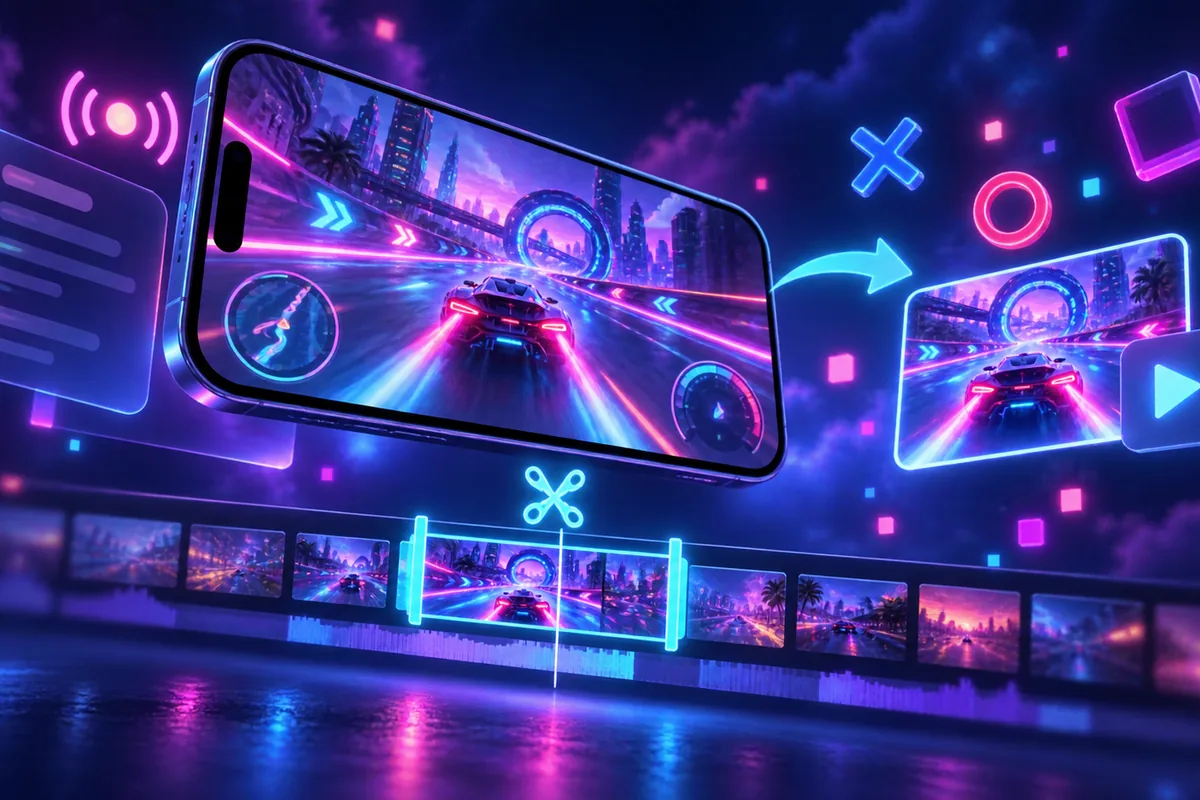
how to clip a YouTube gaming livestream guide for Bangladesh gamers, updated October 2026

How to Clip a YouTube Gaming Livestream and Share Highlights in 2026

To clip a YouTube gaming livestream, sign in to YouTube, open the content you want to clip, select More → Clip, add a title, choose your section, and select Share clip.[S4] You can then copy the clip’s link and paste it elsewhere.[S2]

Clips run between 5 and 60 seconds and play on a loop from the original video’s watch page.[S4] For a gaming highlight, aim to include the setup and the payoff rather than starting at the exact instant of the winning move.

Before you begin, check the livestream limitation: YouTube does not allow clips from livestreams without DVR or from livestreams longer than the DVR timeframe.[S3] That restriction is separate from a creator’s decision to prevent viewers from making clips.[S5]

Create Your Gaming Highlight

The supplied YouTube instructions document the following creation workflow.[S4] They do not establish separate mobile and desktop layouts, so use the named controls as your reference rather than assuming where a button will appear.

  • Sign in to YouTube. Signing in is part of the documented clip-creation process.[S4]
  • Open the content you want to clip. Select More → Clip to start creating the highlight.[S4]
  • Add a title. YouTube allows a clip title of up to 140 characters.[S4]
  • Select the moment. Drag the slider to adjust the selected section, keeping it between 5 and 60 seconds.[S4]
  • Select Share clip. Then choose a sharing option.[S4]

Choose a title that describes the actual moment. A clutch finish, an unexpected escape, or a funny team reaction can be a useful focus. Avoid a title that promises something the selected section does not show.

When choosing the boundaries, think about a viewer who missed the livestream. Try to leave enough context to understand the situation, then finish after the outcome is clear. If the moment feels confusing without a long explanation, consider selecting a different highlight.

Share the Clip Link Clearly

YouTube lets you copy a link to your clip and paste it somewhere else.[S2] The clip plays on a loop from the original video’s watch page.[S4]

When sharing, add a short description of why the moment is worth watching. Keep that description focused on what appears in the highlight rather than making claims about the streamer’s skill, popularity, or achievements.

For example, describe the match situation or invite friends to watch the final exchange. Avoid giving away the entire payoff if the surprise is the reason you chose the moment.

You can find clips you made, along with clips viewers made from your content, in the Clips library.[S6] Use that library when you want to revisit a highlight rather than relying only on a previously shared message.

Why a Livestream Clip May Be Unavailable

A creator can prevent viewers from creating and sharing clips of their videos.[S5] Livestream eligibility is a different issue: streams without DVR and streams longer than the DVR timeframe cannot be clipped.[S3]

If a clip from an ongoing livestream is not working, YouTube’s guidance says clips will show up after the livestream has finished and is uploaded as a video.[S3] Do not assume that creating a clip guarantees immediate playback while the broadcast continues.

The original content also affects availability. A clip is removed if the original video is deleted, made private, or violates YouTube’s Community Guidelines.[S3] Clips made from unlisted videos remain available.[S3]

Keep these cases separate when troubleshooting. Creator permission, livestream eligibility, and the original video’s availability are distinct considerations documented in the supplied guidance.[S3][S5]

Find or Delete Your Own Clips

To delete a clip you created, sign in to YouTube and open Your Clips under the You section in the left menu. Find the clip, select its menu, and choose Delete clip → Delete forever.[S6]

Deleting a clip removes it from YouTube. People with its URL and the creator who owns the original video will no longer have access to that clip.[S1] Check that you have selected the intended highlight before confirming deletion.

For related reading on HunterGamer, explore the mobile games category or the informational top-up guides hub.

FAQ

How long can a YouTube clip be?
A YouTube clip can be between 5 and 60 seconds long, with the selected section playing on a loop from the original video’s watch page.[S4]

Do I need to sign in to create a clip?
Yes. YouTube’s documented creation steps begin with signing in before opening the video and selecting the Clip option.[S4]

Will my clip remain available if the original video becomes private?
No. Making the original video private removes the clip; deleting the original video also removes it.[S3]
Previous Post

VALORANT Agent-Specific Keybinds: How to Set Different Controls for Each Agent

Related Posts

valorant agent specific keybinds guide for Bangladesh gamers, updated October 2026
News

VALORANT Agent-Specific Keybinds: How to Set Different Controls for Each Agent

October 22, 2026
valorant pc requirements bangladesh guide for Bangladesh gamers, updated October 2026
News

VALORANT PC Requirements in Bangladesh: Minimum Specs and 30, 60, 144 FPS Tiers

October 21, 2026
valorant auto equip strongest weapon settings guide for Bangladesh gamers, updated October 2026
News

VALORANT Auto-Equip Settings: Strongest vs Most Recent Weapon

October 21, 2026

Categories

  • Mobile Games
  • News
  • PC Games
  • PUBG
  • Reviews
  • Xbox One

Topics

2024 PUBG tricks Best Fortnite Xp Maps Best Games Browser Cyberpunk Days Gone Fortnite Fortnite Xp Maps Gamer Lag fix Offer PMPL 2023 South Asia PUBG PUBG game performance PUBG mobile lag fix PUBG Mobile Redeem Codes 2023 X-Box Xp Maps
  • Privacy Policy and Data Protection
  • Terms and Conditions of Website Use
  • Refund and Returns Policy for Digital Products
Call us: +880 1711 189127

Copyright © 2020 - 2026 Hunter Gamer · All Rights Reserved.

Welcome Back!

Login to your account below

Forgotten Password?

Retrieve your password

Please enter your username or email address to reset your password.

Log In
No Result
View All Result
  • Home
  • Mobile Games
    • PUBG
    • Fortnite
  • PC Games
  • Reviews
  • News
  • Insights
  • Streamers
    • Australia
    • Bangladesh
    • Canada
    • Hong Kong
    • India
    • Indonesia
    • Malaysia
    • Moroccan
    • Nepal
    • Singapore
    • Spain
    • Taiwan
    • Thailand
    • Türkiye
    • United Kingdom
    • United States
    • Vietnam
  • Online Games
    • Dex Ball

Copyright © 2020 - 2026 Hunter Gamer · All Rights Reserved.