• Latest
  • Trending
  • All
Conceptual illustration of game scene rendering through parallel CPU work lanes

VALORANT Multithreaded Rendering: When to Turn It On or Off

November 3, 2026
Editorial illustration of a stylized game profile screen with an ornamental nickname banner made of star and bracket symbols above a stat panel.

PUBG Mobile Name Symbols 2026: What Works and How to Change Your Name

November 10, 2026
Editorial illustration of a rugged metal supply capsule descending by parachute onto a rocky island as a storm and distant lightning gather over the sea.

Free Fire Storm Arena 2026: Free Rewards and What to Check

November 9, 2026
OBS virtual camera settings for gaming calls guide for Bangladesh gamers, updated November 2026

How to Set Up OBS Virtual Camera for Gaming Calls

November 9, 2026
Editorial game illustration of Fade's watcher marking opponents and a Prowler following a Terror Trail

Fade Valorant Character Profile: Role, Abilities, and Beginner Tips

November 6, 2026
Editorial illustration of separate voice, game and combined audio recordings on translucent tapes

OBS Separate Audio Tracks: Record Your Mic and Game Audio for Stream Highlights

November 6, 2026
Editorial microphone and audio meter with a physical stop marking the output ceiling

OBS Microphone Limiter Settings: Control Loud Voice Peaks in Gaming Streams

November 6, 2026
Editorial game illustration of a cybernetic forearm sending a seismic pulse through a wall as a teammate waits

Breach Valorant Character Profile: Role, Abilities and Teamplay Basics

November 6, 2026
Editorial game illustration of a nature-inspired scout sending a hawk and animal ahead while teammates receive healing under cover

Skye Valorant Character Profile: Role, Abilities and Teamplay Basics

November 6, 2026
Editorial illustration of a desktop notification being copied from a gaming display into a public stream

How to Keep Desktop Notifications Off Your Gaming Stream in OBS

November 6, 2026
Editorial router and game controller beside an observational graph with fluctuating connection peaks

VALORANT Network Stats Settings: Check Ping Spikes and Connection Jitter

November 6, 2026
Editorial audio mixer with game-sound level lowering while microphone speech rises

OBS Audio Ducking: Lower Game Sound Automatically While You Talk

November 6, 2026
Two mobile game scenes comparing a large battle royale island with a compact multiplayer arena

Call of Duty: Mobile Overview for PUBG Players: Modes, Loadouts, and What to Try

November 6, 2026
  • About Hunter Gamer
  • Advertising & Sponsorship Opportunities
  • Contact Us for Gaming News & Support
Wednesday, November 11, 2026
  • Login
Hunter Gamer
  • Shop
  • Home
  • Mobile Games
    • PUBG
    • Fortnite
  • PC Games
  • Reviews
  • News
  • Insights
  • Streamers
    • Australia
    • Bangladesh
    • Canada
    • Hong Kong
    • India
    • Indonesia
    • Malaysia
    • Moroccan
    • Nepal
    • Singapore
    • Spain
    • Taiwan
    • Thailand
    • Türkiye
    • United Kingdom
    • United States
    • Vietnam
  • Online Games
    • Dex Ball

No products in the cart.

No Result
View All Result
Hunter Gamer
  • Shop
  • Home
  • Mobile Games
    • PUBG
    • Fortnite
  • PC Games
  • Reviews
  • News
  • Insights
  • Streamers
    • Australia
    • Bangladesh
    • Canada
    • Hong Kong
    • India
    • Indonesia
    • Malaysia
    • Moroccan
    • Nepal
    • Singapore
    • Spain
    • Taiwan
    • Thailand
    • Türkiye
    • United Kingdom
    • United States
    • Vietnam
  • Online Games
    • Dex Ball
No Result
View All Result
Hunter Gamer
No Result
View All Result

VALORANT Multithreaded Rendering: When to Turn It On or Off

November 3, 2026
in News
Reading Time: 2 mins read
0 0
Home News
15
VIEWS
Share on FacebookShare on Twitter

Riot recommends considering Multithreaded Rendering on high-end VALORANT PCs. Its support guide says the setting can improve CPU performance and graphics quality on suitable hardware. That is a conditional recommendation, not a guarantee that turning it on will raise FPS on every PC.

Check your hardware first

Riot lists 8 GB RAM, 2 GB VRAM, and a CPU with at least 8 physical or virtual cores as the specifications for making the most of the feature. Because virtual cores count, Riot says many four-core CPUs may qualify. The option may only appear when the machine meets the game’s requirements for the feature.
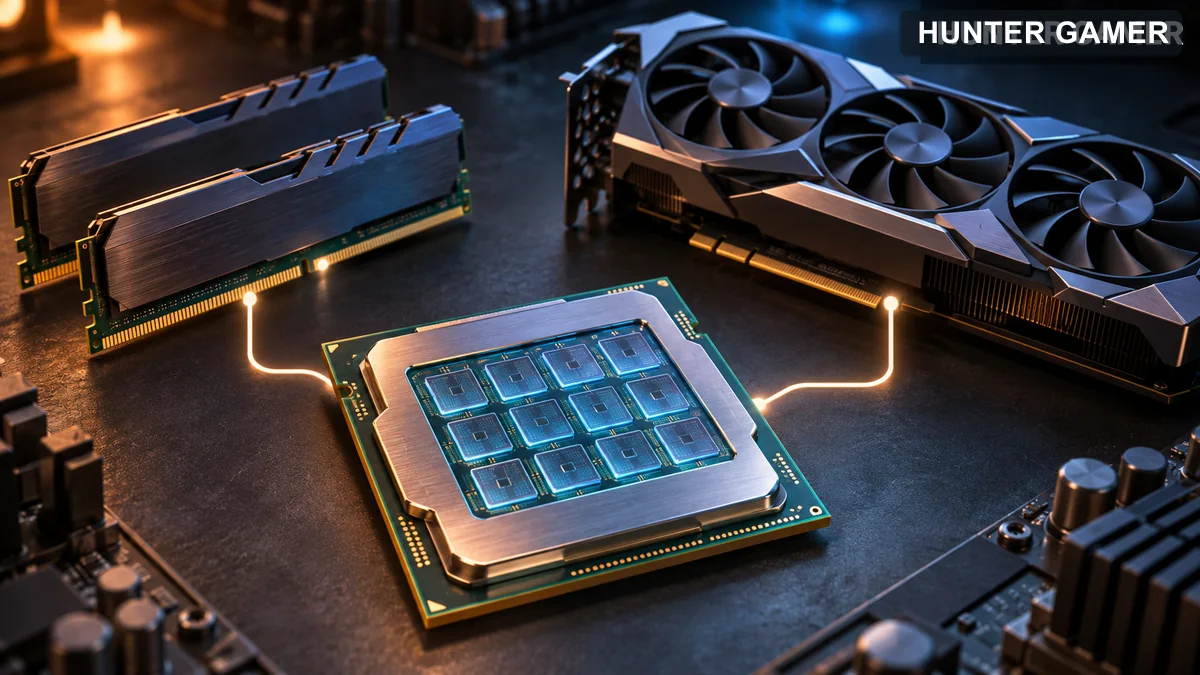
CPU, memory and graphics card shown as hardware factors for multithreaded rendering

Where to change it

  • From the VALORANT main menu, open the gear icon and choose Settings.
  • Open Graphics Quality and look for Multithreaded Rendering.
  • Select On to try it. If your machine offers the setting, compare gameplay on your own PC before deciding whether to leave it enabled.

On or off?

If your PC meets Riot’s listed specifications, On is worth trying. If you see worse stability or no useful improvement on your own machine, compare again with Off. Keep the same scene and other graphics settings during the comparison. Riot does not publish a universal FPS gain or a rule that every lower-spec device must switch it off.
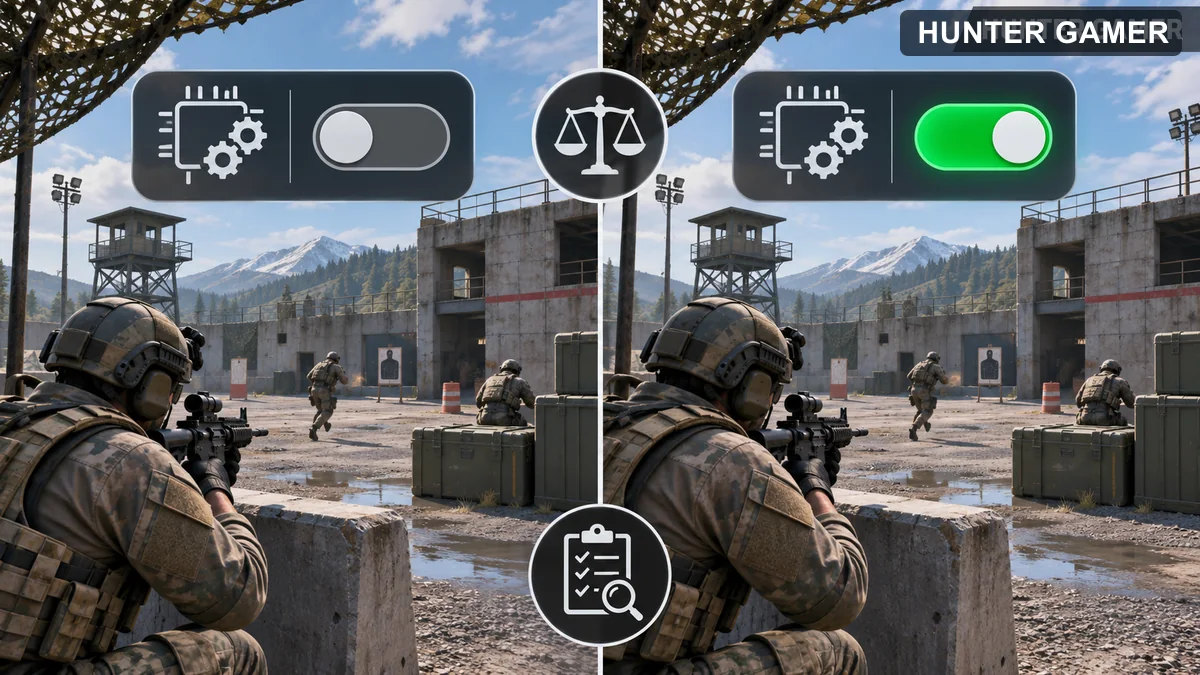
Same tactical practice scene shown with two rendering toggle states for a neutral comparison

Sources and version

Riot’s Multithreaded Rendering support guide gives the hardware recommendation and menu instructions. Patch 1.01 describes the option’s initial availability. Reviewed October 31, 2026.
Previous Post

YouTube Mobile Live Streaming Requirements: A Guide for Gaming Streamers in Bangladesh

Next Post

Sage in Valorant: Character Profile, Role and Abilities Explained

Related Posts

Editorial illustration of a rugged metal supply capsule descending by parachute onto a rocky island as a storm and distant lightning gather over the sea.
News

Free Fire Storm Arena 2026: Free Rewards and What to Check

November 9, 2026
OBS virtual camera settings for gaming calls guide for Bangladesh gamers, updated November 2026
News

How to Set Up OBS Virtual Camera for Gaming Calls

November 9, 2026
Editorial game illustration of Fade's watcher marking opponents and a Prowler following a Terror Trail
News

Fade Valorant Character Profile: Role, Abilities, and Beginner Tips

November 6, 2026
Next Post
Illustration of a fictional healer Sentinel with a healing orb and protective wall

Sage in Valorant: Character Profile, Role and Abilities Explained

Three conceptual stream paths balancing viewer delay, interaction and buffering

YouTube Live Latency Settings for Gaming: Normal, Low or Ultra-Low?

Fictional masked Moroccan-inspired sentinel surrounded by surveillance lines and camera lenses

Cypher in Valorant: Character Profile, Role and Abilities Explained

Categories

  • Mobile Games
  • News
  • PC Games
  • PUBG
  • Reviews
  • Xbox One

Topics

2024 PUBG tricks Best Fortnite Xp Maps Best Games Browser Cyberpunk Days Gone Fortnite Fortnite Xp Maps Gamer Lag fix Offer PMPL 2023 South Asia PUBG PUBG game performance PUBG mobile lag fix PUBG Mobile Redeem Codes 2023 X-Box Xp Maps
  • Top-Up Shop
  • About Us
  • Contact
  • Privacy Policy and Data Protection
  • Terms and Conditions of Website Use
  • Refund and Returns Policy for Digital Products
Call us: +880 1711 189127

Copyright © 2020 - 2026 Hunter Gamer · All Rights Reserved.

Welcome Back!

Login to your account below

Forgotten Password?

Retrieve your password

Please enter your username or email address to reset your password.

Log In
No Result
View All Result
  • Shop
  • Home
  • Mobile Games
    • PUBG
    • Fortnite
  • PC Games
  • Reviews
  • News
  • Insights
  • Streamers
    • Australia
    • Bangladesh
    • Canada
    • Hong Kong
    • India
    • Indonesia
    • Malaysia
    • Moroccan
    • Nepal
    • Singapore
    • Spain
    • Taiwan
    • Thailand
    • Türkiye
    • United Kingdom
    • United States
    • Vietnam
  • Online Games
    • Dex Ball

Copyright © 2020 - 2026 Hunter Gamer · All Rights Reserved.