- Latest
- Trending
VALORANT offers a left-handed first-person viewmodel. Riot’s Patch 1.11 notes say to open the game settings and change the viewmodel to Left-Handed. The notes do not give a more detailed tab path, so use the viewmodel label rather than assuming a tab name from an older screenshot.
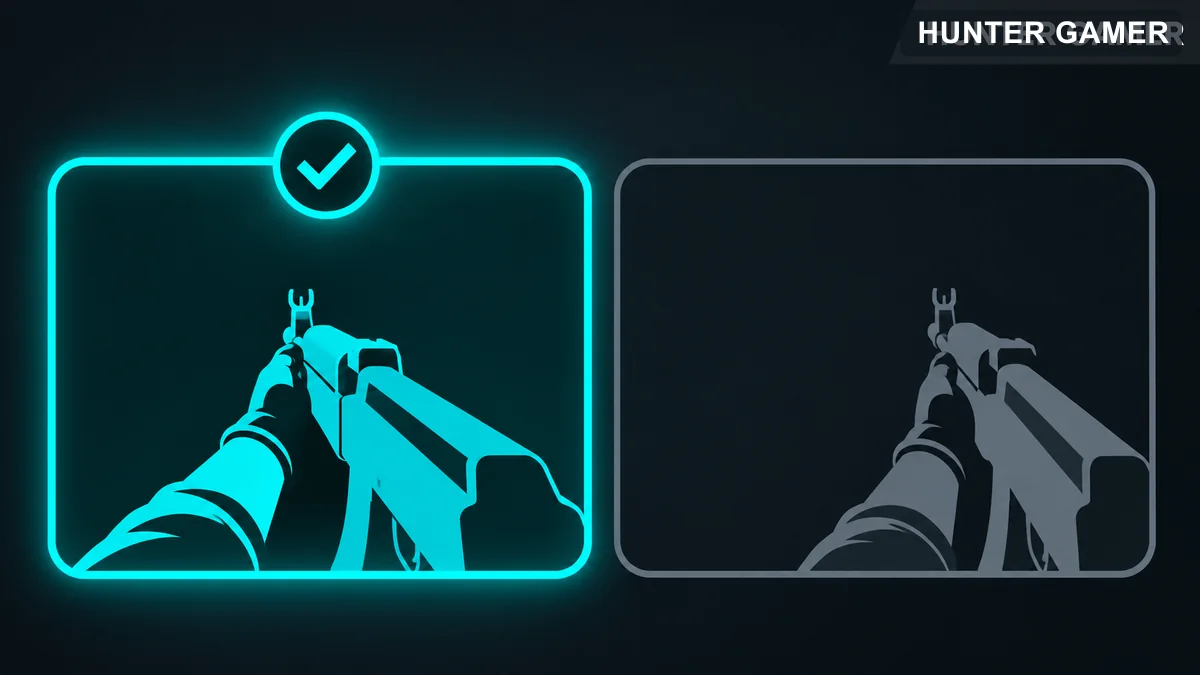
Riot says this selection also displays other players as left-handed while you spectate them. It is a presentation choice. Riot’s announcement does not claim increased accuracy or a damage advantage, so choose the side that you find easier to read.
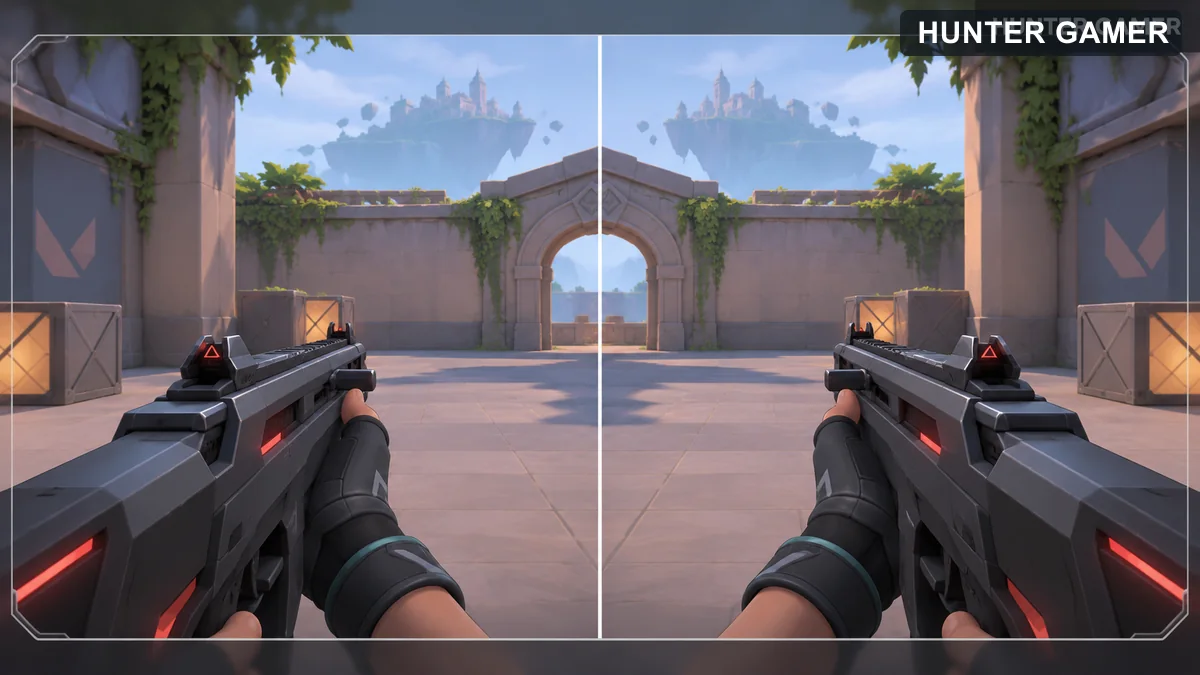
If you cannot find the viewmodel selection, check the labels shown by your installed client and its current patch notes. This guide follows the original release announcement and has not been tested against every later interface version.
Riot Games, VALORANT Patch 1.11 notes, published October 27, 2020. Reviewed October 31, 2026.