• Latest
  • Trending
  • All
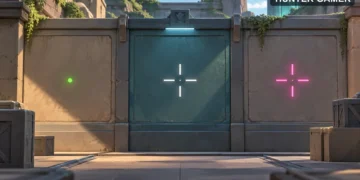
Green dot, compact white cross and pink cross illustrated on a tactical practice wall

Valorant Crosshair Codes: 10 Pro Setups to Copy for 2026

November 16, 2026
Editorial illustration of a phone framing a miniature football pitch beside a yellow router on a blue surface.

eFootball Mobile Graphics Settings: Fix Stutter in 2026

November 29, 2026
Editorial illustration of a laptop showing a small island landscape beside a packed travel bag and disconnected network cable.

Steam Offline Mode: Prepare Before Losing Internet (2026)

November 29, 2026
Illustration of game installation files being checked for missing components

Steam Verify Game Files: Repair Checklist (2026)

November 29, 2026
Illustration of a phone displaying a miniature football pitch beside a wireless gamepad, with blue connection arcs.

eFootball Mobile Controller Support: Setup Guide (2026)

November 29, 2026
Stylized illustration of game blocks moving between two storage drives on a navy platform.

How to Move Steam Games to Another Drive (2026)

November 29, 2026
Illustration of two phones linked by orange sound waves on a tropical squad-game terrain model.

Free Fire Mic Not Working? Voice Chat Checklist (2026)

November 29, 2026
Symbolic illustration of an Android phone reviewing optional PUBG Mobile resource downloads

PUBG Mobile Storage: Remove Unused Resources (2026)

November 29, 2026
Illustration of gameplay frames looping beside a monitor, with one frame saved to a video tile.

OBS Replay Buffer Guide: Save Gaming Clips in 2026

November 29, 2026
Symbolic comparison of different local and cloud save copies on two computers

Steam Cloud Conflict: Which Save Should You Keep? (2026)

November 29, 2026
Symbolic control layout receiving a share code that repositions its buttons

Free Fire HUD Share Code: Import and Setup Guide (2026)

November 29, 2026
Illustration of a tilted phone above training targets with an amber rotation arrow.

PUBG Mobile Gyroscope Not Working? 2026 Checklist

November 29, 2026
A curved gaming monitor showing a colorful game scene with a glowing timeline bar below it, one segment highlighted in gold.

Steam Game Recording Guide 2026: Save and Export Clips

November 17, 2026
  • About Hunter Gamer
  • Advertising & Sponsorship Opportunities
  • Contact Us for Gaming News & Support
Sunday, November 29, 2026
  • Login
Hunter Gamer
  • Shop
  • Home
  • Mobile Games
    • PUBG
  • PC Games
  • News
  • Insights
  • Streamers
    • Australia
    • Bangladesh
    • Canada
    • Hong Kong
    • India
    • Indonesia
    • Malaysia
    • Moroccan
    • Nepal
    • Singapore
    • Spain
    • Taiwan
    • Thailand
    • Türkiye
    • United Kingdom
    • United States
    • Vietnam
  • Online Games
    • Dex Ball

No products in the cart.

No Result
View All Result
Hunter Gamer
  • Shop
  • Home
  • Mobile Games
    • PUBG
  • PC Games
  • News
  • Insights
  • Streamers
    • Australia
    • Bangladesh
    • Canada
    • Hong Kong
    • India
    • Indonesia
    • Malaysia
    • Moroccan
    • Nepal
    • Singapore
    • Spain
    • Taiwan
    • Thailand
    • Türkiye
    • United Kingdom
    • United States
    • Vietnam
  • Online Games
    • Dex Ball
No Result
View All Result
Hunter Gamer
No Result
View All Result

Valorant Crosshair Codes: 10 Pro Setups to Copy for 2026

November 16, 2026
in PC Games
Reading Time: 6 mins read
0 0
Home PC Games
41
VIEWS
Share on FacebookShare on Twitter

Looking for Valorant crosshair codes pro 2026? Below are copy-and-paste setups for TenZ, aspas, Zekken and other familiar names, including Paper Rex players. Pick a style, copy its full string, then import it into your game. These codes were checked against official sources on September 24, 2026. Treat them as a snapshot, not permanent player settings.

A crosshair code is a shareable string containing a full profile: color, lines, dot and outlines. Importing one saves you from matching each setting manually. Players copy pro profiles because they offer a simple starting point. That does not make any single profile the best choice for your screen or your aim.

How to import Valorant crosshair codes

You do not need to rebuild the crosshair from a screenshot. Use the code directly inside Valorant:
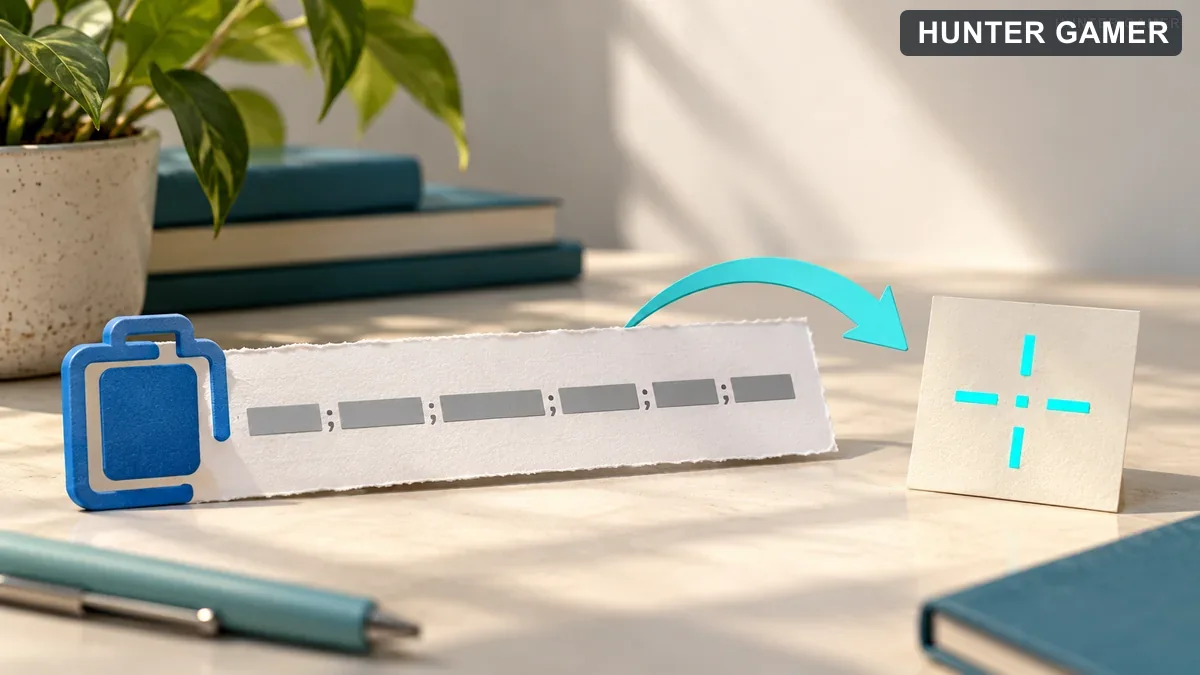
Masked crosshair profile string leading to a cyan crosshair preview card
  1. Open Valorant Settings.
  2. Go to Crosshair.
  3. Click “Import Profile Code”.
  4. Paste the complete code for your chosen player.
  5. Click “Import”.

Copy only the string in the code column, not the player’s name or style description. Keep every semicolon, letter and number intact. If you are copying on a phone before playing on a PC, transfer the full text rather than typing it again. A missing character means you are no longer importing the exact profile listed here.

10 Valorant pro crosshair codes to copy and paste

The ProConfig crosshair database lists 121 pro crosshairs with copyable import codes and individual player pages. It supplies the entries below except TenZ, whose code comes from our own settings guide. Team labels reflect the database snapshot rather than a separate live roster check.

PlayerCrosshair codeStyle
TenZ0;P;c;5;o;1;d;1;z;3;f;0;0t;1;0l;2;0o;2;0a;1;0f;0;1b;0Green dot with thin inner lines
aspas (LOUD)0;s;1;P;o;1;d;1;0b;0;1b;0;S;c;0Plain dot, white with a dark outline
Zekken (Sentinels)0;s;1;P;c;1;t;2;o;1;d;1;0b;0;1b;0;S;b;1;c;8;s;0.823Green dot
Derke (Fnatic)0;P;o;1;0t;1;0l;4;0o;2;0a;1;0f;0;1t;0;1l;1;1o;0;1a;1;1m;0;1f;0Small dot plus four short lines
Boaster (Fnatic)0;s;1;P;c;1;o;1;d;1;0l;0;0o;2;0a;1;0f;0;1t;0;1l;0;1o;0;1a;0;S;c;1;o;1Green dot with outline
Demon10;p;0;s;1;P;o;1;f;0;0t;1;0l;3;0o;2;0a;1;0f;0;1b;0;A;o;1;0t;1;0l;3;0o;2;0a;1;0f;0;1b;0;S;c;1;o;1Four-line white cross with outline
ScreaM0;s;1;P;c;5;o;1;d;1;f;0;0t;6;0l;0;0a;1;0f;0;1b;0;S;c;6;s;0.949;o;1Cyan cross with a center dot
f0rsakeN (Paper Rex)0;p;0;c;1;s;1;P;h;0;f;0;s;0;0l;3;0v;3;0g;1;0o;0;0a;1;0f;0;1b;0;A;o;1;d;1;0b;0;1b;0;S;d;0Small white cross, no dot
Jinggg (Paper Rex)0;s;1;P;c;8;u;FF99FFFF;o;1;b;1;f;0;0l;3;0o;2;0a;1;0f;0;1b;0;S;c;5;o;1Pink four-line cross with outline
something (Paper Rex)0;s;1;P;h;0;0l;2;0o;1;0a;1;0f;0;1b;0;S;c;0;s;0.713;o;1Small white cross

Want more names to compare? The same database also tracks yay, cNed, t3xture, d4v41, kamo and CHICHOO. Its yay and d4v41 entries use dot styles. You can also browse ProCrosshairs’ Valorant page while researching alternatives; it is not the source for this table.

Dot or cross: which style should you pick?

Dots keep the center clean

Dot-only crosshairs leave less around your aiming point. Try aspas if you want a plain white dot with a dark outline, or compare Zekken and Boaster for green options. Start here if extra lines feel distracting. If a dot is difficult for you to follow, there is no reason to force it just because a pro uses one.

Small crosses add a visible reference

Small crosses balance visibility and precision. f0rsakeN and something offer small white styles, while Jinggg uses a pink four-line cross with an outline. Demon1’s listed profile is another outlined option. TenZ, Derke and ScreaM give you dot-and-line combinations to compare against simpler profiles.

Judge the result on your own screen. Can you find the center easily? Does it stay readable without covering more than you want? Personal preference matters more than picking the most famous player. Change one part at a time if you decide to adjust an imported setup, so you can tell what feels different.

A pro code is a starting point, not an aim fix

As Wikipedia’s Valorant overview explains, Riot’s tactical hero shooter takes inspiration from Counter-Strike, including spray patterns and inaccuracy while moving. Copying a crosshair profile does not remove those mechanics. Pick a readable aiming reference, then keep working on how you move and shoot.

If you are new, get the free-to-play game through the official Valorant website. Copying a pro code costs nothing. You do not need a paid setup to try the profiles listed here.

Why a pro’s crosshair may look different later

Crosshair listings are not permanent. The ProConfig snapshot lists a different TenZ variant from the one published in our TenZ full Valorant settings guide. This table deliberately uses our guide’s version. The difference is a reminder that players tweak profiles and databases update.
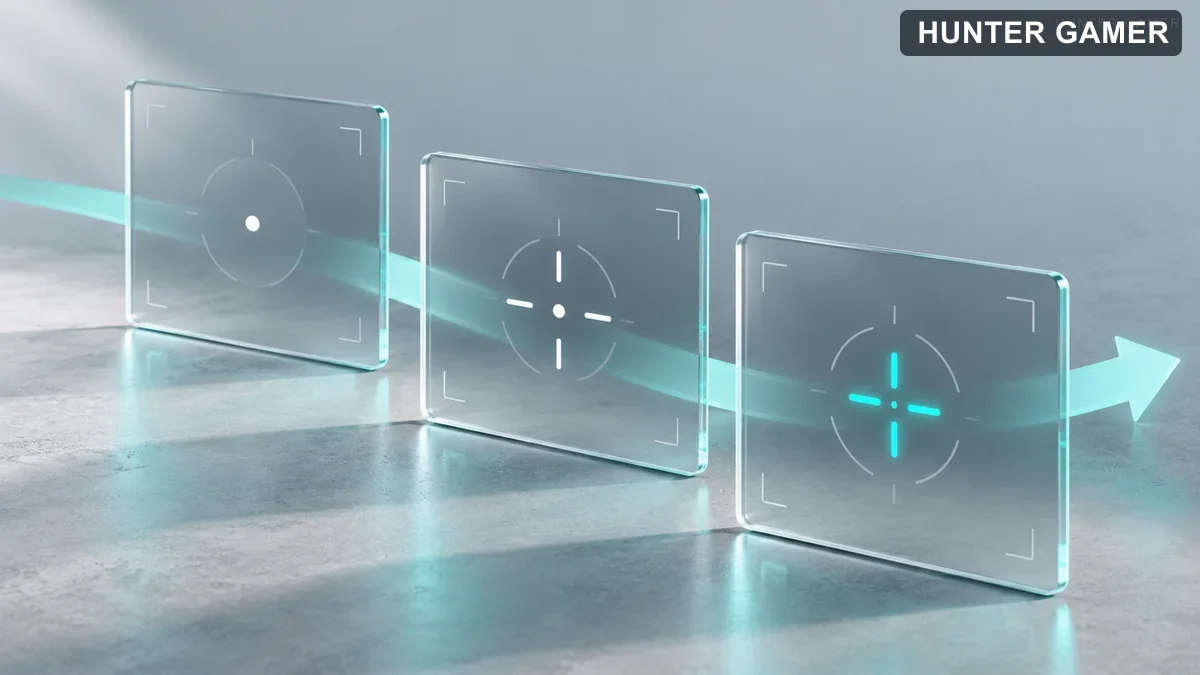
Three fictional crosshair variants arranged along a timeline to illustrate changing profiles

If an import fails, first check that you copied the entire string. If it imports but looks different from a recent stream, the player may have changed settings. Check the linked database for its latest entry rather than assuming every page or clip shows the same version.

Bangladesh and South Asia: the Paper Rex picks

Singapore-based Paper Rex is the region’s flagship Valorant brand. Co-founded in January 2020, it became one of the pioneer franchises of VCT 2023. Its players’ crosshairs are among the most-copied configs in South Asia. For SEA fans, trying a familiar player’s setup is an easy, free way to borrow part of their on-screen style; importing takes under a minute.

On low-spec PCs common in Bangladesh cyber cafes, keep readability first. A clean, minimal crosshair can keep the screen readable at low graphics settings. Compare the small white Paper Rex profiles with Jinggg’s outlined pink cross on the monitor you actually use. Choose what you can see comfortably, not what looks nicest in a screenshot.

Choose a profile, then give it time

Start with a dot and a small cross rather than cycling through every name after a bad round. Keep the option that feels clear. For players to watch, browse our best Valorant streamers guide or explore the Valorant streamer archive. Use their settings as ideas, not rules you must follow.

Frequently asked questions

How do I copy and paste Valorant pro crosshair codes?

Open Settings, go to Crosshair and click “Import Profile Code”. Paste the complete string, then click “Import”. Copy only the code, keeping all letters, numbers and semicolons intact.

Which Valorant pro crosshair code is best for 2026?

There is no single best code for everyone. Dot-only styles keep the center clean, while small crosses balance visibility and precision. Compare both on your own screen and choose the one that feels easiest to read.

Why is the TenZ crosshair code different on another site?

This list uses the code published in Hunter Gamer’s TenZ settings guide. The ProConfig snapshot lists another TenZ variant, showing how profiles and database entries can change. Check the linked database if you want its latest listed version.

Which Paper Rex crosshair codes should Bangladesh players try?

f0rsakeN and something offer small white crosses, while Jinggg’s listed profile uses a pink four-line cross with an outline. On a low-spec setup, compare their readability at your usual graphics settings. Copying a code is free, so choose by comfort rather than player reputation alone.
Published by

Hunter Gamer

Hunter Gamer has covered games, esports, and streamers for readers in Bangladesh and beyond since 2019. The site publishes gaming news and explainers, practical settings and troubleshooting guides for mobile and PC players, Bangladesh buying information for gaming hardware and digital products, and profiles of creators alongside their official channels.

Articles are built on official game, platform, and product information where it is available, and sources are linked when a claim needs attribution. Because prices, release dates, and game settings change, each article carries a review date and readers are asked to check the linked source before buying anything or changing an account setting. Where something cannot be verified, the article says so rather than guessing. Articles are revised when an error is found or when a change makes an older guide misleading — corrections and news tips are welcome through the contact page.

About Hunter GamerSpotted an error? Tell us

Previous Post

BGMI Controls Code: 3 Finger Claw Layout Guide for 2026

Next Post

How to Top Up Free Fire with bKash in Bangladesh Safely

Related Posts

Editorial illustration of a laptop showing a small island landscape beside a packed travel bag and disconnected network cable.
PC Games

Steam Offline Mode: Prepare Before Losing Internet (2026)

November 29, 2026
Illustration of game installation files being checked for missing components
PC Games

Steam Verify Game Files: Repair Checklist (2026)

November 29, 2026
Stylized illustration of game blocks moving between two storage drives on a navy platform.
PC Games

How to Move Steam Games to Another Drive (2026)

November 29, 2026
Next Post
Blank magenta phone, order-check card and blue game diamonds with Bangladesh colors

How to Top Up Free Fire with bKash in Bangladesh Safely

Three unbranded gaming phones displayed side by side with Bangladesh colors

Best Budget Gaming Phone Under 20000 Taka in Bangladesh 2026

Illustrated seasonal pass ticket, game diamonds and Bangladesh flag colors

Free Fire Elite Pass Cost Bangladesh: Prices and Buying Tips

Comments 3

  1. Pingback: Valorant Mobile Release Date: China Launch, Global Wait
  2. Pingback: Valorant Sensitivity Converter: Match Your Aim Across Games
  3. Pingback: Valorant Points Top Up Bangladesh: Every Safe Way to Buy VP

Leave a Reply Cancel reply

Your email address will not be published. Required fields are marked *

Categories

  • Mobile Games
  • News
  • PC Games
  • PUBG
  • Reviews

Topics

2024 PUBG tricks Best Fortnite Xp Maps Best Games Fortnite Fortnite Xp Maps Gamer Lag fix PMPL 2023 South Asia PUBG PUBG game performance PUBG mobile lag fix Xp Maps
  • Top-Up Shop
  • About Us
  • Contact
  • Privacy Policy and Data Protection
  • Terms and Conditions of Website Use
  • Refund and Returns Policy for Digital Products
Call us: +880 1711 189127

Copyright © 2020 - 2026 Hunter Gamer · All Rights Reserved.

Welcome Back!

Login to your account below

Forgotten Password?

Retrieve your password

Please enter your username or email address to reset your password.

Log In
No Result
View All Result
  • Shop
  • Home
  • Mobile Games
    • PUBG
  • PC Games
  • News
  • Insights
  • Streamers
    • Australia
    • Bangladesh
    • Canada
    • Hong Kong
    • India
    • Indonesia
    • Malaysia
    • Moroccan
    • Nepal
    • Singapore
    • Spain
    • Taiwan
    • Thailand
    • Türkiye
    • United Kingdom
    • United States
    • Vietnam
  • Online Games
    • Dex Ball

Copyright © 2020 - 2026 Hunter Gamer · All Rights Reserved.