• Latest
  • Trending
  • All
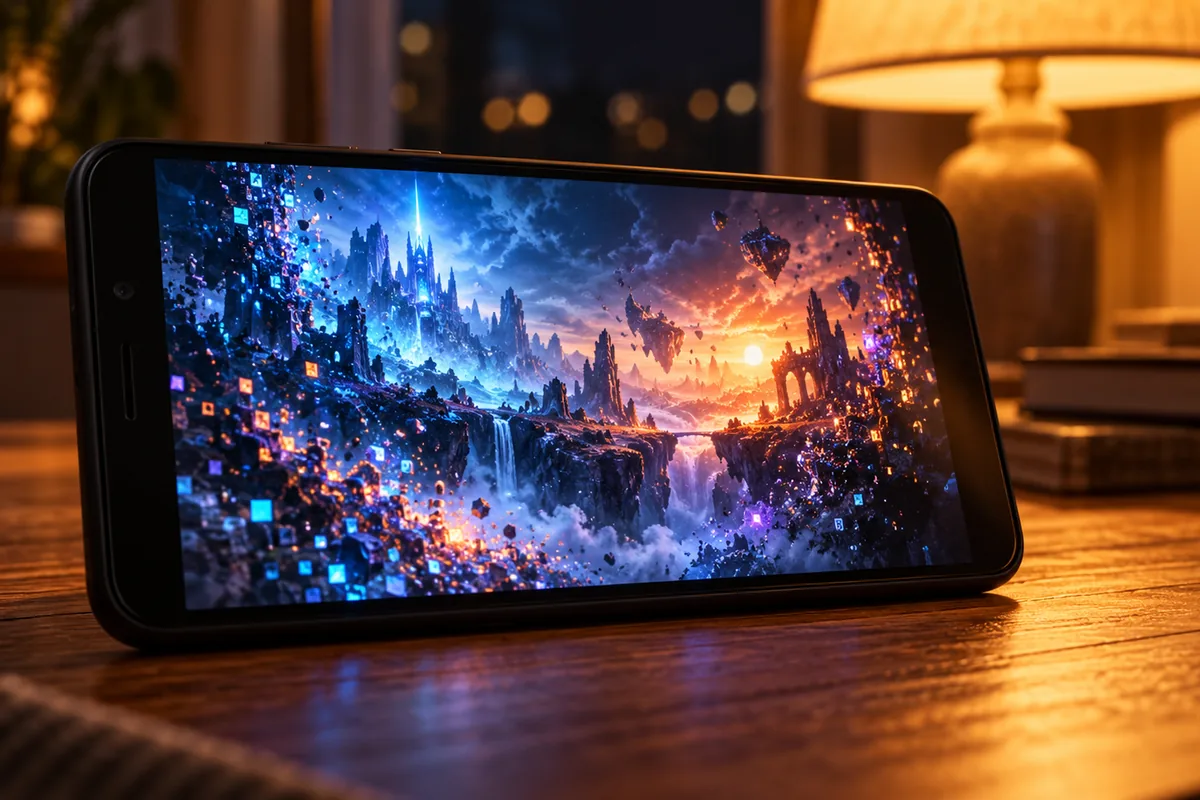
Free Fire lag fix concept with a budget smartphone screen rebuilding from glowing pixels

Free Fire Lag Fix 2026: 12 Working Fixes for 2GB/3GB RAM Phones

October 30, 2026
fade valorant character profile guide for Bangladesh gamers, updated October 2026

Fade Valorant Character Profile: Role, Abilities, and Beginner Tips

October 30, 2026
obs separate audio tracks for recording guide for Bangladesh gamers, updated October 2026

OBS Separate Audio Tracks: Record Your Mic and Game Audio for Stream Highlights

October 30, 2026
obs microphone limiter settings guide for Bangladesh gamers, updated October 2026

OBS Microphone Limiter Settings: Control Loud Voice Peaks in Gaming Streams

October 30, 2026
breach valorant character profile guide for Bangladesh gamers, updated October 2026

Breach Valorant Character Profile: Role, Abilities and Teamplay Basics

October 30, 2026
skye valorant character profile guide for Bangladesh gamers, updated October 2026

Skye Valorant Character Profile: Role, Abilities and Teamplay Basics

October 30, 2026
hide desktop notifications on OBS stream guide for Bangladesh gamers, updated October 2026

How to Keep Desktop Notifications Off Your Gaming Stream in OBS

October 30, 2026
valorant network RTT jitter stats settings guide for Bangladesh gamers, updated October 2026

VALORANT Network Stats Settings: Check Ping Spikes and Connection Jitter

October 30, 2026
obs audio ducking game sound while talking guide for Bangladesh gamers, updated October 2026

OBS Audio Ducking: Lower Game Sound Automatically While You Talk

October 30, 2026
call of duty mobile review guide for Bangladesh gamers, updated October 2026

Call of Duty: Mobile Review: Multiplayer and Battle Royale for PUBG Players

October 30, 2026
obs microphone noise suppression settings guide for Bangladesh gamers, updated October 2026

OBS Microphone Noise Suppression: Reduce Fan Noise in Gaming Streams

October 30, 2026
valorant shooting error graph settings guide for Bangladesh gamers, updated October 2026

VALORANT Shooting Error Graph: How to Enable It and Check Your Accuracy

October 30, 2026
youtube gaming live chat moderation settings guide for Bangladesh gamers, updated October 2026

YouTube Gaming Live Chat Moderation: Slow Mode, Blocked Words and Moderators

October 30, 2026
  • About Our Gaming News Team Since 2019
  • Advertising & Sponsorship Opportunities
  • Contact Us for Gaming News & Support
Saturday, October 31, 2026
  • Login
Hunter Gamer
  • Shop
  • Home
  • Mobile Games
    • PUBG
    • Fortnite
  • PC Games
  • Reviews
  • News
  • Insights
  • Streamers
    • Australia
    • Bangladesh
    • Canada
    • Hong Kong
    • India
    • Indonesia
    • Malaysia
    • Moroccan
    • Nepal
    • Singapore
    • Spain
    • Taiwan
    • Thailand
    • Türkiye
    • United Kingdom
    • United States
    • Vietnam
  • Online Games
    • Dex Ball

No products in the cart.

No Result
View All Result
Hunter Gamer
  • Shop
  • Home
  • Mobile Games
    • PUBG
    • Fortnite
  • PC Games
  • Reviews
  • News
  • Insights
  • Streamers
    • Australia
    • Bangladesh
    • Canada
    • Hong Kong
    • India
    • Indonesia
    • Malaysia
    • Moroccan
    • Nepal
    • Singapore
    • Spain
    • Taiwan
    • Thailand
    • Türkiye
    • United Kingdom
    • United States
    • Vietnam
  • Online Games
    • Dex Ball
No Result
View All Result
Hunter Gamer
No Result
View All Result

Free Fire Lag Fix 2026: 12 Working Fixes for 2GB/3GB RAM Phones

October 30, 2026
in Mobile Games
Reading Time: 6 mins read
0 0
Home Mobile Games
18
VIEWS
Share on FacebookShare on Twitter
Free Fire lag fix concept with a budget smartphone screen rebuilding from glowing pixels

Need a Free Fire lag fix for a 2GB or 3GB RAM phone in 2026? Below are 12 fixes that really help, in order from easiest to most effective. We will also be honest about where a low-RAM phone simply hits its limit.

These fixes come from community guides and standard Android advice. We have not tested every one on every phone ourselves, and game menus can change after updates. Take a screenshot of your current settings before you change anything, so you can go back.

Why Free Fire lags on low-RAM phones

“Lag” is really three different problems. Knowing which one you have saves a lot of time.

  • FPS drops (stutter): the picture freezes or jerks. This is your phone’s chip, RAM or heat.
  • High ping: enemies teleport, shots do not register. This is your internet connection.
  • Slow loading: long loading screens and textures popping in late. This is usually storage space and storage speed.

On a 2GB phone, Android itself uses a big part of the RAM. The game gets what is left. When background apps take some too, the game has to keep reloading data, and that is when stutter starts.

Best in-game settings for low end

Fix 1: Set Graphics to Smooth

Open Settings → Graphics and choose Smooth. It looks plain, but it is the lightest option and the biggest single help on low-end phones.

Fix 2: Turn off High FPS if the phone heats up

High FPS sounds better, but on a weak phone it can cause heat and unstable frames. A steady normal frame rate feels smoother than a high rate that keeps dropping. Test both and keep whichever stays stable for a full match.

Fix 3: Turn off Shadows

Shadows cost performance and add little for most players. Switch them off.

Fix 4: Delete extra resource packs

In the game’s resource or download section, keep only what you need. Extra map packs and HD packs eat storage. Removing them can speed up loading on phones with full storage.

Phone settings that actually help

Fix 5: Free up storage

Phones slow down when storage is almost full. Try to keep at least a few GB free. Old videos, WhatsApp media and unused apps are the usual culprits.

Fix 6: Close background apps and restart before playing

A simple restart clears RAM. Then open only Free Fire. Do not leave Facebook, YouTube or TikTok running in the background on a 2GB phone.

Fix 7: Turn on Game Mode or Do Not Disturb

Many phones have a built-in game mode. It blocks notifications and limits background activity. If yours does not, Do Not Disturb at least stops pop-ups mid-fight.

Fix 8: Keep the phone cool

Heat makes the chip slow down to protect itself. Remove thick cases, avoid playing while charging, and play in a cooler spot if you can. In Bangladesh’s summer heat, this one fix can make a big difference.

Fix 9: Update the game and your phone

Install updates from the official Play Store or App Store only. Modded APKs that promise “no lag” can carry malware and can get your account banned.

Skip “RAM booster” and “game booster” apps too. Most just close apps you could close yourself, and some run ads in the background, which uses more RAM.

Fixing high ping in Bangladesh

Fix 10: Get a stronger connection

  • Sit closer to your Wi-Fi router, or use 5GHz Wi-Fi if your phone and router support it.
  • Stop downloads, updates and video streaming on the same network.
  • On mobile data, play where your 4G signal is strongest. Signal can change a lot between rooms.
  • Restart the router if ping suddenly jumps.

Unlike PUBG Mobile, Free Fire does not let you freely pick a server from the lobby. Your region is tied to your account. That is why your connection quality matters so much.

Avoid “ping booster” VPN apps. A VPN adds an extra stop on the way to the server, so ping usually goes up, not down.

Playing on a laptop instead? A light browser for downloads and voice chat helps there too. See our guide to the best browser for gaming in 2026.

FF vs FF MAX on low-end phones

Fix 11: Use regular Free Fire, not MAX

Free Fire MAX has better graphics and effects, but it is heavier. On a 2GB or 3GB phone, regular Free Fire is the better choice. Your account works on both, so you do not lose anything by switching.

If you have 4GB or more, MAX on its lowest settings may run fine. Test both for a few matches and keep the smoother one.

When your phone is the limit

Fix 12: Be honest about the hardware

Here is the truth no “lag fix” video wants to say: a 2GB phone has hard limits. Settings can make it playable. They cannot make it smooth like a 6GB phone. If you have done all 11 fixes above and still get heavy stutter, the phone itself is the bottleneck.

Your options from there:

  • Play on a PC or laptop with an emulator if you have access to one. Our guide on how to play Free Fire on PC walks through it.
  • Upgrade later to a phone with at least 4GB RAM, ideally more. Check official brand stores for current prices, since they change often.
  • Play shorter sessions so the phone stays cooler.

Many of these tips work for other games too. If you also play PUBG Mobile, our guide to fix PUBG lag goes deeper on network and storage fixes.

Ekta kotha mone rakhben: ফ্রি ফায়ার ল্যাগ is usually a mix of small problems, not one big one. Fix them one by one, test after each, and you will find what helps apnar phone e the most.

Frequently Asked Questions

What should I change first if Free Fire lags on a low-RAM phone?

The guide starts with the in-game Graphics setting: choose Smooth, then consider reducing other effects if the phone still struggles.

Can one setting fix every kind of Free Fire lag?

No. The article separates performance problems from heat and network issues, so the useful fix depends on the cause.
Previous Post

PUBG Mobile Best Graphics Settings 2026: Smooth 90 FPS Without Lag

Next Post

500+ Free Fire Stylish Names 2026 (Copy-Paste Symbols + Name Change Guide)

Related Posts

Best gaming phone under 20000 taka in Bangladesh concept with three unbranded phones on a glossy surface
Mobile Games

Best Gaming Phones Under 20,000 Taka in Bangladesh (2026): FF & PUBG Performance

October 30, 2026
Free Fire stylish name concept with neon crown and star symbols around a hooded gamer silhouette
Mobile Games

500+ Free Fire Stylish Names 2026 (Copy-Paste Symbols + Name Change Guide)

October 30, 2026
Free Fire sensitivity settings concept with a neon crosshair and dials above a smartphone
Mobile Games

Free Fire Sensitivity Settings 2026: Headshot Settings for Every Phone (2GB–8GB RAM)

October 30, 2026
Next Post
Free Fire stylish name concept with neon crown and star symbols around a hooded gamer silhouette

500+ Free Fire Stylish Names 2026 (Copy-Paste Symbols + Name Change Guide)

Best gaming phone under 20000 taka in Bangladesh concept with three unbranded phones on a glossy surface

Best Gaming Phones Under 20,000 Taka in Bangladesh (2026): FF & PUBG Performance

TerraScape free on Epic Games Store — floating island city-building puzzle game

TerraScape Free on Epic Games Store (October 2026): How to Claim It

Categories

  • Mobile Games
  • News
  • PC Games
  • PUBG
  • Reviews
  • Xbox One

Topics

2024 PUBG tricks Best Fortnite Xp Maps Best Games Browser Cyberpunk Days Gone Fortnite Fortnite Xp Maps Gamer Lag fix Offer PMPL 2023 South Asia PUBG PUBG game performance PUBG mobile lag fix PUBG Mobile Redeem Codes 2023 X-Box Xp Maps
  • Top-Up Shop
  • About Us
  • Contact
  • Privacy Policy and Data Protection
  • Terms and Conditions of Website Use
  • Refund and Returns Policy for Digital Products
Call us: +880 1711 189127

Copyright © 2020 - 2026 Hunter Gamer · All Rights Reserved.

Welcome Back!

Login to your account below

Forgotten Password?

Retrieve your password

Please enter your username or email address to reset your password.

Log In
No Result
View All Result
  • Shop
  • Home
  • Mobile Games
    • PUBG
    • Fortnite
  • PC Games
  • Reviews
  • News
  • Insights
  • Streamers
    • Australia
    • Bangladesh
    • Canada
    • Hong Kong
    • India
    • Indonesia
    • Malaysia
    • Moroccan
    • Nepal
    • Singapore
    • Spain
    • Taiwan
    • Thailand
    • Türkiye
    • United Kingdom
    • United States
    • Vietnam
  • Online Games
    • Dex Ball

Copyright © 2020 - 2026 Hunter Gamer · All Rights Reserved.