• Latest
  • Trending
  • All
Illustration of a tilted phone above training targets with an amber rotation arrow.

PUBG Mobile Gyroscope Not Working? 2026 Checklist

November 17, 2026
A curved gaming monitor showing a colorful game scene with a glowing timeline bar below it, one segment highlighted in gold.

Steam Game Recording Guide 2026: Save and Export Clips

November 17, 2026
Two smartphones moving a glowing stream with a soccer ball from the old phone to the new phone under stadium lights.

eFootball Mobile Data Transfer: New Phone Guide (2026)

November 16, 2026
A smartphone wrapped in a glowing orange energy dome with a chain of light linking it to a floating shield emblem.

How to Bind a Free Fire Guest Account Safely in 2026

November 16, 2026
A golden footballer hologram rising from a smartphone screen toward a floating golden shield with a check mark.

PUBG Mobile Account Recovery 2026: Choose the Right Option

November 16, 2026
valorant settings guide hero

VALORANT Settings Guide: Seven Options Worth Checking

November 16, 2026
Five glowing crystal obelisks in different colors on a dark arena floor.

VALORANT Agent Profiles: All Abilities, Roles and How to Play Them

November 16, 2026
Blue and amber blocks labeled Version 4.7, November 12, and Flash, November 13, 2026.

PUBG Mobile 4.7 and Flash Release Dates: November 2026

November 16, 2026
Editorial illustration of a stylized game profile screen with an ornamental nickname banner made of star and bracket symbols above a stat panel.

PUBG Mobile Name Symbols 2026: What Works and How to Change Your Name

November 16, 2026
Editorial illustration of a rugged metal supply capsule descending by parachute onto a rocky island as a storm and distant lightning gather over the sea.

Free Fire Storm Arena 2026: Free Rewards and What to Check

November 16, 2026
OBS virtual camera settings for gaming calls guide for Bangladesh gamers, updated November 2026

How to Set Up OBS Virtual Camera for Gaming Calls

November 16, 2026
Editorial illustration of separate voice, game and combined audio recordings on translucent tapes

OBS Separate Audio Tracks: Record Your Mic and Game Audio for Stream Highlights

November 16, 2026
Editorial microphone and audio meter with a physical stop marking the output ceiling

OBS Microphone Limiter Settings: Control Loud Voice Peaks in Gaming Streams

November 16, 2026
  • About Hunter Gamer
  • Advertising & Sponsorship Opportunities
  • Contact Us for Gaming News & Support
Tuesday, November 17, 2026
  • Login
Hunter Gamer
  • Shop
  • Home
  • Mobile Games
    • PUBG
  • PC Games
  • Reviews
  • News
  • Insights
  • Streamers
    • Australia
    • Bangladesh
    • Canada
    • Hong Kong
    • India
    • Indonesia
    • Malaysia
    • Moroccan
    • Nepal
    • Singapore
    • Spain
    • Taiwan
    • Thailand
    • Türkiye
    • United Kingdom
    • United States
    • Vietnam
  • Online Games
    • Dex Ball

No products in the cart.

No Result
View All Result
Hunter Gamer
  • Shop
  • Home
  • Mobile Games
    • PUBG
  • PC Games
  • Reviews
  • News
  • Insights
  • Streamers
    • Australia
    • Bangladesh
    • Canada
    • Hong Kong
    • India
    • Indonesia
    • Malaysia
    • Moroccan
    • Nepal
    • Singapore
    • Spain
    • Taiwan
    • Thailand
    • Türkiye
    • United Kingdom
    • United States
    • Vietnam
  • Online Games
    • Dex Ball
No Result
View All Result
Hunter Gamer
No Result
View All Result
Home Mobile Games

PUBG Mobile Gyroscope Not Working? 2026 Checklist

by Hunter Gamer
November 17, 2026
in Mobile Games, PUBG
Reading Time: 5 mins read
0 0
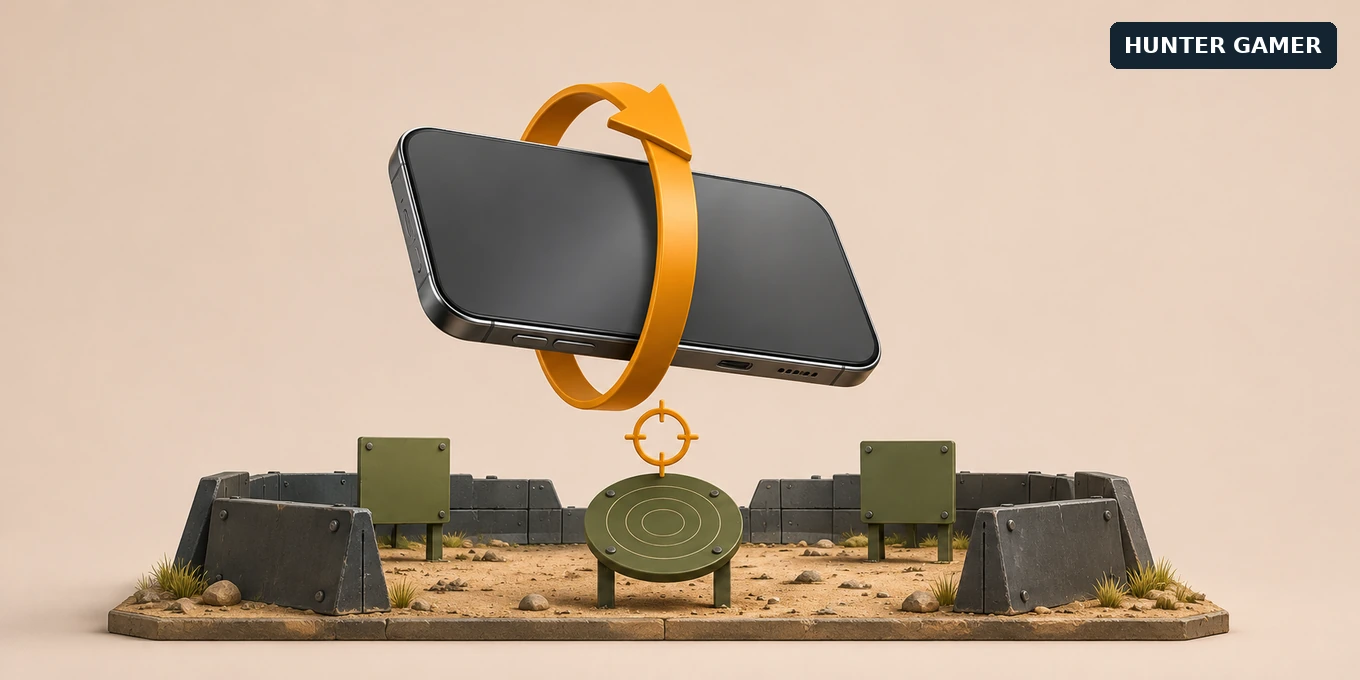
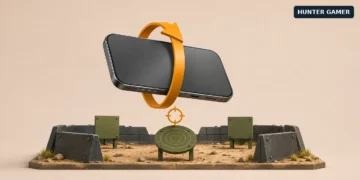
Illustration of a tilted phone above training targets with an amber rotation arrow.

Symbolic editorial illustration, not a PUBG MOBILE screenshot.

5
VIEWS
Share on FacebookShare on Twitter

If your PUBG Mobile gyroscope is not working, first check exactly when it stops responding: before opening a scope, with one particular sight, or only when you fire. Those are different problems. Replacing every sensitivity value at once makes them harder to diagnose.

Start with your gyro mode, then check direction and sensitivity in a practice session. This guide gives you a repeatable way to narrow the issue without installing a fix app or resetting your phone. It is based on published documentation, not hands-on testing of your device. Menu placement can vary by game version. Images are symbolic editorial illustrations, not game screenshots.

Start with the symptom, not a new settings code

Take screenshots of your current gyro options and sensitivity values. Keep your usual button layout. Then choose the description that matches what you see:

  • Tilt works with the scope open, but not while looking around: check Scope On versus Always On.
  • Vertical movement goes the wrong way: check the reverse or inversion option.
  • Only one sight or weapon feels unresponsive: check that scope’s gyro sensitivity and any weapon-specific settings.
  • Aiming feels normal until you fire: check the separate firing-related gyro settings.
  • No tilt response anywhere, or a device-not-supported message: check the device’s sensor support before copying more settings.

This is a troubleshooting order, not a claim that every failure has a settings-based fix. If the entire game stutters, separate that from a gyro-only problem. Our PUBG Mobile graphics settings guide covers the performance side.

Check Scope On versus Always On

Open Settings and find Gyroscope in your version’s controls or basic settings area. TipsMake’s gyro guide describes the three modes: Off disables tilt input, Scope On activates it while aiming down sights, and Always On also allows it while looking around without a scope.

That distinction matters when testing. With Scope On selected, holding the phone in the normal view and tilting it is not enough to show that gyro has failed. Open a sight and repeat the movement. If tilt responds there, the mode is behaving as expected.
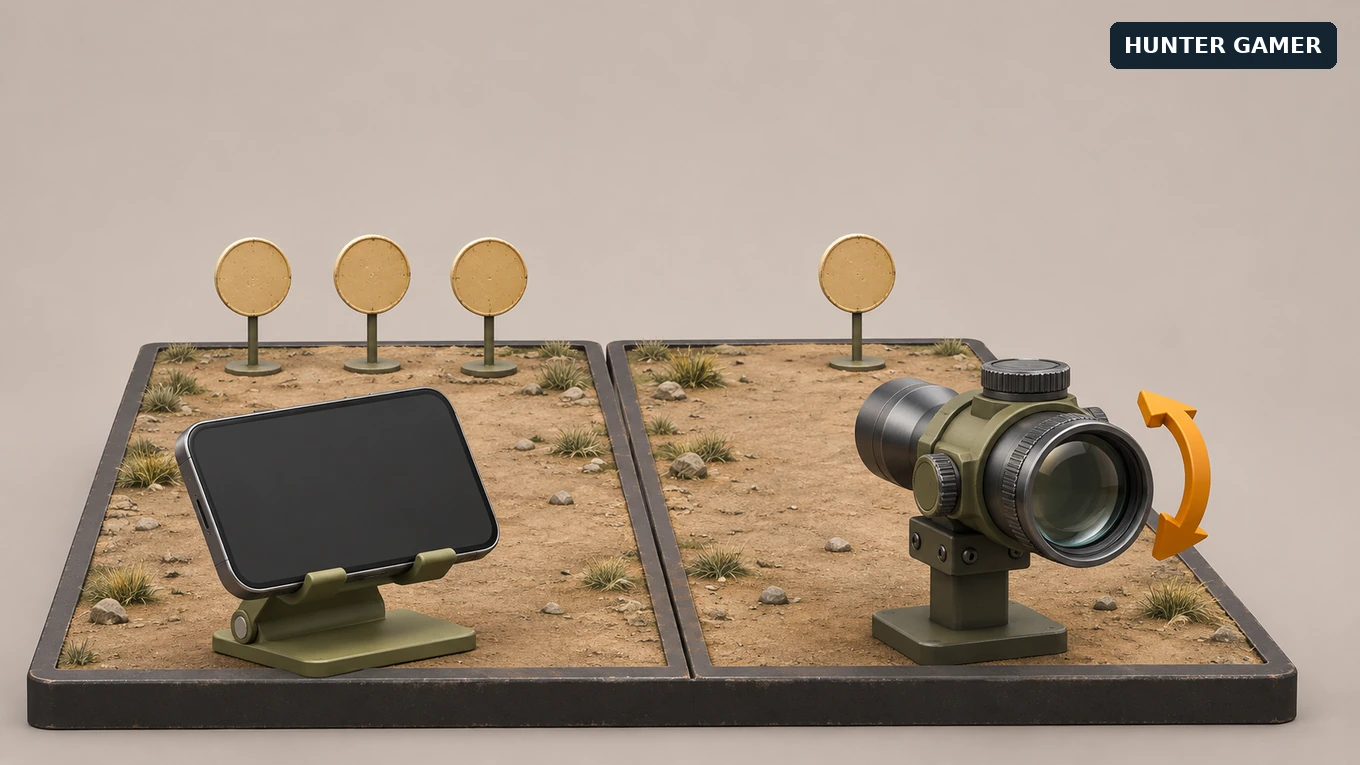
Illustration comparing a phone facing three targets with an optical sight facing one target.
Symbolic editorial illustration, not a PUBG MOBILE screenshot.

For a clearer comparison, enter Training Grounds, stand still and aim at a fixed object. Without dragging the view with your thumb, make a small, comfortable tilt. Compare the normal view with the scoped view. Temporarily try Always On if you want to check both, then return to your preferred mode.

You do not need a different claw layout for this check. Keep button placement separate from motion testing; our four-finger claw controls guide covers the layout question.

Check reverse, scope sensitivity and firing behavior

The view moves, but vertically in the wrong direction

Look for the gyroscope reverse or inversion setting before rebuilding your sensitivity. PUBG MOBILE’s official version 1.5 patch notes document a switch that reverses gyro up/down movement. GINX’s patch coverage corroborates that behavior.

These are historical feature references, not a new November 2026 change. Test the option against a fixed target and keep the direction that matches your intended movement. A reversed axis is not the same as a sensor that produces no input.

One scope or one weapon feels different

Open Sensitivity and inspect the gyroscope entry for the sight you are actually using. TipsMake documents separate scope values and notes that a very low value can make movement difficult to notice. Check that entry instead of raising every slider.

The official 1.5 notes also document custom sensitivity for individual firearms. If the problem follows one weapon, compare its custom settings with the setup that works. Use the same sight for both tests so you are not changing weapon and scope together.

The response changes when you start firing

Check the firing-related gyro controls, commonly labeled ADS Gyroscope, rather than assuming your regular gyro value covers everything. The official patch notes document separate gyro customization while aiming down sights; PUBG MOBILE’s support FAQ explicitly describes independent sensitivity while firing.

That Helpshift center serves the KR/JP edition, so it is supporting context, not a guarantee of the global client’s current menu path. Check the labels shown in your installed game. Compare tracking without firing and a short burst with the same weapon, sight and position. Change one relevant value, repeat, and revert if it becomes less controllable.

If there is still no tilt response

Check your exact phone model’s specifications on its manufacturer’s website. On Android, do not assume every phone has the same sensors: Android’s sensor documentation explains that sensor availability varies between devices. It also distinguishes a gyroscope, which measures rotation, from an accelerometer. A listing for an accelerometer alone does not establish gyro support.

If gyro previously worked on that device, record the change rather than immediately concluding the hardware is missing. Note the game version, phone model, operating-system version, selected mode and exact error wording. Restarting the game and phone is a reasonable low-risk check, but it is not a guaranteed repair.

If your phone maker provides a built-in sensor diagnostic, use its documented test. Share the result and a short recording of the problem through the game’s in-app support. Do not publish account details with the video. This checklist does not require a factory reset, clearing game data, or installing third-party gyro unlockers.

Frequently Asked Questions

Why does gyroscope work only when I open a scope?

Why does gyroscope work only when I open a scope?

Check whether Scope On is selected. That mode limits motion aiming to aiming down sights, while Always On also affects the normal view. This distinction is explained in TipsMake’s mode guide.

Why does the aim move the opposite way vertically?

Why does the aim move the opposite way vertically?

The reverse setting is worth checking first. The official patch notes describe it as inverting up/down gyro movement. Test the toggle before changing sensitivity.

Can one weapon have different sensitivity from another?

Can one weapon have different sensitivity from another?

Yes. PUBG MOBILE’s firearm sensitivity documentation confirms weapon-specific customization. Check whether a custom setup is involved when only one weapon feels wrong; keep the sight unchanged while comparing.

Does every Android phone have a gyroscope?

Does every Android phone have a gyroscope?

No. Android’s documentation says sensor availability differs by device. Verify the exact model with its manufacturer rather than judging support from price, RAM or a copied sensitivity code.
Published by

Hunter Gamer

Hunter Gamer has covered games, esports, and streamers for readers in Bangladesh and beyond since 2019. The site publishes gaming news and explainers, practical settings and troubleshooting guides for mobile and PC players, Bangladesh buying information for gaming hardware and digital products, and profiles of creators alongside their official channels.

Articles are built on official game, platform, and product information where it is available, and sources are linked when a claim needs attribution. Because prices, release dates, and game settings change, each article carries a review date and readers are asked to check the linked source before buying anything or changing an account setting. Where something cannot be verified, the article says so rather than guessing. Articles are revised when an error is found or when a change makes an older guide misleading — corrections and news tips are welcome through the contact page.

About Hunter GamerSpotted an error? Tell us

Tags: GamerPUBG
Previous Post

Steam Game Recording Guide 2026: Save and Export Clips

Related Posts

Two smartphones moving a glowing stream with a soccer ball from the old phone to the new phone under stadium lights.
Mobile Games

eFootball Mobile Data Transfer: New Phone Guide (2026)

November 16, 2026
A smartphone wrapped in a glowing orange energy dome with a chain of light linking it to a floating shield emblem.
Mobile Games

How to Bind a Free Fire Guest Account Safely in 2026

November 16, 2026
A golden footballer hologram rising from a smartphone screen toward a floating golden shield with a check mark.
Mobile Games

PUBG Mobile Account Recovery 2026: Choose the Right Option

November 16, 2026

Categories

  • Mobile Games
  • News
  • PC Games
  • PUBG
  • Reviews

Topics

2024 PUBG tricks Best Fortnite Xp Maps Best Games Cyberpunk Days Gone Fortnite Fortnite Xp Maps Gamer Lag fix PMPL 2023 South Asia PUBG PUBG game performance PUBG mobile lag fix PUBG Mobile Redeem Codes 2023 Xp Maps
  • Top-Up Shop
  • About Us
  • Contact
  • Privacy Policy and Data Protection
  • Terms and Conditions of Website Use
  • Refund and Returns Policy for Digital Products
Call us: +880 1711 189127

Copyright © 2020 - 2026 Hunter Gamer · All Rights Reserved.

Welcome Back!

Login to your account below

Forgotten Password?

Retrieve your password

Please enter your username or email address to reset your password.

Log In
No Result
View All Result
  • Shop
  • Home
  • Mobile Games
    • PUBG
  • PC Games
  • Reviews
  • News
  • Insights
  • Streamers
    • Australia
    • Bangladesh
    • Canada
    • Hong Kong
    • India
    • Indonesia
    • Malaysia
    • Moroccan
    • Nepal
    • Singapore
    • Spain
    • Taiwan
    • Thailand
    • Türkiye
    • United Kingdom
    • United States
    • Vietnam
  • Online Games
    • Dex Ball

Copyright © 2020 - 2026 Hunter Gamer · All Rights Reserved.