• Latest
  • Trending
  • All
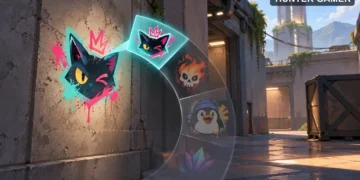
Conceptual partial spray selection wheel with a selected spray painted on a tactical wall

VALORANT Spray Wheel Settings: Equip Sprays and Change the Keybind

November 16, 2026

Steam Game Recording Guide 2026: Save and Export Clips

November 16, 2026
Two smartphones moving a glowing stream with a soccer ball from the old phone to the new phone under stadium lights.

eFootball Mobile Data Transfer: New Phone Guide (2026)

November 16, 2026
A smartphone wrapped in a glowing orange energy dome with a chain of light linking it to a floating shield emblem.

How to Bind a Free Fire Guest Account Safely in 2026

November 16, 2026
A golden footballer hologram rising from a smartphone screen toward a floating golden shield with a check mark.

PUBG Mobile Account Recovery 2026: Choose the Right Option

November 16, 2026
valorant settings guide hero

VALORANT Settings Guide: Seven Options Worth Checking

November 16, 2026
Five glowing crystal obelisks in different colors on a dark arena floor.

VALORANT Agent Profiles: All Abilities, Roles and How to Play Them

November 16, 2026
Blue and amber blocks labeled Version 4.7, November 12, and Flash, November 13, 2026.

PUBG Mobile 4.7 and Flash Release Dates: November 2026

November 16, 2026
Editorial illustration of a stylized game profile screen with an ornamental nickname banner made of star and bracket symbols above a stat panel.

PUBG Mobile Name Symbols 2026: What Works and How to Change Your Name

November 16, 2026
Editorial illustration of a rugged metal supply capsule descending by parachute onto a rocky island as a storm and distant lightning gather over the sea.

Free Fire Storm Arena 2026: Free Rewards and What to Check

November 16, 2026
OBS virtual camera settings for gaming calls guide for Bangladesh gamers, updated November 2026

How to Set Up OBS Virtual Camera for Gaming Calls

November 16, 2026
Editorial illustration of separate voice, game and combined audio recordings on translucent tapes

OBS Separate Audio Tracks: Record Your Mic and Game Audio for Stream Highlights

November 16, 2026
Editorial microphone and audio meter with a physical stop marking the output ceiling

OBS Microphone Limiter Settings: Control Loud Voice Peaks in Gaming Streams

November 16, 2026
  • About Hunter Gamer
  • Advertising & Sponsorship Opportunities
  • Contact Us for Gaming News & Support
Tuesday, November 17, 2026
  • Login
Hunter Gamer
  • Shop
  • Home
  • Mobile Games
    • PUBG
  • PC Games
  • Reviews
  • News
  • Insights
  • Streamers
    • Australia
    • Bangladesh
    • Canada
    • Hong Kong
    • India
    • Indonesia
    • Malaysia
    • Moroccan
    • Nepal
    • Singapore
    • Spain
    • Taiwan
    • Thailand
    • Türkiye
    • United Kingdom
    • United States
    • Vietnam
  • Online Games
    • Dex Ball

No products in the cart.

No Result
View All Result
Hunter Gamer
  • Shop
  • Home
  • Mobile Games
    • PUBG
  • PC Games
  • Reviews
  • News
  • Insights
  • Streamers
    • Australia
    • Bangladesh
    • Canada
    • Hong Kong
    • India
    • Indonesia
    • Malaysia
    • Moroccan
    • Nepal
    • Singapore
    • Spain
    • Taiwan
    • Thailand
    • Türkiye
    • United Kingdom
    • United States
    • Vietnam
  • Online Games
    • Dex Ball
No Result
View All Result
Hunter Gamer
No Result
View All Result

VALORANT Spray Wheel Settings: Equip Sprays and Change the Keybind

November 16, 2026
in News
Reading Time: 4 mins read
0 0
Home News
13
VIEWS
Share on FacebookShare on Twitter

VALORANT Spray Wheel Settings: Equip Sprays and Keybind Basics (2023)

As of May 2023, the core VALORANT spray wheel settings work around your chosen Spray Keybind: hold it to open the wheel, or tap it to use Quick Spray. Quick Spray uses the spray in the top slot of your wheel, and the spray-wheel equip flow is located on the Collections page.

If you want to equip sprays, start with Collections. If you want to understand the input, the important distinction is tapping versus holding your chosen Spray Keybind. These are separate actions, so keep your spray selection and your input preference in mind when reviewing your setup.

This guide covers the behavior documented in Riot’s patch notes. Those excerpts do not confirm the default keyboard key, the exact keybind-editing menu path, or current menu labels. Rather than guess, the guide separates confirmed behavior from details that still need checking.

Where to Equip Sprays

As of May 2023, Riot documents a spray-wheel equip flow on the Collections page. The same update replaces the Spray Carousel with a grid that supports searching, filtering, and sorting by Favorites.
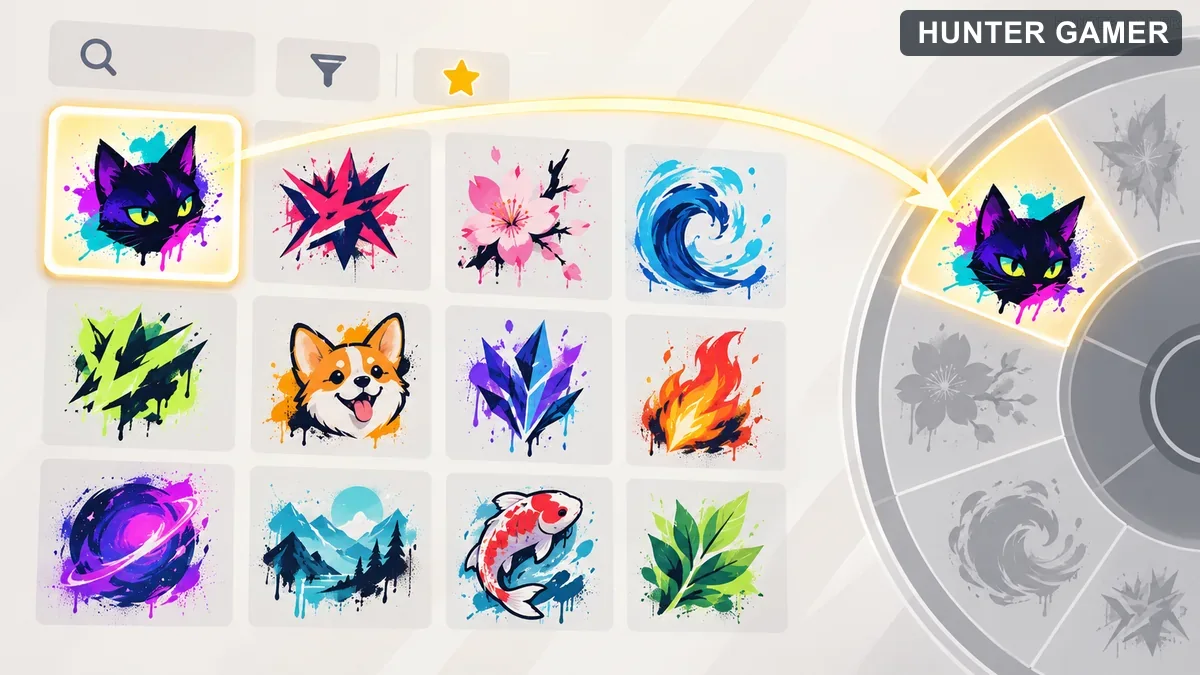
Illustrated spray art collection with search, filter and favorite symbols

Use Collections as your starting point when reviewing which sprays you want available. The documented grid gives you search, filter, and Favorites options for finding sprays. Choose whichever browsing approach suits the spray you are looking for, rather than treating every option as a required step.

  • Look for the spray-wheel equip flow in Collections.
  • Use the spray grid’s search or filtering tools when browsing.
  • Pay attention to the top wheel slot: that is the spray used by Quick Spray.
  • Look for the text and image identifying pre- or post-round-only sprays.

There is no public confirmation of the wheel’s total capacity or the exact sequence of clicks needed to assign a spray. For that reason, this is a location and behavior guide, not an unverified walkthrough of every button in the interface.

Tap Versus Hold: How the Spray Input Works

As of May 2023, holding your chosen Spray Keybind activates the in-game Spray Wheel. Tapping that keybind retains Quick Spray functionality. The quick action uses the spray located at the top of the wheel.
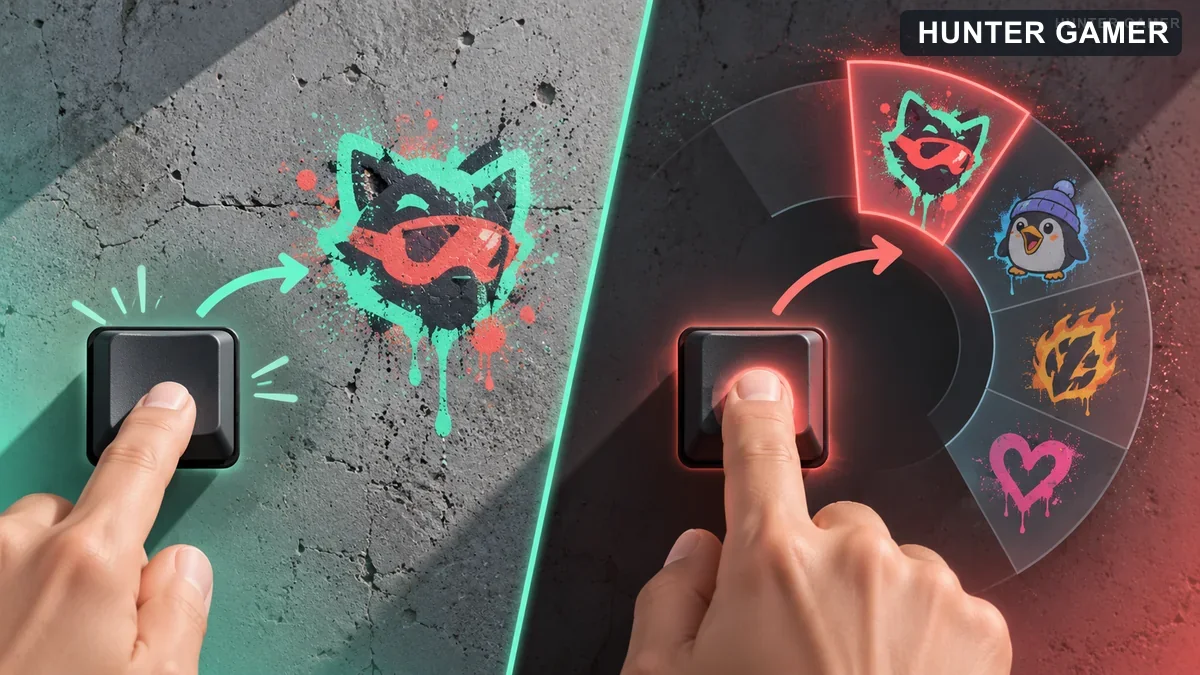
Conceptual comparison of tapping an unlabeled key for one spray and holding it for the spray selection wheel

Think about which action you intend to use before pressing the input. For Quick Spray, tap; for the wheel, hold. If your goal is to change what Quick Spray uses, focus your review on the top-slot spray, because that slot determines the quick-action selection.

The official profile refers to your “chosen Spray Keybind,” but it does not name a default key. Avoid treating a keyboard letter from an unrelated guide as verified by this source.

Changing the Keybind: What Is Confirmed?

As of May 2023, the documented controls connect both wheel activation and Quick Spray to your chosen Spray Keybind. However, official sources do not show where to edit that binding or which menu labels lead to it.

For a keybind change, check the labels displayed in your own game rather than relying on an invented menu route. This article cannot provide a verified click-by-click rebinding procedure from the available excerpts.

The same limit applies to sensitivity and guidance options. No official source establishes their exact labels or values, so there is no supported sensitivity recommendation here. Keep the confirmed input behavior separate from any additional controls you may be trying to investigate.

Cooldown Indicators and Restricted Sprays

As of May 2023, Riot documents an audio cue and a visible timer to indicate spray-wheel cooldowns. It also documents text and an image identifying pre- or post-round-only sprays.

Check those indicators when reviewing spray availability. The official profile does not list cooldown durations or establish a complete rule for every animated or audio spray, so avoid assuming that all such sprays share an identical restriction.

Riot also documents an “Empty Spray” option that allows a user to empty their wheel or keybind. Treat that documented option separately from a keyboard-rebinding walkthrough; the excerpt does not explain an editing procedure.

For more reading on HunterGamer, explore the informational top-up guides hub or browse the mobile games category.

FAQ

The answers below reflect the documented settings behavior as of May 2023.

How do you open the VALORANT Spray Wheel?

Hold your chosen Spray Keybind to activate the wheel.

Which spray does Quick Spray use?

Tapping your chosen Spray Keybind uses Quick Spray. It selects the spray in the wheel’s top slot.

Where is the spray-wheel equip flow?

The spray-wheel equip flow is located on the Collections page.
Published by

Hunter Gamer

Hunter Gamer has covered games, esports, and streamers for readers in Bangladesh and beyond since 2019. The site publishes gaming news and explainers, practical settings and troubleshooting guides for mobile and PC players, Bangladesh buying information for gaming hardware and digital products, and profiles of creators alongside their official channels.

Articles are built on official game, platform, and product information where it is available, and sources are linked when a claim needs attribution. Because prices, release dates, and game settings change, each article carries a review date and readers are asked to check the linked source before buying anything or changing an account setting. Where something cannot be verified, the article says so rather than guessing. Articles are revised when an error is found or when a change makes an older guide misleading — corrections and news tips are welcome through the contact page.

About Hunter GamerSpotted an error? Tell us

Previous Post

Raze Valorant Character Profile: Abilities, Role and Beginner Tips

Next Post

How to Save a YouTube Gaming Livestream Replay: Auto-Archive Limits and Backups

Related Posts

Blue and amber blocks labeled Version 4.7, November 12, and Flash, November 13, 2026.
Mobile Games

PUBG Mobile 4.7 and Flash Release Dates: November 2026

November 16, 2026
Editorial illustration of a rugged metal supply capsule descending by parachute onto a rocky island as a storm and distant lightning gather over the sea.
News

Free Fire Storm Arena 2026: Free Rewards and What to Check

November 16, 2026
OBS virtual camera settings for gaming calls guide for Bangladesh gamers, updated November 2026
News

How to Set Up OBS Virtual Camera for Gaming Calls

November 16, 2026
Next Post
Conceptual gaming livestream recorded to a possible cloud replay and a separate local drive

How to Save a YouTube Gaming Livestream Replay: Auto-Archive Limits and Backups

Streamer shown before green-screen keying and composited over a game background afterward

OBS Green Screen Setup: Remove Your Webcam Background for Gaming Streams

Illustrated setup path from intended use through computer and network checks to a streaming preview

OBS Auto-Configuration Wizard: Setup Guide for Gamers in Bangladesh

Categories

  • Mobile Games
  • News
  • PC Games
  • PUBG
  • Reviews

Topics

2024 PUBG tricks Best Fortnite Xp Maps Best Games Cyberpunk Days Gone Fortnite Fortnite Xp Maps Gamer Lag fix PMPL 2023 South Asia PUBG PUBG game performance PUBG mobile lag fix PUBG Mobile Redeem Codes 2023 Xp Maps
  • Top-Up Shop
  • About Us
  • Contact
  • Privacy Policy and Data Protection
  • Terms and Conditions of Website Use
  • Refund and Returns Policy for Digital Products
Call us: +880 1711 189127

Copyright © 2020 - 2026 Hunter Gamer · All Rights Reserved.

Welcome Back!

Login to your account below

Forgotten Password?

Retrieve your password

Please enter your username or email address to reset your password.

Log In
No Result
View All Result
  • Shop
  • Home
  • Mobile Games
    • PUBG
  • PC Games
  • Reviews
  • News
  • Insights
  • Streamers
    • Australia
    • Bangladesh
    • Canada
    • Hong Kong
    • India
    • Indonesia
    • Malaysia
    • Moroccan
    • Nepal
    • Singapore
    • Spain
    • Taiwan
    • Thailand
    • Türkiye
    • United Kingdom
    • United States
    • Vietnam
  • Online Games
    • Dex Ball

Copyright © 2020 - 2026 Hunter Gamer · All Rights Reserved.